Unified vs. Fragmented Construction ERP: The Real Cost
If you’re running a construction business, chances are you’re juggling at least five different tools — one for tendering, another for procurement, a patchwork of spreadsheets for cost tracking, and maybe QuickBooks for finance. Sound familiar? It’s not just frustrating; it’s expensive. Disconnected systems bleed time and money.
Take procurement as an example. Many contractors rely on manual workflows or basic tools like WhatsApp to send RFQs (Request for Quotation) to vendors. What happens next? Chaos. Tracking responses, comparing offers, and getting approvals becomes a nightmare. You miss deadlines, overpay, or worse — you lose the project due to poor cost control.
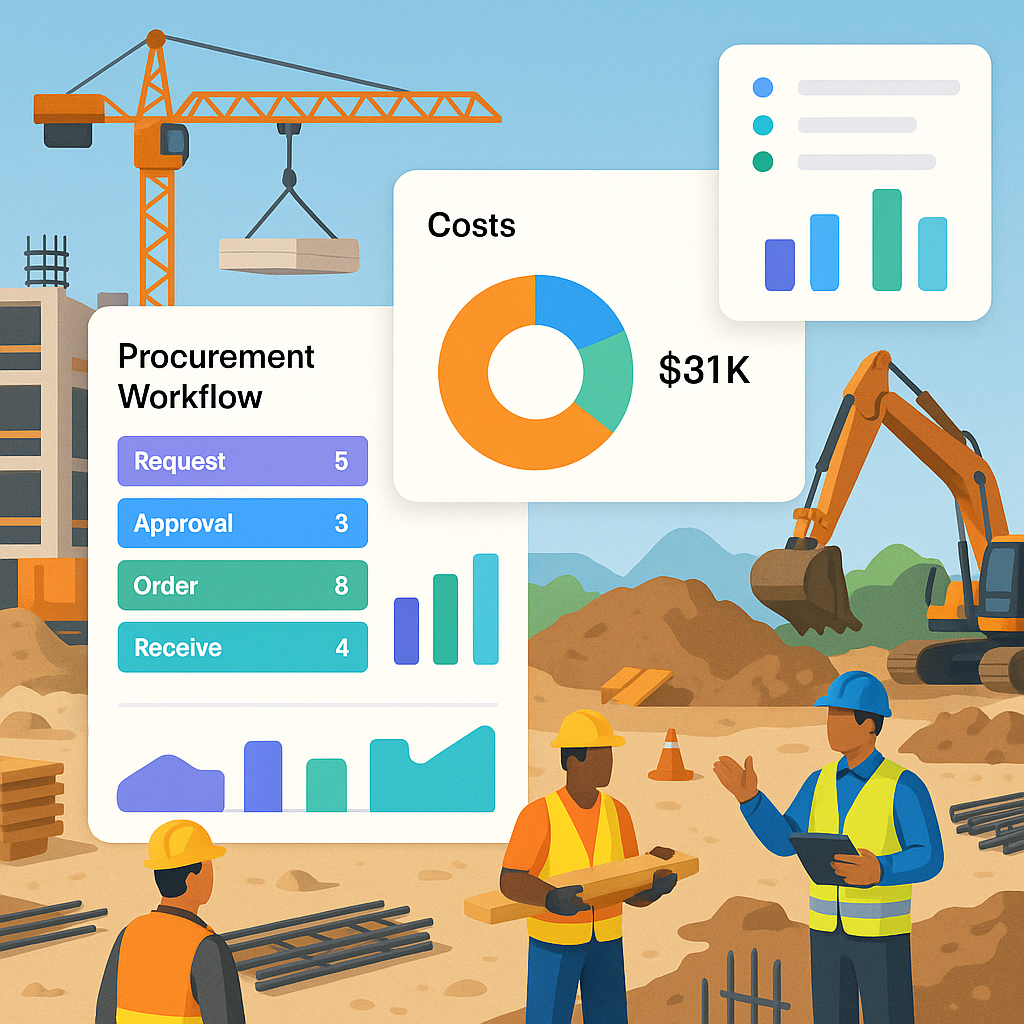
Unified construction ERPs fix this. Platforms like JobNext automate the whole procurement workflow: Material Request (MR) → RFQ → Vendor Offers → Purchase Order (PO). Approvals happen within the system, not over email or random phone calls. The result? Faster decisions, better vendor negotiations, and a clear audit trail.
Key Comparison: What to Look For in ERP Software
When comparing construction ERPs, don’t just focus on features — look at workflows. A flashy dashboard won’t help if the system doesn’t solve real problems. Here’s what matters:
| Feature | Why It Matters | Fragmented Tools | Unified ERP (e.g., JobNext) |
|---|---|---|---|
| Procurement Workflow | Avoid chaos in vendor management and approvals. | Manual, scattered across emails/WhatsApp | Structured MR → RFQ → PO with approvals |
| Billing Flexibility | Prevent revenue leakage by supporting multiple billing methods. | Limited (usually fixed or stage-wise billing) | 6 methods: RA Bills, monthly, BOQ supply, etc. |
| HR Across Sites | Manage attendance and payroll for teams spread across multiple locations. | Mostly manual | Automated HR/payroll with GCC compliance |
| Compliance Tracking | Stay GST/TDS compliant and integrate seamlessly with accounting tools. | Separate tools needed for compliance | Built-in GST/TDS reporting, Tally integration |
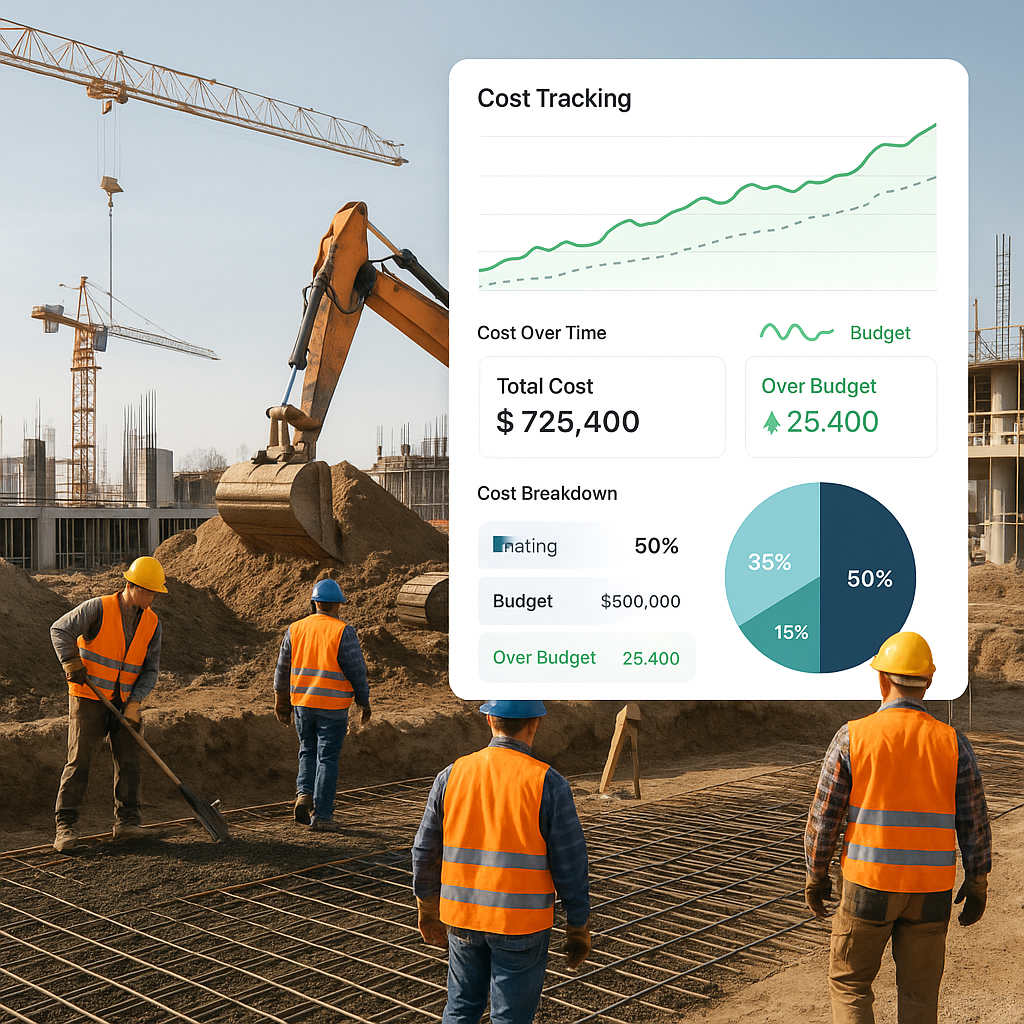
| Analytics & Reporting | Monitor project profitability in real-time to stop margin erosion. | No real-time data | 150+ pre-built reports and dashboards |
Why Compliance is a Dealbreaker
Let’s talk compliance. If you’re working in India or GCC, GST/TDS filings can eat up hours every month. Miss a deadline, and you’re slapped with penalties. Most generic ERPs (or worse, spreadsheets) leave you scrambling to reconcile tax data manually.
JobNext solves this with built-in compliance tracking. GST, TDS, PF, ESI — it’s all there. Plus, it integrates directly with Tally for statutory reporting in India. No double-entry, no missed deductions.
You might think, “Why not just stick with QuickBooks or Tally?” Here’s the issue: these tools aren’t built for construction. They don’t handle project-level cost tracking, subcontractor payments, or RA bill reconciliation. You end up stitching together multiple tools, which leads to errors and wasted time.
The Verdict: Unified Wins
Here’s the bottom line: if you’re managing multiple concurrent projects, you can’t afford fragmented systems. Unified construction ERPs like JobNext don’t just save time — they save money. By automating workflows, ensuring compliance, and giving you real-time insights, they help you protect your margins.
Not convinced? The obvious objection is cost. Yes, unified ERPs require upfront investment. But think about what you’re losing with disconnected tools: revenue leakage from poor billing, vendor overpayments, compliance penalties. In most cases, the ROI from a unified ERP outweighs the cost within the first year.
Ready to stop patching together tools? Learn more about JobNext.
FAQs
Q: Can JobNext handle small-scale projects?
A: Absolutely. JobNext is built for contractors managing anywhere from 5 to 50+ concurrent projects. Whether you’re handling small residential jobs or large EPC contracts, the platform scales with you.
Q: Is JobNext only for GCC and India?
A: While optimized for GCC and Indian compliance, JobNext supports multi-currency and multi-location setups, making it applicable globally.
Q: How long does implementation take?
A: Implementation usually takes 4-8 weeks depending on the complexity of your workflows. JobNext’s team handles onboarding and training to minimize downtime.
Call to Action
Stop letting disconnected tools hold your business back. Check out JobNext for a demo and see how it can transform your operations.
Ready to see JobNext in action?
Multi-tenant SaaS ERP for construction, facilities management, and contracting — covering preconstruction, project execution, procurement, HR & payroll, equipment, finance, and 150+ analytics reports.
Get Started Free →Learn more at JobNext.ai - Construction ERP