The Brutal Truth About Cost Tracking for Small Contractors
In construction, margins are razor-thin. One unexpected delay, procurement blunder, or subcontractor cost overrun can wipe out your profits on a project. For small and mid-size contractors, the stakes are even higher because they’re often juggling multiple projects with limited resources.
Yet, most contractors I’ve worked with rely on disconnected systems — an Excel sheet for budgeting, outdated accounting software for billing, and WhatsApp messages for procurement approvals. Sound familiar? It’s a mess, and it’s costing you money.
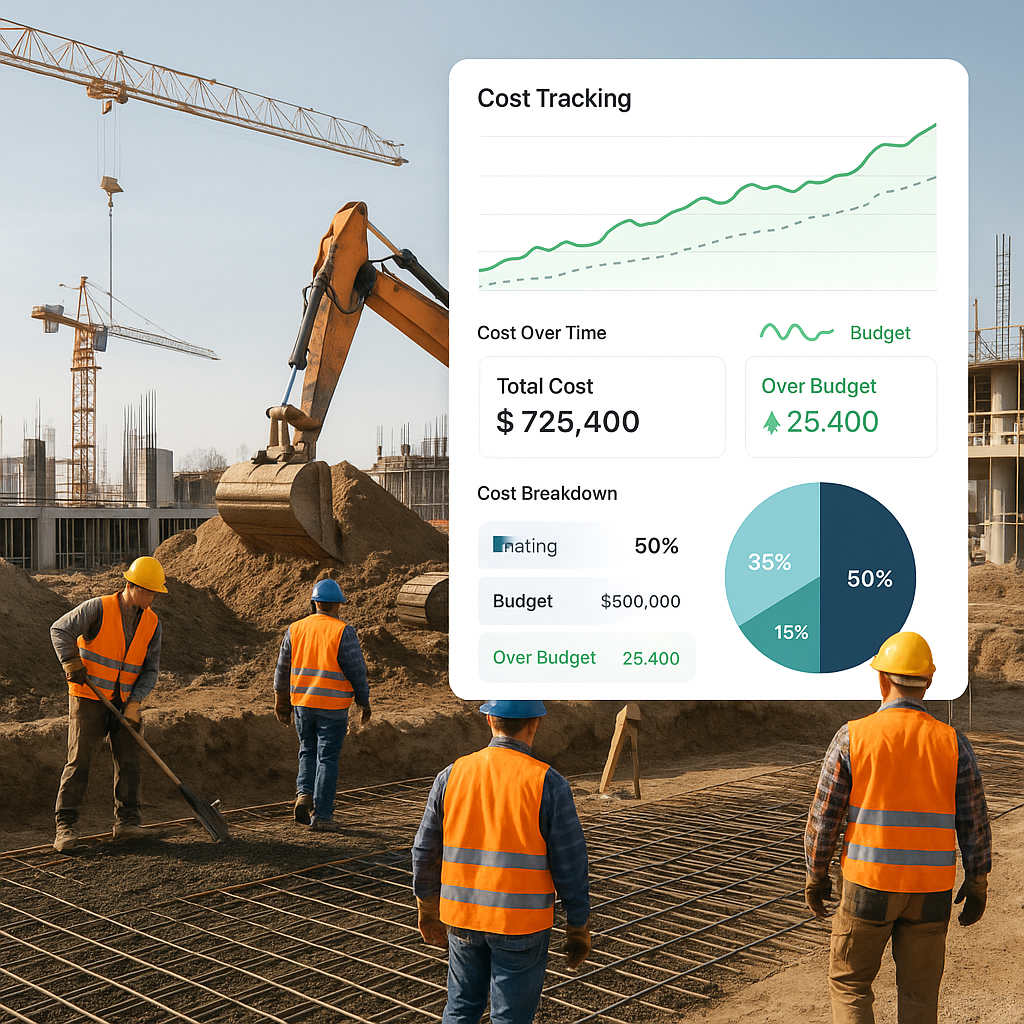
Take real-time cost tracking. Imagine you’re halfway through a project, but you’re still working off initial estimates and vague progress reports. You don’t realize your subcontractor costs are spiraling out of control until it’s too late. This happens more often than you think. A study by CIMA warns that contractors who lack project profitability tracking are losing margins faster than ever in today’s economic climate.
Why Real-Time Tracking Matters
Here’s the thing: without real-time tracking, you’re flying blind. Let’s say you’ve quoted ₹5 crore for a project and allocated ₹2 crore for materials. If procurement delays push prices up and you’ve already committed to subcontractor payments, you might end up spending ₹2.5 crore on materials alone. Suddenly, your profit margin is cooked.
Unified construction ERPs solve this by linking your budgets to live data. You can see exactly where your project stands — whether the BOQ is holding up, if subcontractor bills match the work done, or if material costs are exceeding estimates. Some systems even allow measurement-based progress tracking for subcontractors, ensuring you only pay for work that’s verified. This isn’t just theory; I’ve seen contractors recover lakhs annually by implementing these controls.
Actionable Steps for Real-Time Tracking:
- Implement Measurement-Based Tracking: Use systems that tie subcontractor payments to verified work progress.
- Monitor Procurement Costs Weekly: Set up alerts for material cost changes and purchase orders exceeding estimates.
- Integrate Your Budgeting System with Live Data: ERPs like ProjectsNext allow real-time updates based on project activity.
- Assign a Cost Controller: Even for small teams, designate someone to oversee budget adherence in real-time.
Case Study: Recovering Margins on a ₹10 Crore Project
A contractor in Pune switched to an ERP after losing ₹40 lakh on a mid-sized project due to subcontractor overbilling and material cost overruns. With unified workflows, their next project saw savings of ₹12 lakh thanks to better subcontractor tracking and procurement processes. This demonstrates the tangible ROI of real-time tracking.
A Practical Example: Managing Subcontractor Costs
Many small contractors I’ve worked with struggle to manage subcontractors effectively. One common problem? Overpayment. Without a structured system to track work progress, subcontractors often bill for more than what’s completed. You end up paying for 80% of the work when only 60% is done.
A good ERP fixes this with workflows like WR → RFP → WO → Measurements. It links every payment to verified measurements, so you’re not writing blank checks. For example, ProjectsNext includes this kind of subcontractor management workflow to ensure cost overruns don’t spiral out of control. It’s a game-changer for small teams who can’t afford expensive mistakes.
Actionable Steps for Subcontractor Management:
- Standardize WR (Work Requisition) Forms: Ensure all subcontractors submit detailed work requisitions.
- Use Progress-Based Payments: Link payments to verified measurements.
- Set Benchmarks for Work Completion: Define milestones and tie billing to progress.
- Audit Subcontractor Bills Regularly: Assign someone to review bills and reconcile discrepancies.
Case Study: Elimination of Overbilling
A contractor in Chennai discovered they were overpaying ₹5 lakh per project due to subcontractor overbilling. After switching to an ERP, their team implemented verification workflows that reduced overpayment by 80%. As a result, they saved ₹20 lakh across four projects in a year.
The Hidden Cost of Disconnected Systems
Disconnected tools don’t just waste time — they actively cost you money. Think about procurement. If your material requisition (MR) sits in limbo for days and RFQs aren’t sent on time, you lose out on competitive supplier quotes. Worse, you might end up paying premiums for urgent deliveries.
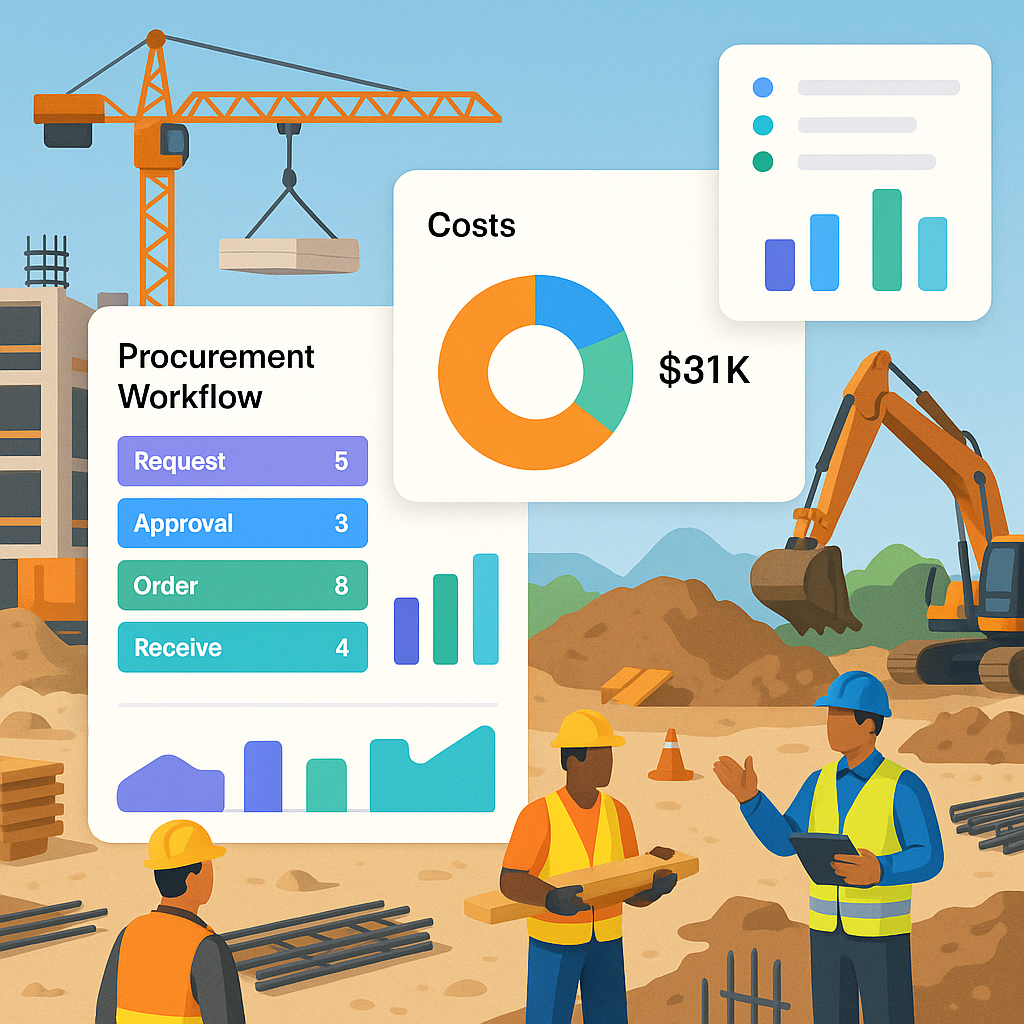
I recently read about a contractor who lost ₹25 lakh annually due to procurement delays. Their team was stuck managing approvals through email chains and phone calls instead of a unified workflow. A system like ProjectsNext streamlines this with MR → RFQ → Vendor Offers → PO workflows, cutting delays and ensuring approvals happen on time.
Actionable Steps for Streamlining Procurement:
- Automate RFQs: Use ERP systems to send RFQs directly to multiple suppliers.
- Monitor Vendor Lead Times: Track supplier lead times to prevent urgent deliveries.
- Use Approval Workflows: Ensure all material requisitions are approved within 24 hours.
- Set Cost Thresholds: Flag requisitions exceeding budget limits for additional review.
Table: Disconnected Tools vs Unified ERP
| Feature | Disconnected Tools | Unified ERP |
|---|---|---|
| Procurement Workflow | Email chains, WhatsApp approvals | MR → RFQ → Vendor Offers → PO |
| Subcontractor Management | Manual tracking, Excel sheets | WR → RFP → WO → Measurements |
| Material Cost Visibility | End-of-month reconciliation | Real-time dashboards |
| Compliance Tracking | Manual GST/TDS checks | Automated compliance alerts |
Compliance Doesn’t Have to Be Painful
GST/TDS compliance is another headache for small contractors. Mess up your GST filings or statutory deductions, and you’re facing penalties. But manually tracking these across projects is a nightmare. Unified ERPs simplify this by automating GST/TDS compliance checks and integrating with accounting tools like Tally. It’s not glamorous, but it’s essential.
Actionable Steps for Compliance:
- Automate GST/TDS Tracking: Use ERP systems with built-in compliance modules.
- Integrate Accounting Tools: Link your ERP with Tally or QuickBooks.
- Set Up Alerts: Enable notifications for upcoming filings or tax deadlines.
- Review Compliance Monthly: Have your accountant audit project-level compliance.
FAQs
1. How does real-time cost tracking work? Real-time cost tracking links your budgets to live project data, including material costs, subcontractor bills, and progress measurements. It ensures you’re always aware of how much you’re spending versus what was estimated.
2. Can a small contractor afford an ERP? Modern construction ERPs like ProjectsNext are designed for scalability. Small contractors benefit from lower upfront costs and the ability to pay monthly.
3. What’s the biggest risk of disconnected systems? Margin erosion is the biggest risk. When tools don’t talk to each other, you lose visibility into project costs, procurement delays, and billing errors — all of which directly impact profits.
4. Does GST compliance require an ERP? Strictly speaking, no. But an ERP automates compliance checks, saving time and reducing errors. It’s especially useful for multi-project operations.
5. What’s the ROI on a construction ERP? While it varies, contractors often see ROI through recovered margins, faster workflows, and reduced compliance penalties.
Citations
- CIMA’s Polycrisis Warning: Why Contractors Bleed Margins Without Project Profitability Tracking
- ₹25 Lakh Lost to Procurement Chaos? Why Contractors Need Data Integration
- Preventive Maintenance: The Hidden Profit Lever for Hard Facilities Contractors
Learn more at JobNext.ai - Construction ERP