Subcontractor Costs: The Silent Killer of Small Contractors
Let me ask you this—how often do your subcontractor costs align perfectly with your project estimates? Rarely, right? For most small contractors, it's a constant battle. One missed measurement, one delayed payment, and suddenly you're ₹10-₹50 lakh over budget. The margins you worked so hard to protect? Gone.
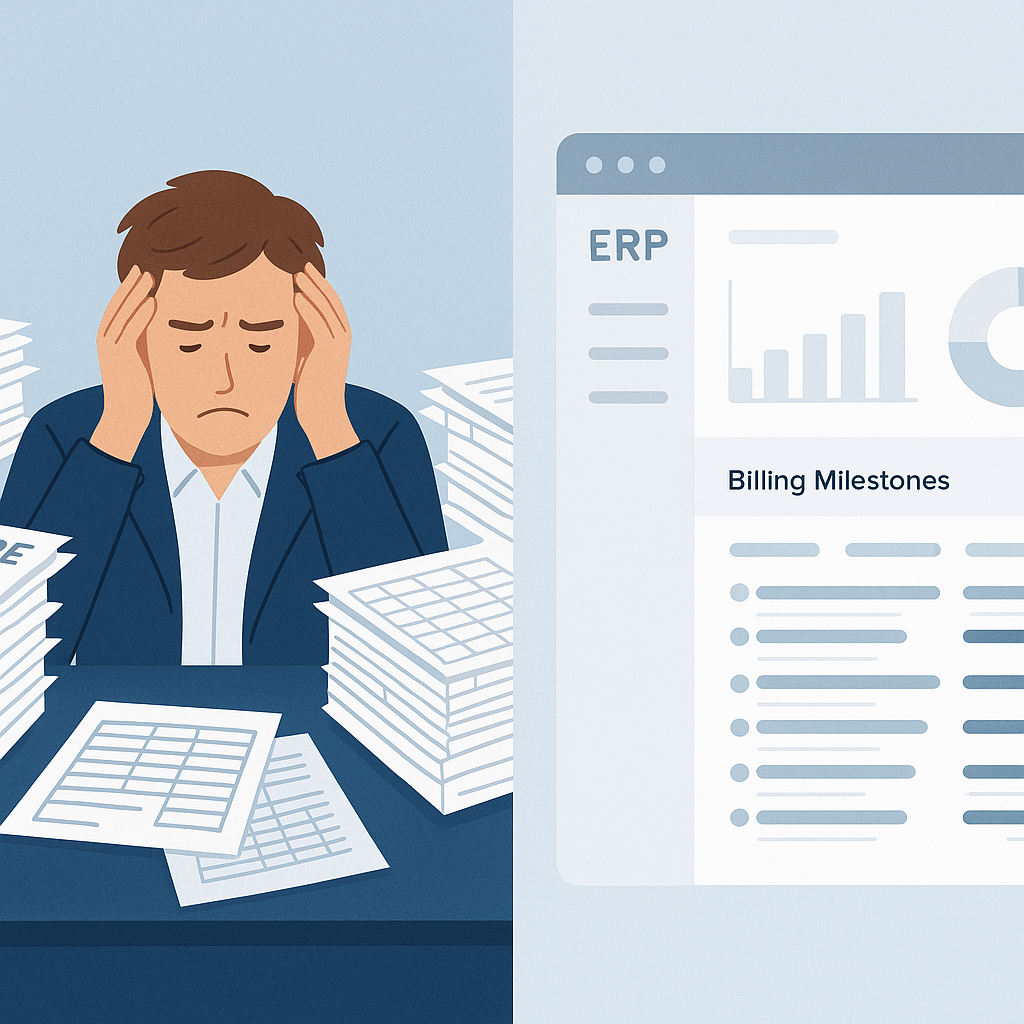
The problem isn't just subcontractors. It's the chaos of tracking their progress. Manually reconciling work orders, RFQs (Request for Quotations), and progress measurements is a nightmare. And let's be honest—tools like Excel aren't built for this. So, overruns pile up, and you don't realize until it's too late.
Why Manual Methods Don't Work
Here's a real-world scenario I see all the time: A contractor hires a subcontractor for electrical work on a mid-sized residential project. The contract is ₹25 lakh, based on an initial BOQ (Bill of Quantities). But as the project progresses, changes creep in—additional sockets, upgraded wiring, and so on.
If you're manually tracking these adjustments, you'll miss something. Maybe it's an unapproved extra. Maybe it's a delay penalty you forgot to deduct. Either way, you're paying more than you planned.
Concrete Example: The Domino Effect of Manual Errors
Imagine you’re managing a ₹1 crore project, and you manually approve ₹10 lakh worth of extras without verifying them. If just 20% of those extras were unnecessary or fraudulent, that’s ₹2 lakh down the drain. Multiply this across several projects, and suddenly your business is leaking cash without you noticing.
Actionable Steps:
- Centralize Communication: Avoid tracking changes via WhatsApp or email. Use a platform where subcontractor requests and approvals are stored centrally.
- Standardize BOQs: Ensure your BOQs account for probable extras like upgraded materials or design changes. A detailed BOQ minimizes unplanned expenses.
- Automate Payment Approval: Use systems that link payment approvals directly with verified progress.
The worst part? You often don't realize the project's unprofitable until the final invoice reconciliation. By then, you're locked in.
The Fix: Unified ERPs With Measurement-Based Tracking
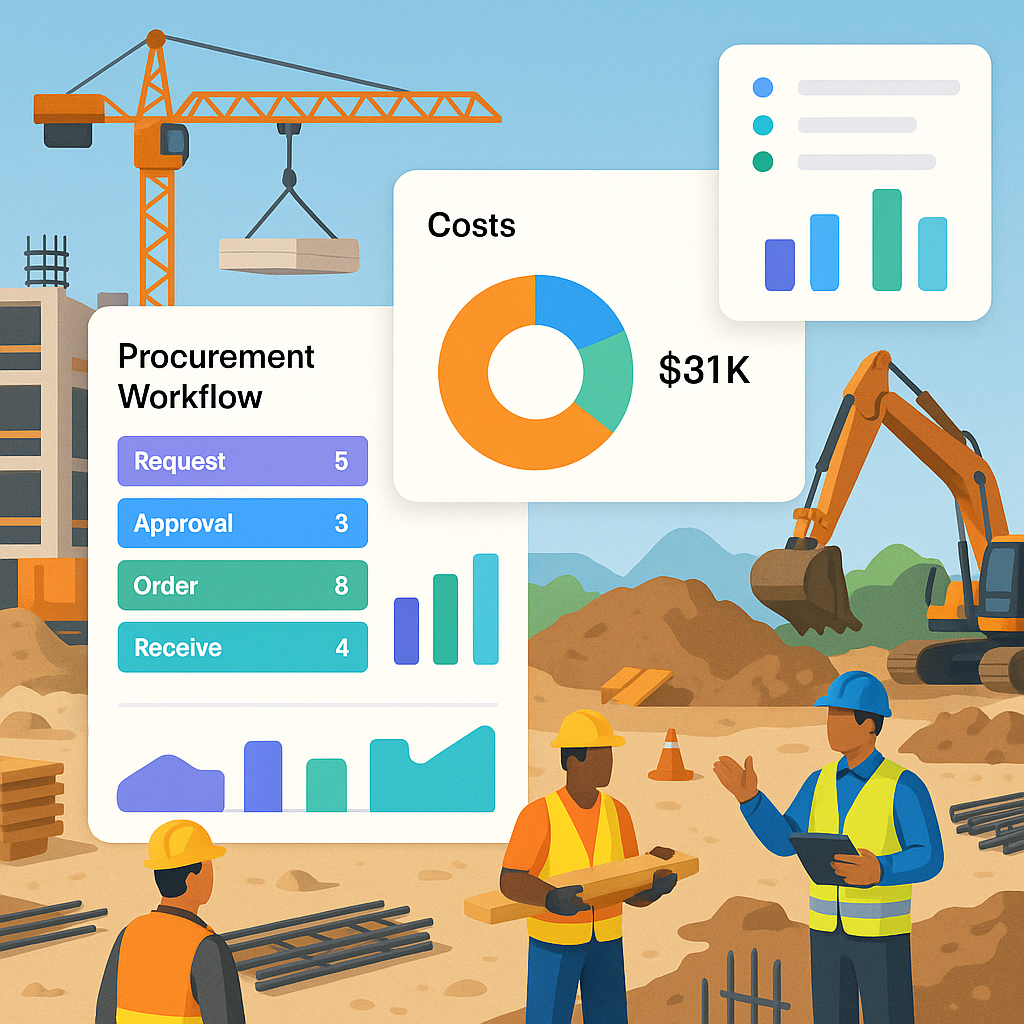
This is where a unified construction ERP shines. Instead of juggling Excel sheets and WhatsApp approvals, you get a single platform to manage everything—work requisitions, RFQs, work orders, payment approvals, and progress tracking.
Case Study: Real Savings With ERP Implementation
A small contractor in Pune implemented a unified ERP to manage a ₹50 lakh villa construction project. Before ERP, they lost ₹6 lakh due to unapproved extras and delayed penalties. After ERP adoption, overruns dropped by 70%, saving the contractor ₹4.2 lakh on a single project. The system flagged extras for approval instantly and calculated penalties automatically.
Features That Solve Real Problems:
- Progress-Based Payments: Subcontractor payments are tied to verified progress measurements. If the subcontractor claims 80% completion, you verify it against your site team's measurements. No measurement? No payment. Simple.
- Real-Time Overrun Alerts: If additional work is requested, the system flags it for approval before proceeding. No surprises.
- Integrated Financials: The ERP auto-calculates GST, TDS, and other deductions, ensuring compliance.
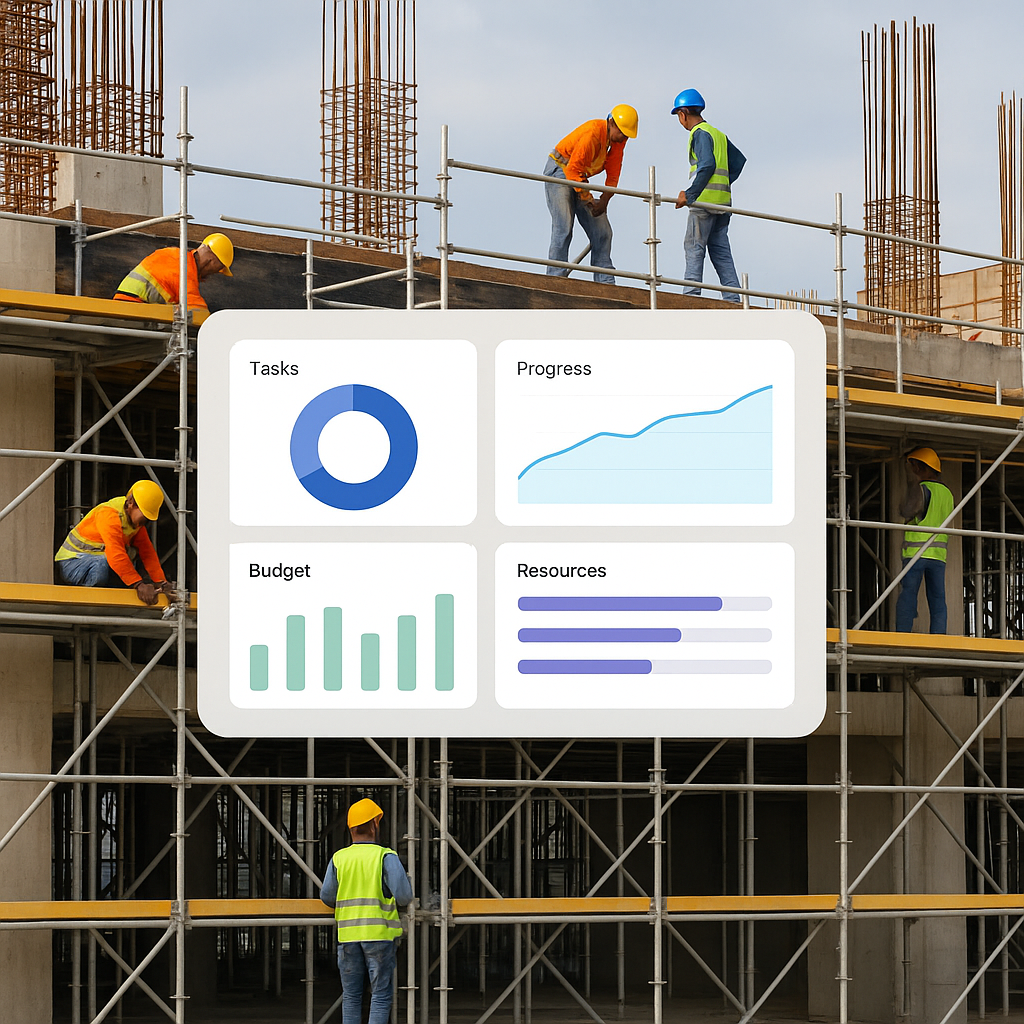
And it's not just about payments. You can also track overruns in real time, keeping your margins intact.
Real-Time Visibility = Real Savings
Let’s revisit our electrical contractor example. With a unified ERP, you set up the work order in the system, linking it to the BOQ. Every extra—whether it’s an added socket or upgraded wiring—goes through an approval workflow. The system calculates the cost impact instantly.
Comparison Table: Manual Methods vs. ERP Tracking
| Feature | Manual Methods | ERP Tracking |
|---|---|---|
| Extra Work Approvals | Disorganized (via WhatsApp) | Centralized workflow |
| Payment Linked to Progress | Manual invoicing | Verified progress-based |
| Overrun Alerts | Reactive (end of project) | Real-time flags |
| Compliance (GST, TDS) | Manual calculation | Automated deductions |
Now, you know exactly where you stand at every stage of the project. No more guessing. No more overspending.
But What About Small Contractors?
You might be thinking, "This sounds great, but isn't ERP overkill for us?" Honestly, no. In fact, small contractors need this more than anyone. Why? Because you don’t have the luxury of absorbing ₹50 lakh overruns like the big players do. Every rupee counts.
Affordability of Modern ERPs
Modern ERPs are built with small contractors in mind. They’re cloud-based, affordable, and scalable. Many providers offer subscription-based models starting at ₹2,000 per month—a fraction of what you might lose to overruns.
Actionable Steps:
- Start Small: Focus on one project to pilot ERP adoption. Measure the ROI.
- Look for Plug-and-Play Solutions: Avoid systems that require extensive customization or IT teams.
- Train Your Team: Ensure field staff and office teams understand how to use the ERP effectively.
What the Data Says
According to a JobNext blog post, small contractors in India and the GCC lose an average of ₹50 lakh annually to subcontractor overruns. That’s a brutal hit, especially when margins are already razor-thin.
The ROI of ERP Systems
The same post highlights how integrated systems can save up to 30% on subcontractor costs. This means a ₹50 lakh project could save ₹15 lakh just by catching errors and fraud early.
Not Just About Money—Compliance Matters Too
Let’s not forget compliance. In regions like India and the GCC, GST, TDS, and statutory deductions are non-negotiable. Unified ERPs simplify this. They calculate deductions automatically and generate compliant invoices. No more headaches during audits.
Example: Avoiding GST Penalties
A contractor in Chennai faced a ₹2 lakh GST penalty due to incorrect invoice submissions. After switching to an ERP, GST compliance was automated, saving them from future penalties.
FAQ
1. What if my projects are small? Do I really need an ERP?
Yes, even small projects benefit from ERP systems. The cost savings from catching overruns, avoiding fraud, and ensuring compliance often outweigh the subscription cost.
2. How do I convince my team to adopt ERP?
Start with training sessions focused on how ERP simplifies their daily tasks. Show them how it eliminates manual documentation and reduces errors.
3. Is ERP difficult to implement?
Modern ERPs are plug-and-play and cloud-based, meaning you can start using them immediately after setup. Providers often offer onboarding assistance.
4. Does ERP work for subcontractors too?
Yes, subcontractors can use ERP to streamline their own processes and improve transparency with contractors.
5. What’s the cost of a basic ERP system?
Basic ERP systems start at ₹2,000-₹5,000 per month. The ROI in saved margins and compliance makes it well worth the investment.
The Takeaway
If you're a small contractor juggling multiple projects, you can't afford to leave subcontractor costs to chance. The old ways—manual tracking, disconnected tools, and after-the-fact reconciliations—are killing your margins.
Unified ERPs give you visibility, control, and peace of mind. They're not just a nice-to-have; they're essential.
Want to stop bleeding margins? ProjectsNext can help you fix subcontractor overruns and more. Get started free →
Learn more at JobNext.ai - Construction ERP