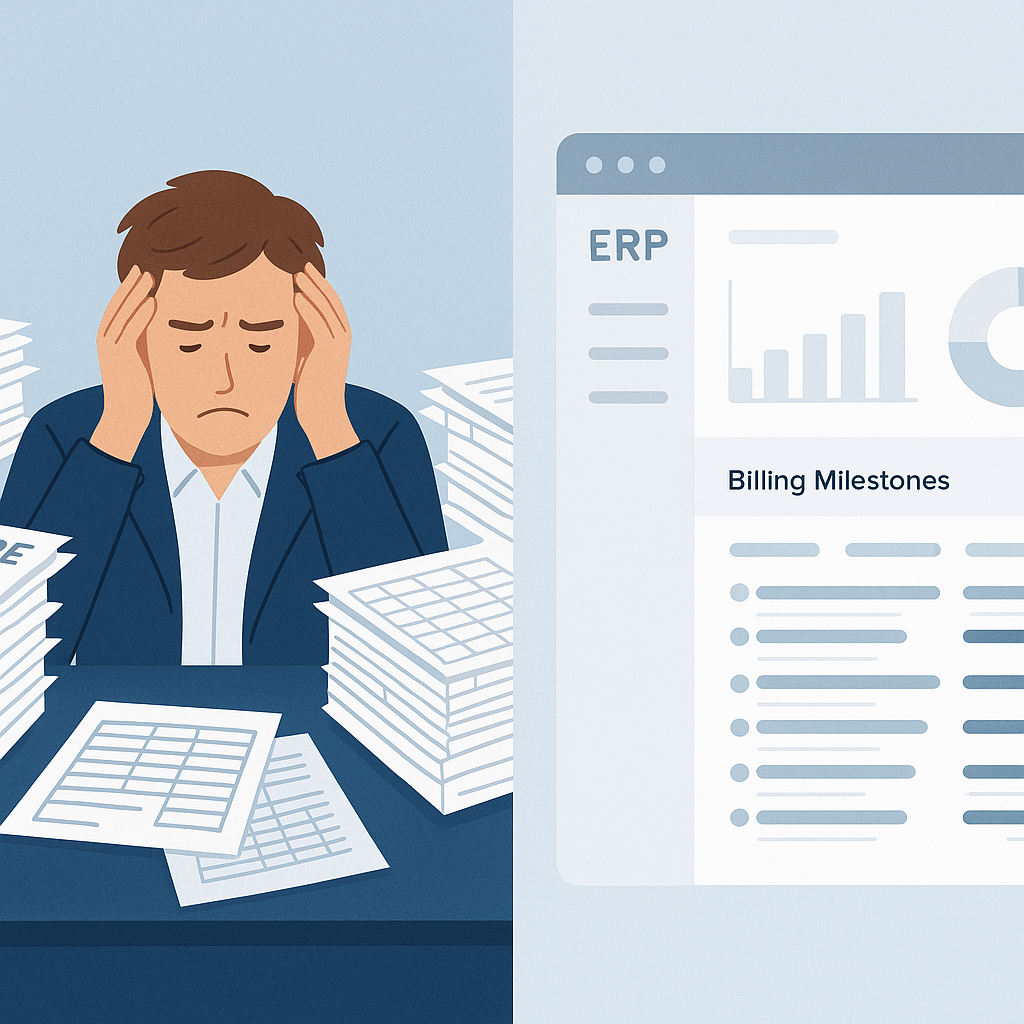
Stop Losing Money on Disconnected Systems
If you’re running a construction business, you already know this: disconnected tools bleed money. Spreadsheets for procurement, a bare-bones payroll app, and manual entries into Tally — it’s a nightmare. Mistakes pile up. Costs go unchecked. Margins shrink. Frankly, it’s unsustainable.
That’s why unified construction ERPs are taking over. They’re not just a luxury for big players anymore. Even mid-sized contractors — the ones juggling 10-20 projects at a time — are making the switch. Why? Because they’ve realized that chaos isn’t scalable.
What Makes a Good Construction ERP?
Let’s cut through the fluff. A good construction ERP does three things well:
- Tracks costs in real time — across BOQs, scopes, and WBS levels. If you don’t know where your money’s going, how can you control it?
- Connects your departments — tendering, procurement, billing, HR, payroll, and finance in one place. No more data silos.
- Handles construction-specific workflows — RA bills, measurement-based subcontractor payments, and compliance with GST/TDS.
If an ERP can’t do these, it’s not built for construction. Period.
Let’s Talk About Procurement Chaos
Procurement is where most contractors bleed money. Here’s a familiar scenario: your site engineer sends a material request by email. Purchasing converts it into a vendor RFQ manually. Offers come in — some by WhatsApp, some by email. You pick a vendor, but the PO isn’t approved for 3 days. By the time it reaches the supplier, prices have gone up.
Sound familiar? This is how you lose money and time.
A good construction ERP fixes this. For example, JobNext's procurement workflow is structured and automated:
- Start with a Material Request (MR): Raised directly from the project site.
- Move to RFQ: Automatically sent to pre-approved vendors.
- Vendor Offers: Collected, compared, and finalized within the system.
- Generate the PO: In a single click, with multi-level approval chains built in.
No manual intervention. No missed emails. And everything is tracked, so you can catch cost overruns before they spiral.
Real-Time Cost Tracking: The Game Changer
Here’s the thing about construction: you rarely know if you’re losing money until the project’s done. That’s a problem. By then, it’s too late to fix anything.
With unified ERPs like JobNext, you get real-time cost tracking. That means every material purchase, every subcontractor payment, every labor cost is mapped against the BOQ. You can see — at any point — whether you’re over budget or under. It’s not magic. It’s just data, structured properly.
One contractor we worked with in the GCC saved 8% on a single project by identifying a material procurement overrun early. They adjusted their subcontractor payments accordingly. That’s the power of real-time insights.
Why GST Compliance Matters (Even If You Hate It)
Let’s talk compliance. If you’re in India, GST and TDS aren’t optional. But managing them manually? That’s a disaster waiting to happen. Miss a deadline, and you’re hit with penalties. File incorrectly, and you’re inviting audits.
An ERP built for Indian contractors — like JobNext — handles compliance for you. GST invoicing, TDS deductions, ESI/PF for payroll — it’s all baked in. Plus, with Tally integration, your finance team won’t have to re-enter data for statutory filings. Less work, fewer mistakes.
What About the Alternatives?
You might be thinking: "Can’t I just cobble together a few tools?" Sure. But here’s the problem:
- Spreadsheets are error-prone. Human error is inevitable. And those errors cost money.
- Standalone apps don’t talk to each other. Procurement data doesn’t flow into finance. Payroll doesn’t sync with project costing. You’re left reconciling manually.
- Scaling becomes impossible. The more projects you take on, the messier it gets.
Unified ERPs solve these pain points because everything lives in one system. No duplicate entries. No gaps.
How to Choose the Right ERP
Not all construction ERPs are created equal. Here’s what to look for:
- Construction-specific features: Can it handle RA bills, BOQs, and subcontractor workflows?
- Compliance support: Does it cover GST, TDS, PF, and ESI?
- Ease of use: Will your site engineers and back-office staff actually use it?
- Scalability: Can it handle 50 projects next year if you’re running 20 today?
JobNext ticks all these boxes. But don’t take my word for it. Do your research. This comparison guide is a good place to start.
Final Thoughts
The days of managing construction projects with spreadsheets and disconnected apps are over. If you’re serious about controlling costs, improving efficiency, and scaling your business, a unified ERP isn’t optional anymore.
Want to see what a construction-specific ERP looks like in action? Book a demo with JobNext.