Why BOQs Matter (And Why They Often Go Wrong)
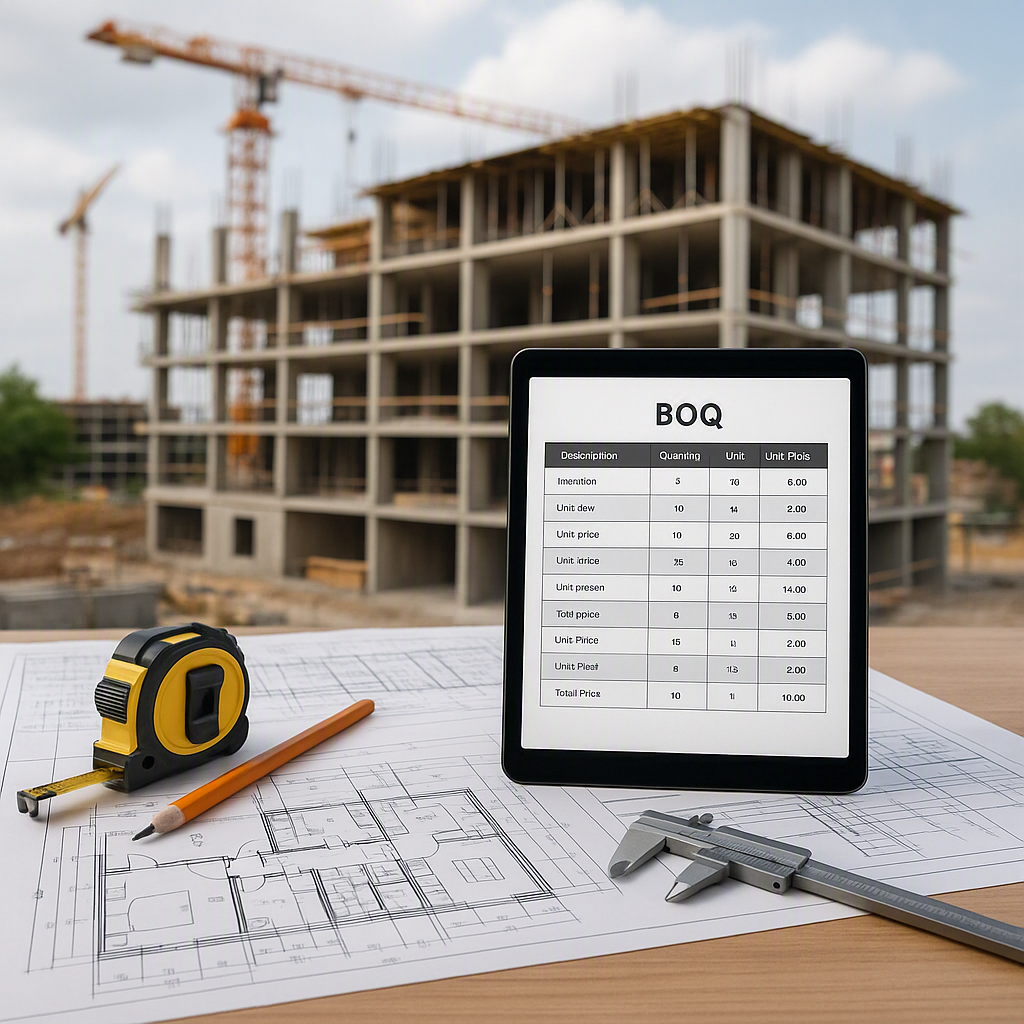
Margins in construction are razor-thin. A badly prepared BOQ (Bill of Quantities) is a quiet killer — it hides underestimates, scope gaps, and billing chaos until it’s too late. But many contractors still treat it as a checklist task: copy from the last project, tweak a few quantities, and hope for the best. Not ideal.
A proper BOQ isn’t just a document. It’s a financial map of your project. It ties your scope, materials, and costs into a single, actionable plan. And when done right, it can mean the difference between hitting your target margins or bleeding money.
So how do you get it right? Let’s break it down step by step.
Step 1: Break Down the Scope of Work
A BOQ is only as good as the scope it’s based on. If the scope is vague, your BOQ will fail. Always start by breaking down the project into clear Work Breakdown Structure (WBS) elements — tasks, deliverables, and activities. This ensures you’re accounting for every component of the job.
For instance:
- Excavation → Subtasks: Earthwork, backfilling, compaction, etc.
- Concrete Works → Subtasks: Foundation, columns, slabs, beams, etc.
- Finishing → Subtasks: Flooring, plastering, painting, etc.
Breaking down tasks into smaller, measurable components helps you avoid missing key items. For instance, when planning excavation, you should also consider ancillary tasks like dewatering or stockpiling soil. Similarly, concrete works might need detailed breakdowns for reinforcement, formwork, and curing.
Pro tip: A good ERP, like ProjectsNext, can help you structure your WBS and maintain a clear BOQ hierarchy. You can break projects into BOQ items, sub-items, and detailed scopes, ensuring nothing gets missed.
Step 2: Quantify Everything (No Guesstimates!)
Every BOQ item needs a measurable quantity. This is where a lot of teams get lazy, relying on rough estimates or outdated unit rates. It’s a recipe for disaster.
Here’s how to do it right:
-
Start with Drawings: Extract exact quantities from your construction drawings. For example, if you’re calculating concrete for a slab, use the formula:
Volume = Length × Width × Thickness
Illustrative example —
- Length: 10m
- Width: 8m
- Thickness: 0.15m
- Volume = 10 × 8 × 0.15 = 12m³
-
Use Software: Tools like CAD or BIM software can simplify takeoff calculations. For example, Autodesk Revit or PlanSwift helps automate quantity extraction and reduces human error. Many contractors still rely on Excel, but that’s prone to mistakes. A modern ERP like ProjectsNext automatically integrates BOQ quantities with your drawings, reducing manual entry and errors.
-
Cross-Check: Always cross-reference your quantities with previous projects or industry benchmarks. For example, check your slab concrete volume against typical ranges for similar designs. If your numbers look too good to be true, they probably are.
Actionable Tip: Always validate quantities by running multiple takeoff methods — manual calculations, software outputs, and drawing reviews.
Step 3: Assign Rates Carefully
Rates are the backbone of your BOQ. But a rate is never just a number — it’s a set of assumptions wearing a number’s clothes. The more transparent your rate build-up, the less likely you are to face disputes later.
Here’s a breakdown of how to build a rate:
- Labour Cost: Calculate based on actual productivity rates. For instance, if a mason lays 10m² of brickwork per day and their daily cost is ₹800, your unit labour cost is ₹80/m².
- Material Cost: Include wastage and transport. If 1m² of brickwork requires 50 bricks, and bricks cost ₹5 each, your material cost is ₹250/m² (plus a 5% allowance for wastage).
- Equipment Costs: Account for machinery rentals, fuel, and maintenance. For example, if a compactor costs ₹2,000 per day and can compact 200m², the equipment cost is ₹10/m².
- Overheads and Profit: Add a percentage for site overheads (e.g., 15%) and profit margin (e.g., 12%).
Illustrative example —
- Labour: ₹80/m²
- Material: ₹250/m²
- Equipment: ₹10/m²
- Overheads (15%): ₹51
- Profit (12%): ₹45.12
- Total Rate = ₹386.12/m²
Actionable Tip: Avoid lump-sum rates. Break them down into clear components, so you can justify and adjust them if needed.
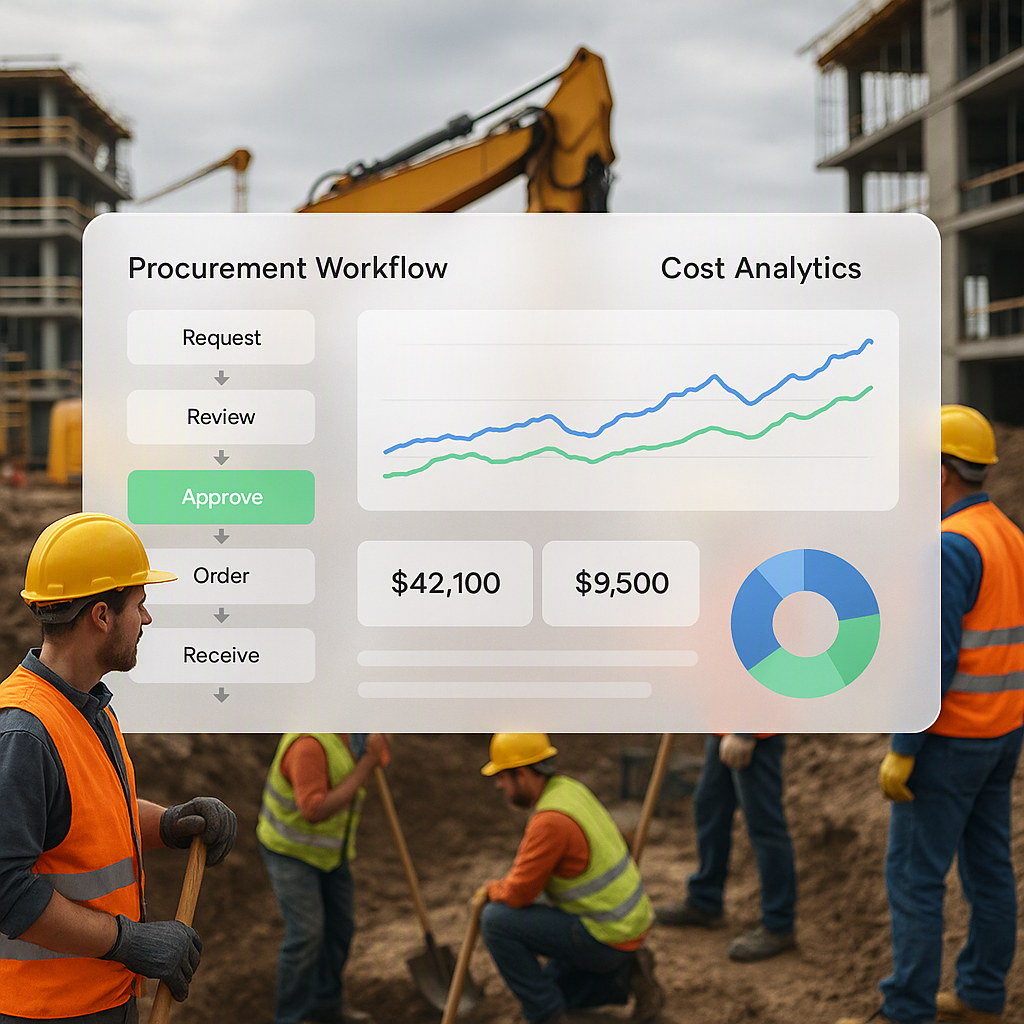
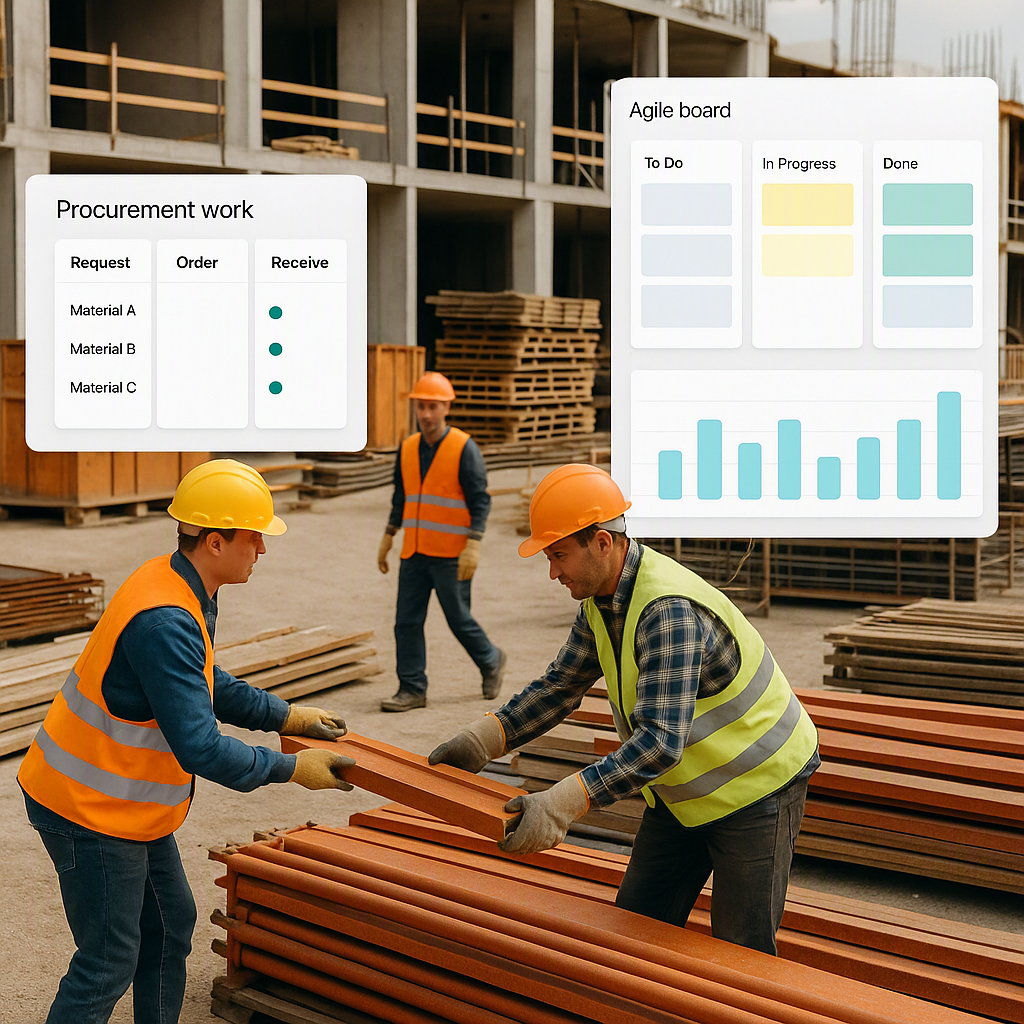
Pro tip: Many contractors lose money because they don’t lock supply rates upfront. A structured procurement system, like ProjectsNext’s MR→RFQ→PO workflow, lets you secure vendor rates early and avoid nasty surprises.
Step 4: Review, Revise, Repeat
A BOQ isn’t a once-and-done job. It’s a living document that needs regular updates as the project evolves. Changes in design, scope, or market rates can all impact your costs.
Here’s where contractors slip:
- Not Accounting for Variations: A small change in material specification can ripple through your BOQ. For example, shifting from 12mm to 16mm rebar increases both material cost and labour time.
- Ignoring Market Trends: Steel prices, for instance, can fluctuate by 10-20% in a quarter. If your BOQ isn’t updated, you’re working with outdated assumptions.
- Failure to Track Progress: BOQ revisions should align with the project’s progress. For example, if excavation is completed, reconcile the actual quantities used versus the BOQ to identify discrepancies.
Actionable Tip: Schedule BOQ reviews at key milestones in the project — design finalization, procurement, and mid-project check-ins.
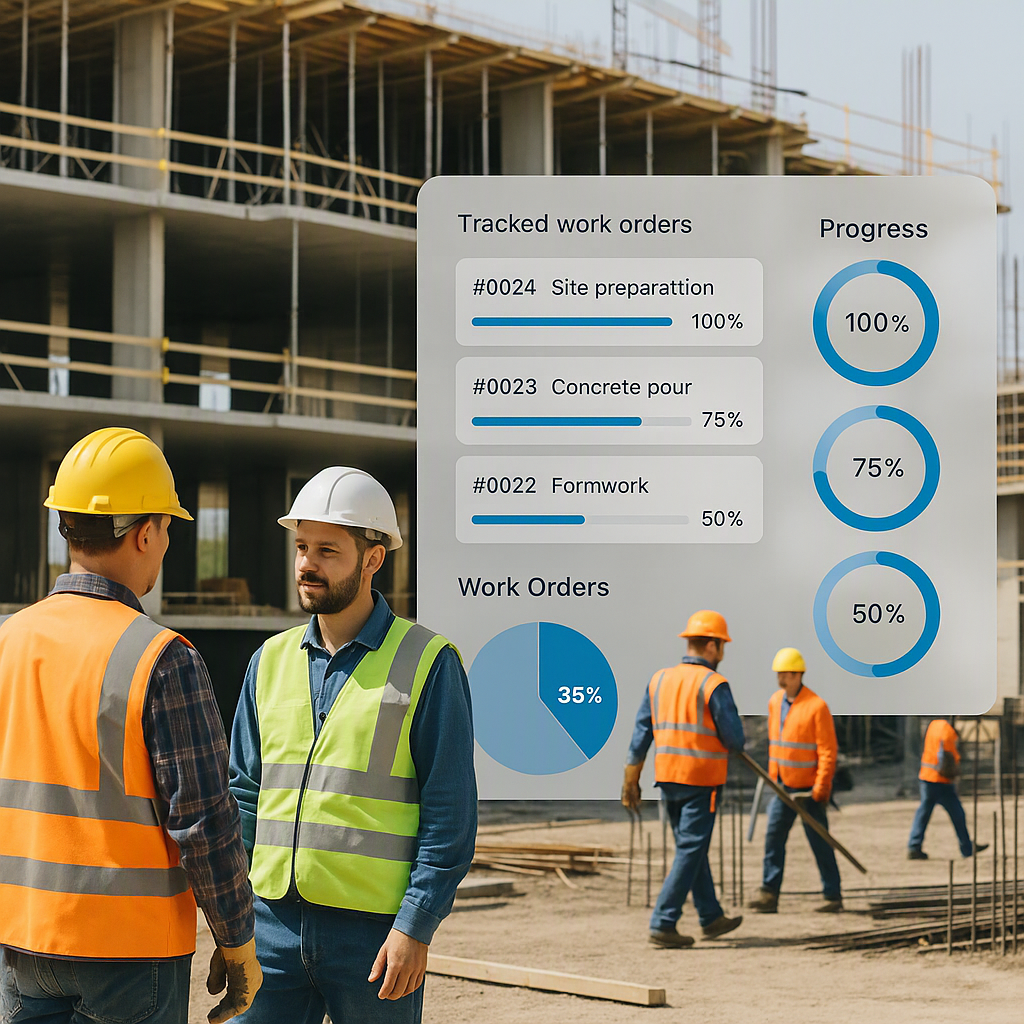
Pro tip: Use an ERP that tracks BOQs in real time, like ProjectsNext. It syncs your BOQ with updated procurement data, so you can spot cost overruns before they hit your margins. Learn how structured procurement saves lakhs.
Common BOQ Mistakes (And How to Avoid Them)
- Mistake #1: Missing Items
- Example: Forgetting to include scaffolding costs in a painting BOQ.
- Solution: Use a checklist or WBS to ensure complete scope coverage.
- Mistake #2: Inflated Quantities
- Example: Overestimating excavation quantities by 15%.
- Solution: Double-check takeoffs against drawings.
- Mistake #3: Unclear Descriptions
- Example: Writing “concrete” instead of “M25 grade RCC for columns”.
- Solution: Be specific about materials and methods.
- Mistake #4: Ignoring Contingencies
- Example: Not including a 5-10% contingency for design changes.
- Solution: Always allocate a contingency line item.
- Mistake #5: Poor Rate Documentation
- Example: Using a flat ₹5,000/m³ for concrete without a breakdown.
- Solution: Build rates with full transparency.
FAQ
Q1: What’s the difference between a BOQ and an estimate? A BOQ lists detailed quantities and rates per scope item, while an estimate is a broader cost prediction.
Q2: Can I use Excel for BOQ preparation? Yes, but it’s prone to errors. Modern tools like ProjectsNext integrate BOQs with drawings, rates, and procurement workflows for better accuracy.
Q3: How often should I update my BOQ? Regularly. Update it whenever there’s a design change, scope adjustment, or market rate fluctuation.
Q4: What’s the best way to calculate BOQ quantities? Start with drawings and use reliable tools like CAD or BIM software for takeoffs. Cross-check results manually.
Q5: How do I handle BOQ contingencies? Include a 5-10% contingency line item for unforeseen changes.
Decision Framework: Excel vs ERP for BOQ Management
| Feature | Excel | ERP (e.g., ProjectsNext) |
|---|---|---|
| Manual Error Risk | High | Low |
| Integration with Drawings | None | Automated |
| Real-Time Rate Updates | Manual | Live sync with vendors |
| Scope Tracking | Limited | Full WBS integration |
| Collaboration | Difficult | Centralized |
Call to Action
If you’re tired of BOQ chaos and margin erosion, ProjectsNext can help. From structured BOQ hierarchies to real-time cost tracking, it’s built for Indian contractors who want control over their numbers. Get started free →
Learn more at JobNext.ai - Construction ERP