Why RFQ Comparative Statements Matter
Imagine this: You’re finalizing procurement for a ₹10 crore project. You’ve sent out RFQs (Request for Quotations) to five vendors. The quotes arrive, and they’re all over the place. One vendor is 20% cheaper, but another promises faster delivery. How do you decide?
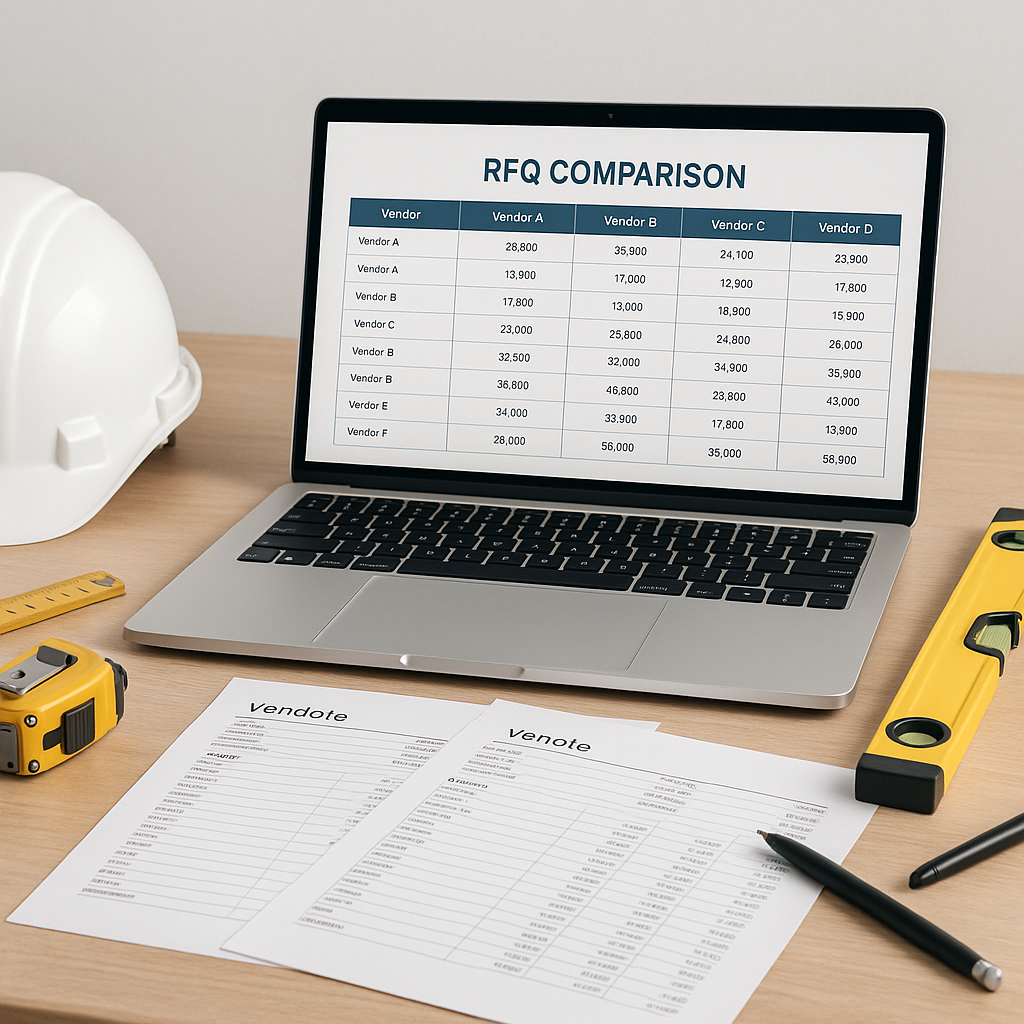
That’s where an RFQ comparative statement comes in. It’s not just a table of numbers. It’s a structured way to evaluate vendor quotes holistically — price, delivery timelines, quality, and terms.
But here’s the problem: Many contractors still rely on scattered spreadsheets or manual comparisons. This leads to missed details, poor vendor selection, and, worst of all, margin erosion. Let’s fix that.
Step-by-Step: Building an RFQ Comparative Statement
1. Start with the Right Vendor Quote Data
The first step is getting accurate, comparable data from your vendors. Sounds simple, right? Not always. Vendors often respond with inconsistent formats. One mentions price per unit, another gives a lump sum. One quotes in rupees, another in dollars.
How to Standardize Vendor Responses:
- Use RFQ templates: Share a standard RFQ format with all vendors. Specify fields like unit rate, total cost, delivery timeline, payment terms, and GST. A clear, detailed template ensures vendors provide consistent data.
- Clarify your BOQ (Bill of Quantities): Don’t leave room for interpretation. For example, if you need 10,000 bricks, specify the size, grade, and any relevant standards.
- Ask for breakdowns: Encourage vendors to break down their pricing (material cost, labor cost, etc.). This helps you spot hidden charges and compare quotes more effectively.
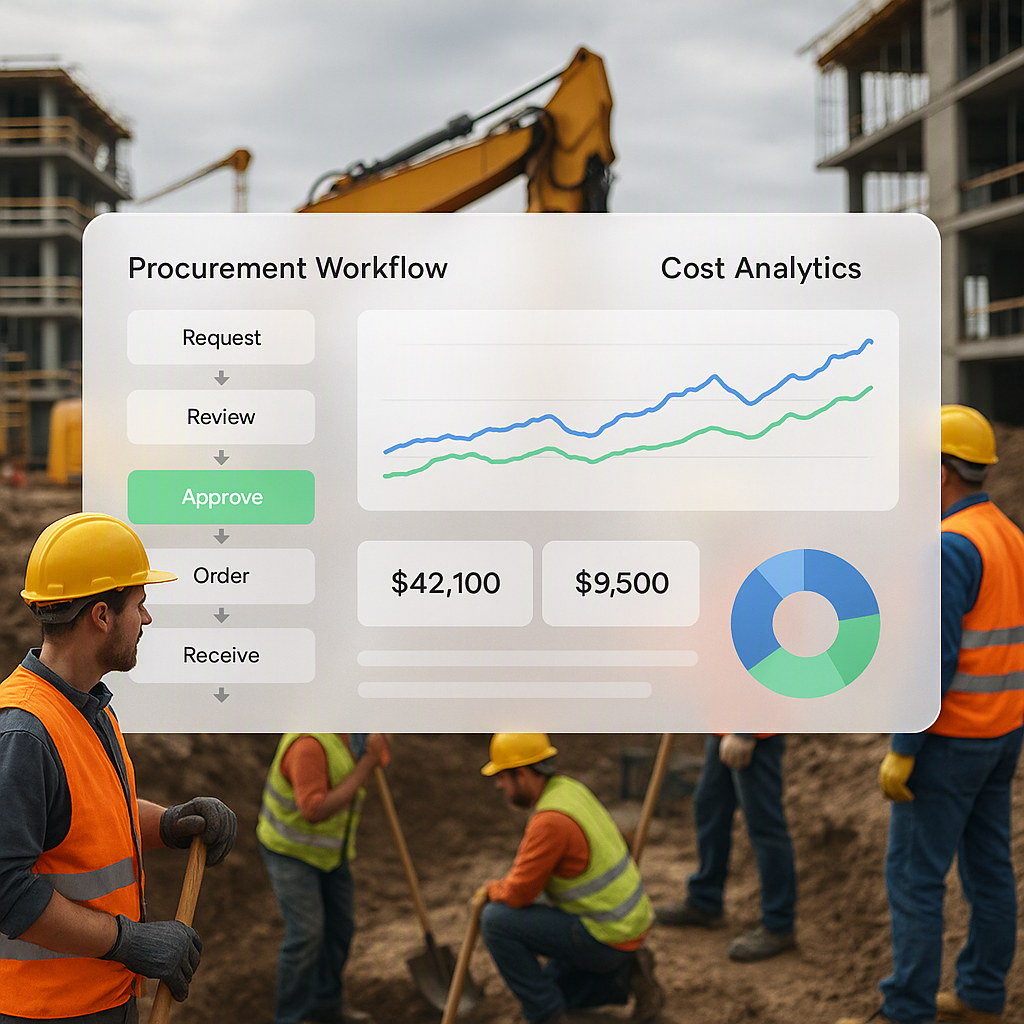
Avoid manual consolidation of this data. Tools like ProjectsNext streamline RFQ workflows (Material Request → RFQ → Vendor Offers → PO), ensuring you collect comparable quotes with all necessary details.
2. Identify Evaluation Criteria
Price is just one part of the equation. You’re also weighing factors such as:
- Delivery timelines: Can the vendor meet your project schedule? Delays cost money and disrupt workflows.
- Payment terms: Does the vendor demand hefty upfront payments, or are they flexible? Favorable terms can improve cash flow.
- Quality certifications: Are they offering the right grade of materials? Do they meet IS codes or other regulatory standards?
- Past performance: Have you worked with this vendor before? Were there issues with quality, delays, or communication?
- Hidden costs: Freight, unloading, taxes, and other charges can significantly impact the final cost.
Assigning Weights to Criteria:
To evaluate holistically, assign weights based on your project priorities. For example:
| Criteria | Weight (%) |
|---|---|
| Price | 30 |
| Delivery Timeline | 25 |
| Quality | 20 |
| Payment Terms | 15 |
| Past Performance | 10 |
If your project has tighter deadlines, you might increase the weight for delivery timeline and reduce the emphasis on price.
3. Build the Comparative Matrix
Here’s where you put everything together. Create a matrix that compares vendors across your chosen criteria. Here’s an example:
| Vendor | Unit Price (₹) | Delivery (days) | Payment Terms | Quality Grade | Past Performance | Total Score |
|---|---|---|---|---|---|---|
| Vendor A | 500 | 10 | 50% advance | IS:1077 | Excellent | 85/100 |
| Vendor B | 480 | 15 | 30% advance | IS:1077 | Good | 78/100 |
| Vendor C | 520 | 8 | 60% advance | IS:3108 | Excellent | 80/100 |
(Illustrative example — customize based on your project needs)
Why Use Tools for This Step:
Manual creation of comparative statements is time-consuming and prone to errors. A robust ERP system like ProjectsNext automates this process. It collects data, standardizes formats, and generates comparative tables with weighted scoring — saving hours of effort and minimizing mistakes.
Common Pitfalls to Avoid
Even with a structured RFQ comparison process, mistakes can happen. Here are some common pitfalls and how to avoid them:
1. Ignoring Hidden Costs
A vendor might quote a low price but add extra charges for freight, unloading, or taxes later. Always request GST-inclusive pricing and a breakdown of additional costs upfront.
2. Overlooking Quality Trade-offs
A lower-grade material might save money initially but lead to rework or failures later. Ensure vendors meet quality certifications (e.g., IS codes) and specify acceptable grades in the RFQ.
3. Focusing Only on L1 (Lowest Price)
The lowest price isn’t always the best option. Vendors offering lower costs may compromise on quality, reliability, or delivery timelines. Evaluate the full picture using weighted scoring.
4. Not Validating References
If working with a new vendor, check their track record. Request references from previous clients or projects similar to yours.
5. Skipping Internal Approvals
Always have a second set of eyes review the comparative statement. Peer reviews reduce oversight errors and ensure alignment with project goals.
FAQ
Q1: Should we always choose the L1 (lowest price) vendor?
No. While L1 is tempting, it doesn’t account for quality, delivery reliability, or vendor performance. Use weighted scoring to evaluate vendors holistically.
Q2: How can we ensure vendors quote apples-to-apples?
Use a standardized RFQ format and clarify your BOQ. Specify unit measurements, material grades, and delivery expectations to eliminate ambiguity.
Q3: What should we do about GST differences in vendor quotes?
Make GST-inclusive pricing mandatory in your RFQ. This ensures you’re comparing final costs without surprises later.
Q4: How often should we update our vendor evaluation criteria?
Review criteria annually or when project priorities change (e.g., tighter delivery timelines or stricter quality requirements). Regular updates keep evaluations relevant.
Q5: Can an ERP really replace manual RFQ comparison?
Yes. Tools like ProjectsNext automate data collection, standardize formats, and create comparative matrices — saving time, reducing errors, and improving decision-making.
Decision Framework: Manual vs Automated RFQ Comparison
| Feature | Manual Comparison | Automated Tools (e.g., ProjectsNext) |
|---|---|---|
| Data Consolidation | Time-consuming, error-prone | Instant, standardized workflows |
| Consistency | Varies by team | Guaranteed uniformity |
| Custom Scoring | Requires manual setup | Built-in weighted criteria |
| Time Required | Hours per RFQ | Minutes per RFQ |
| Error Reduction | High risk | Low risk |
If your procurement process involves frequent RFQs or large-scale projects, automated tools clearly outperform manual methods.
If you’re dealing with messy RFQ comparisons, ProjectsNext can help. Get started free →
Learn more at JobNext.ai - Construction ERP