Why a Solid WBS Matters for Construction Projects
Ever had a project spiral out of control because tasks weren't planned properly? You're not alone. Many contractors underestimate the importance of a Work Breakdown Structure (WBS). It’s not just a checklist; it’s the backbone of your project plan. A good WBS breaks down all project deliverables into manageable pieces, ensuring clarity, accountability, and cost control. Without it, you're flying blind.
In construction, where projects can quickly become complex, a clear WBS is your best defense against chaos. It ensures every team member knows exactly what they need to do, when, and how their work fits into the larger picture. This clarity minimizes delays, avoids cost overruns, and helps you deliver high-quality results.
What Makes a Practical WBS?
Here’s the thing: A WBS needs to be simple enough to use but detailed enough to matter. Many teams go overboard and create overly complex structures. Others barely scratch the surface. Neither works. The key lies in finding a balance between depth and usability.
The Basics of a Useful WBS:
-
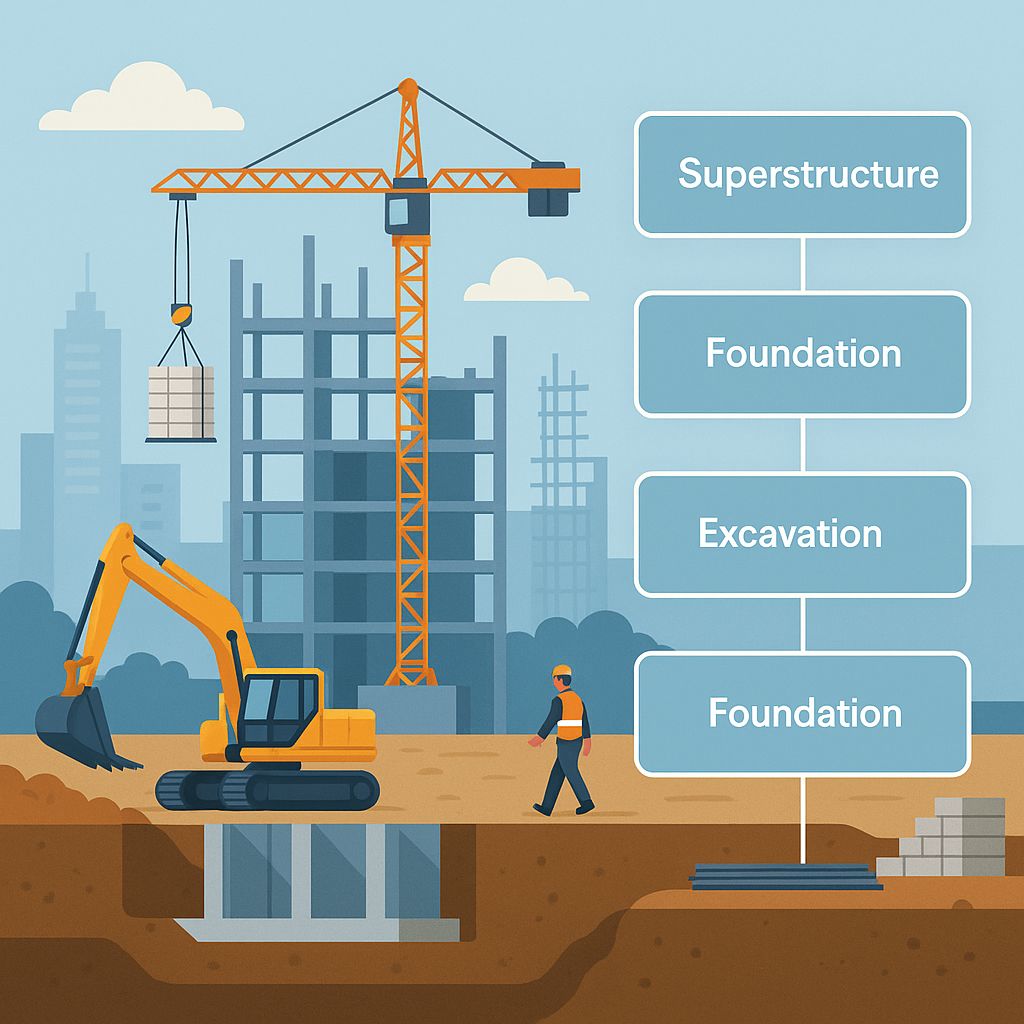
Hierarchy: Start with broad deliverables and break them into smaller components. For example, “Foundation” might include excavation, concrete pouring, and curing timelines.
- Hierarchies give structure to chaos, ensuring the project is logically divided.
-
Levels: Good WBS structures have 3–5 levels. Too few? You miss details. Too many? You waste time micromanaging.
- For example, Level 1 could represent major project phases (e.g., excavation, superstructure, MEP works), while Level 2 breaks these down into smaller deliverables (e.g., columns, beams, wiring).
-
Code Everything: Each task or deliverable should have a unique code or identifier. This is crucial for tracking costs and timelines later. Codes also make it easier to integrate the WBS into software for reporting and updates.
-
BOQ Integration: In construction, your WBS should align with your Bill of Quantities (BOQ). Why? Because your budget depends on it. If your BOQ and WBS don’t match, expect financial headaches.
- For example, if your BOQ lists "Concrete for Columns: 50 m³," your WBS should have a corresponding task for "Concrete Pouring for Columns" to ensure cost tracking.
Comparisons: Poor WBS vs. Effective WBS
| Feature | Poor WBS | Effective WBS |
|---|---|---|
| Hierarchy | Random tasks listed | Logical, tiered breakdown |
| Levels | Overly detailed or vague | 3–5 levels for clarity |
| Coding | Missing or inconsistent | Unique, structured codes |
| BOQ Integration | Unaligned with BOQ | Fully aligned with BOQ |
| Accountability | Tasks without owners | Clear assignment of tasks |
How to Build a WBS That Works
Creating a WBS doesn’t need to be a daunting task. Follow these steps to build a structure that drives project success.
Step 1: Define Your Project Scope
Start with your scope of work. If the scope is vague, your WBS will be, too. For example, if you're building an 8-story residential tower, your scope might include excavation, foundation, superstructure, MEP works, and finishing. A clear scope ensures your WBS covers all deliverables.
Step 2: Break It Down
Each scope item becomes the top-level deliverable in your WBS. From there, break it into tasks. For instance:
- Superstructure → Columns → Beams → Slabs → Staircases.
- MEP Works → Electrical → Plumbing → HVAC → Firefighting.
Keep breaking tasks down until they’re manageable. For example, “Columns” might include reinforcement work, concrete pouring, and curing.
Step 3: Add Codes
Use a structured coding system. For example:
- Superstructure: 1000 series (e.g., 1100 for columns, 1200 for beams).
- MEP Works: 2000 series (e.g., 2100 for electrical, 2200 for plumbing).
Codes make reporting and tracking seamless. They also help when using project management software or integrating with ERP systems.
Step 4: Link It to Your BOQ
Your WBS should mirror your BOQ line items. This ensures you can track costs and resources easily. For instance:
- BOQ: "Concrete for Columns: 50 m³"
- WBS: "Concrete Pouring for Columns"
Step 5: Assign Responsibilities
Each task in the WBS needs a clear owner. Who’s responsible for excavation? Who’s handling slab reinforcement? Accountability keeps projects moving forward.
Real-World Example: Construction WBS Template
Here’s an illustrative example of a WBS for a mid-size residential building project:
| Level 1 | Level 2 | Level 3 | Code |
|---|---|---|---|
| Excavation | Earthwork | Site Clearance | 1001 |
| Excavation | Earthwork | Digging Foundation | 1002 |
| Superstructure | Columns | Concrete Pouring | 1101 |
| Superstructure | Beams | Reinforcement Work | 1201 |
| Superstructure | Slabs | Formwork Setup | 1301 |
| MEP Works | Electrical | Wiring Install | 2101 |
| MEP Works | Plumbing | Pipe Installation | 2201 |
This template ensures clarity at every level, from major project phases to individual tasks.
The Cost-Saving Angle: Why WBS Prevents Budget Overruns
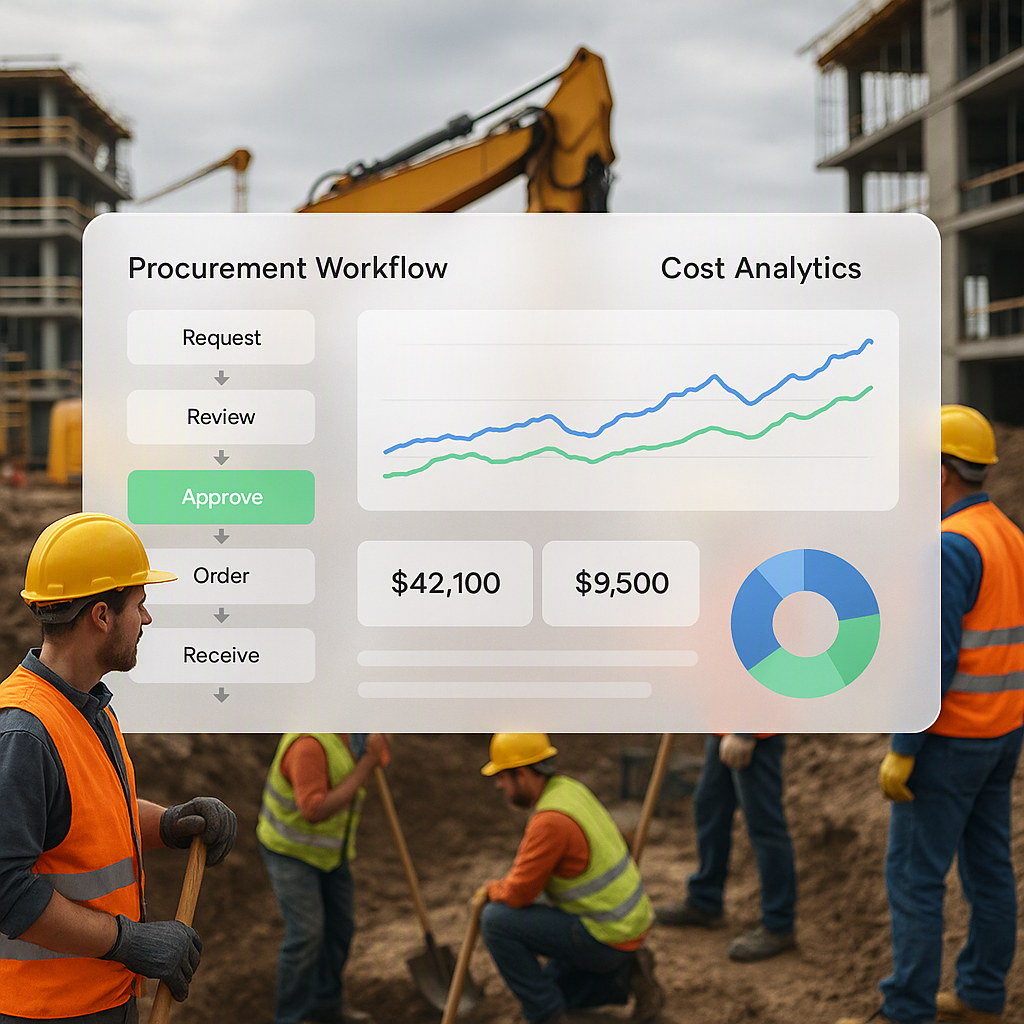
Budget overruns often occur because teams don’t track tasks properly. A WBS fixes this. When you link your WBS to your BOQ and procurement workflows, you can see exactly where the money is going.
For example, if the task “Concrete Pouring for Columns” is running over budget, you can investigate immediately. Was the estimate inaccurate? Were materials wasted? This level of insight allows you to course-correct quickly.
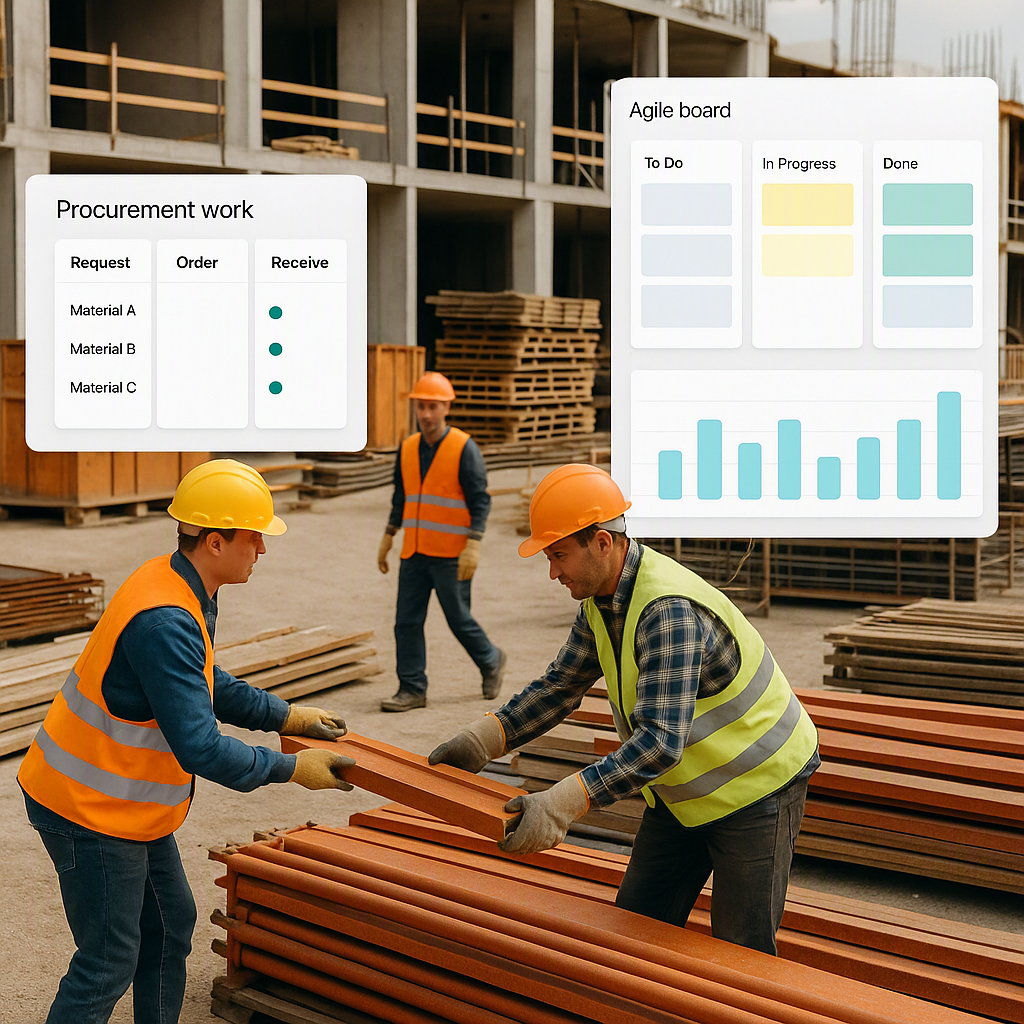
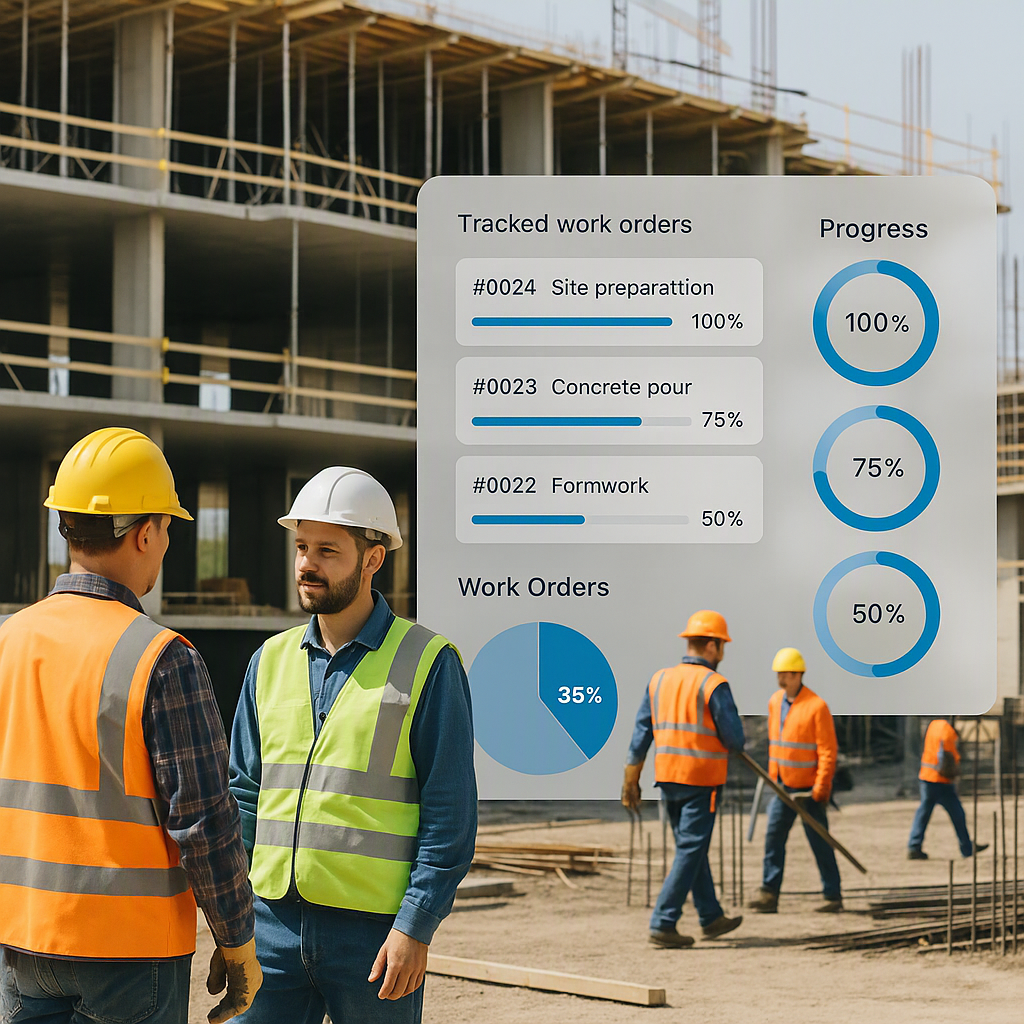
Tools like ProjectsNext streamline this process. They allow contractors to track costs in real time, tying WBS tasks to BOQ items and procurement orders. This integration helps avoid surprises, ensuring projects stay profitable.
Common Mistakes in WBS Creation
1. Ignoring Dependencies
Tasks don’t exist in isolation. If your WBS doesn’t show task dependencies, you’ll run into scheduling conflicts. For example, you can’t install wiring until walls are completed.
2. Overcomplicating the Structure
Some teams add too many levels. It’s unnecessary for smaller projects. Stick to 3–5 levels to avoid confusion and wasted time.
3. Forgetting BOQ Alignment
If your WBS doesn’t match your BOQ, tracking costs becomes a nightmare. Integrate them early to ensure consistency.
4. Skipping Codes
Without codes, your WBS becomes hard to use. Codes make reporting and tracking seamless. Don’t overlook this step.
FAQ
Q1: What software can I use to create a WBS?
You can start with Excel or Google Sheets for small projects. For larger projects, consider ERP tools like ProjectsNext, which integrate procurement, BOQ management, and cost tracking.
Q2: How detailed should my WBS be?
Aim for 3–5 levels. If you go deeper, you risk overcomplication. Your WBS should be detailed enough to manage tasks but simple enough to use.
Q3: Can I reuse a WBS template?
Yes, but customize it for each project. Generic templates won’t capture unique project details like specific deliverables or local regulations.
Q4: How do I ensure my WBS aligns with my BOQ?
Start by structuring your BOQ and WBS simultaneously. Use the same line items and codes to ensure seamless integration.
Q5: What’s the best way to assign responsibilities within a WBS?
Assign tasks based on expertise and availability. Use your WBS to identify dependencies and avoid conflicts when assigning work.
Call to Action
If you’re tired of budget overruns and vague project plans, ProjectsNext can help. Our platform integrates WBS, BOQ, and procurement workflows to give you real-time control over costs and timelines. Learn more →
Learn more at JobNext.ai - Construction ERP