
Why Job Costing Matters
Margins in construction are razor-thin. One overlooked expense or scope creep can push a profitable project into the red. And let’s be honest, it happens more often than anyone likes to admit. But it’s not just about profits—it’s about staying competitive in a market where mistakes can cost you contracts.
Job costing is what keeps contractors in the game. It’s the process of tracking project expenses down to the smallest detail—materials, labor, equipment, subcontractor payments—and matching them against your BOQ (Bill of Quantities). When done right, it’s the difference between a job that bleeds cash and one that builds your reputation.
What Is Job Costing?
At its core, job costing is the practice of assigning all costs—direct and indirect—to a specific project or job. This includes:
- Direct Costs: Expenses directly related to the project, such as materials, labor hours, and equipment rentals.
- Indirect Costs: Overhead expenses like administrative salaries, utilities, or equipment maintenance.
The goal is simple: to know exactly how much each job costs and compare that to your estimates. With this information, you can identify inefficiencies, control budget overruns, and make data-driven decisions.
The Real Problem: BOQ vs Actual Costs
Here’s the ugly truth: many contractors don’t realize where they’re losing money until it’s too late. You submit your BOQ estimate during tendering, but as the project progresses, the actual costs creep up—materials get wasted, labor hours stretch, equipment sits idle. By the time you’re invoicing, your margin is already gone.
Why BOQ and Actual Costs Diverge
Several factors contribute to discrepancies between BOQ estimates and actual costs:
- Material Waste: Poor handling, theft, or incorrect usage can lead to unexpected losses.
- Labor Inefficiency: Unplanned overtime, underperformance, or mismanagement can inflate costs.
- Equipment Downtime: Idle machinery or inefficient utilization burns money without adding value.
- Scope Creep: Changes or additions to the original scope can drastically alter costs.
How to Address These Issues
To minimize the gap between estimated and actual costs, implement the following strategies:
- Real-Time Tracking: Monitor costs as they occur instead of waiting for post-project reconciliations.
- Analyze Trends: Review historical data to identify recurring inefficiencies in material usage or labor.
- Revisit Procurement: Negotiate better terms with suppliers and enforce accountability for wastage.
- Set Clear Scope Boundaries: Document change requests and charge for scope additions.
A Practical Example: Material Procurement
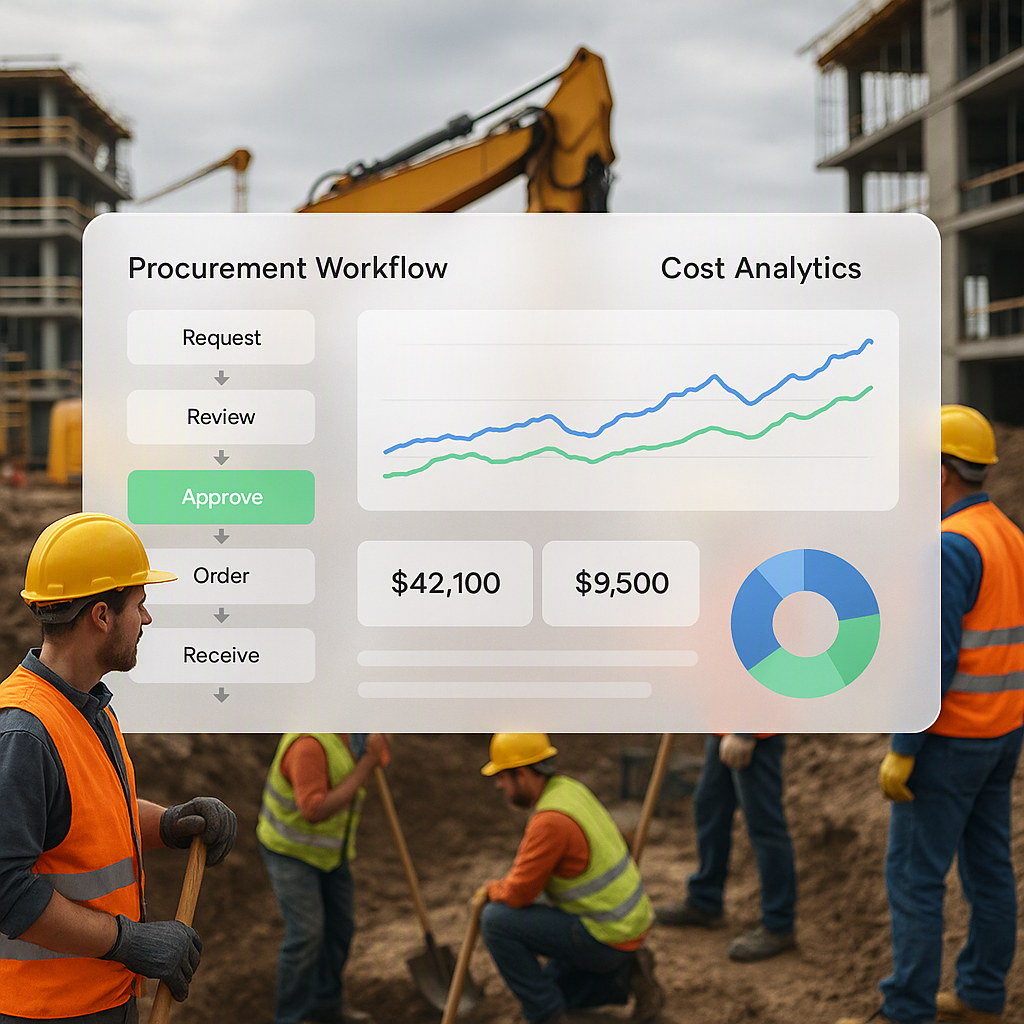
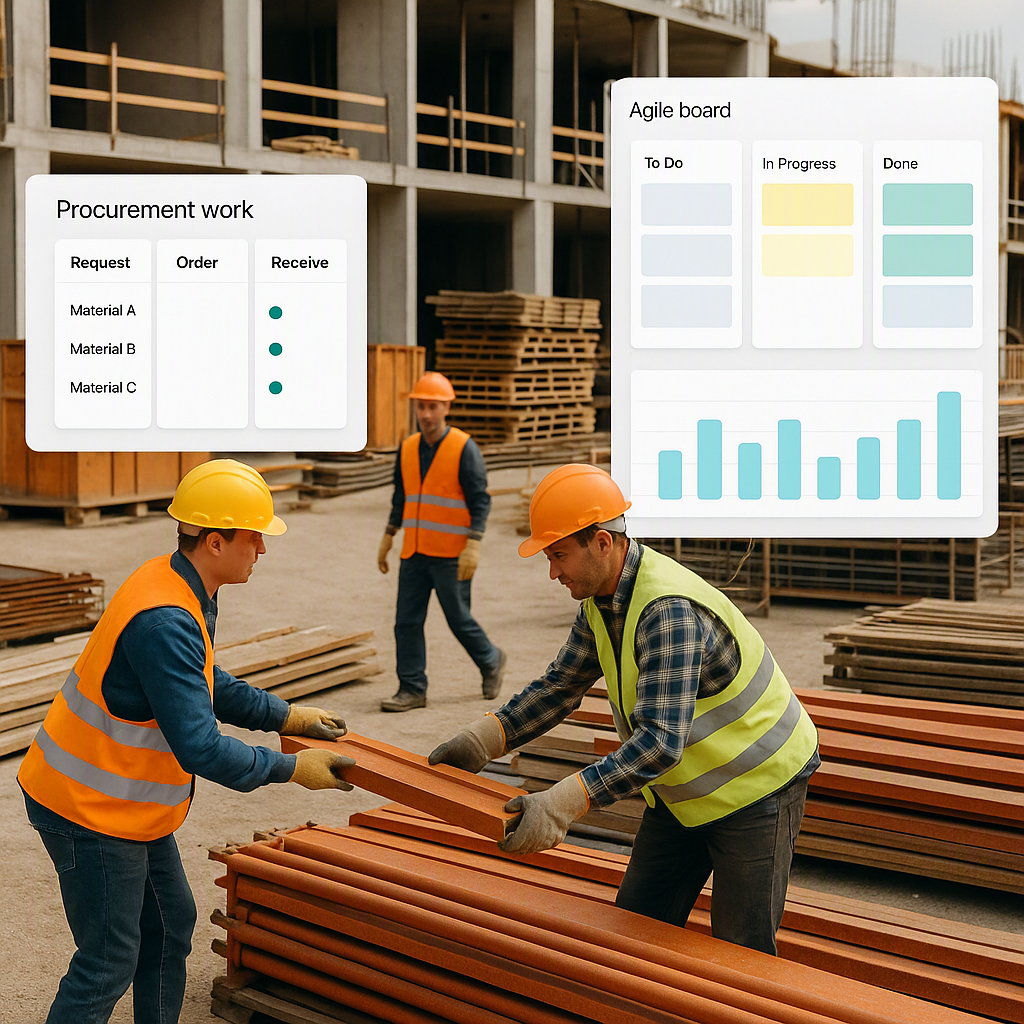
Let’s talk materials. Many contractors still rely on manual workflows—MR (Material Requisition) approvals scribbled on paper, delayed RFQs (Request for Quotations), and POs (Purchase Orders) that take forever to process. This chaos leads to delays and cost overruns. Worse, it creates blind spots in your job costing data, leaving you guessing about where the money went.
The Material Procurement Workflow
A structured procurement workflow can eliminate these inefficiencies. Here’s a breakdown:
- Material Requisition (MR): Define exactly what materials are needed for the job. Avoid over-ordering by tying requisitions directly to BOQ quantities.
- Request for Quotations (RFQ): Send inquiries to multiple vendors to ensure competitive pricing.
- Purchase Order (PO): Formalize the order with clear terms, quantities, and delivery dates.
- Delivery Tracking: Record every receipt and cross-check against the PO.
- Invoice Matching: Match vendor invoices with delivery records to avoid paying for undelivered goods.
Digitize the Workflow
Software like ProjectsNext streamlines the entire process. It tracks materials from MR to RFQ to PO, all in a single dashboard. You get real-time visibility into:
- What’s ordered
- What’s delivered
- What’s invoiced
This transparency ensures that you know exactly where your money is going, protecting your margins.
How Software Simplifies Job Costing
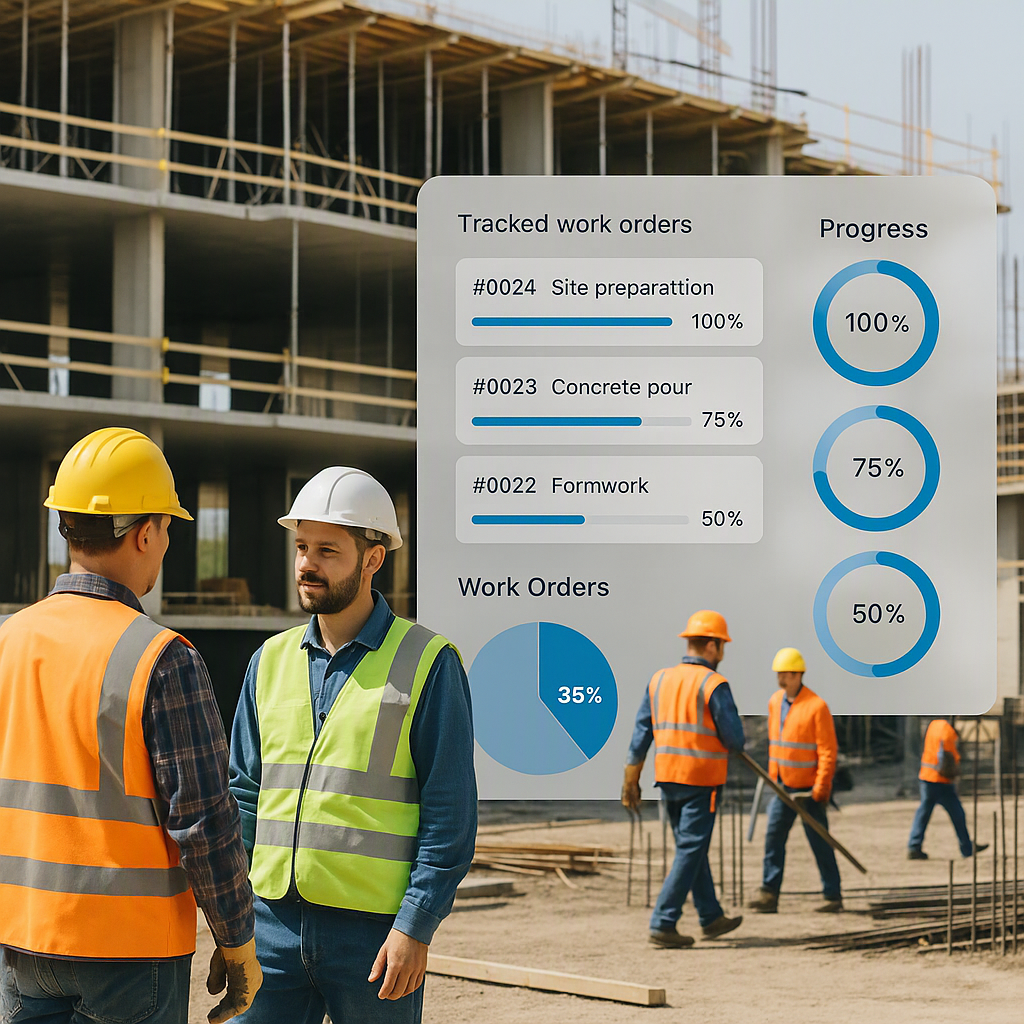
Let’s get practical. Job costing software like ProjectsNext works because it integrates data from every part of your project—procurement, HR, subcontractor payments, equipment usage, and billing. Instead of juggling spreadsheets and disconnected systems, you get a single dashboard that shows you exactly where your money is going.
Benefits of Job Costing Software
- Real-Time Dashboards: Compare BOQ estimates to actual costs instantly.
- Automated Workflows: Reduce manual errors and save time.
- Centralized Data: Access all project-related costs in one place.
- Alerts and Notifications: Get notified when costs exceed thresholds.
- Reporting and Analytics: Generate detailed reports to identify trends and improve future estimates.
For example, if labor hours are exceeding estimates, your dashboard will flag the issue immediately. You don’t have to wait weeks for your finance team to reconcile invoices—you can act now.
Common Mistakes in Job Costing
1. Ignoring Small Costs
It’s easy to focus on big-ticket items like steel or concrete, but small costs—tools, consumables, transportation—add up. If you’re not tracking them, you’re losing money.
Actionable Step:
Create a system to categorize and track all expenses. Even small purchases like nails or screws should be recorded.
2. Delayed Updates
Job costing data is useless if it’s outdated. A lot can change in a week on-site—materials can go missing, subcontractors can bill for extra work. If your system isn’t live, you’re making decisions with yesterday’s numbers.
Actionable Step:
Use software that updates in real-time. Encourage your team to input data daily rather than waiting for end-of-week reconciliations.
3. Overcomplicating Processes
Don’t let job costing turn into an admin nightmare. The goal is to simplify decision-making, not drown your team in forms. Software helps by automating workflows and approvals.
Actionable Step:
Limit manual input. Automate repetitive tasks like invoice matching and purchase order approvals.
FAQ: Job Costing in Construction
1. How do I start with job costing?
Begin by breaking down your project into BOQs, scopes, and activities. Track all costs—materials, labor, equipment—against these categories. Software like ProjectsNext can help structure this process.
2. How often should I review costs?
Daily is ideal. Weekly at the very least. The sooner you spot a discrepancy, the easier it is to fix.
3. What if I need to adjust my BOQ mid-project?
It happens. The key is documenting changes clearly—why the cost increased, who approved it, and what impact it has on margins. This is another area where software can keep you organized.
4. Can job costing work for small contractors?
Absolutely. In fact, small contractors have even less room for error, so job costing is critical. Start with simple tools, then scale as your business grows.
5. What’s the ROI of job costing software?
While it varies, the real value is in preventing margin erosion. If you can stop even one major cost overrun, the software pays for itself.
Comparison Table: Manual vs Software-Based Job Costing
| Feature | Manual Job Costing | Software-Based Job Costing |
|---|---|---|
| Real-Time Updates | No | Yes |
| Accuracy | Prone to errors | Highly accurate |
| Time Efficiency | Time-intensive | Automated workflows |
| Data Accessibility | Spread across spreadsheets | Centralized dashboard |
| Scalability | Limited | Scalable for large projects |
Call to Action
If margin erosion and cost tracking chaos are holding your business back, ProjectsNext can help. Get started free →
Learn more at JobNext.ai - Construction ERP