Picture this scene. It happens every week in construction offices around the world:
A project manager drives to a site 45 minutes away to check on progress. They walk the site, talk to the superintendent, review the work face, and identify three issues that need attention. They drive back to the office, spend an hour compiling notes and photos into an email, send it to the relevant parties, and wait for responses. Total time: four hours. Number of other projects they ignored during those four hours: all of them.
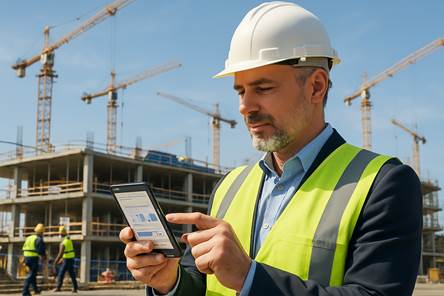
Now picture the alternative. The superintendent captures a 90-second daily report on their phone — photos, voice notes, progress percentages, crew counts, weather conditions. It syncs to the project dashboard in real time. The project manager reviews it over coffee, flags the issues, assigns actions, and moves on to the next project. Total time: 15 minutes.
That is not a hypothetical future. It is what leading contractors do today. And the gap between firms operating this way and firms still running on paper, phone calls, and site visits is becoming an operational chasm.
The Field Information Problem
Construction has always had an information asymmetry problem. The most important data — actual progress, site conditions, safety incidents, material arrivals, workforce attendance — originates in the field. But the people who need that data to make decisions — project managers, estimators, procurement, finance — sit in the office.
Historically, bridging this gap meant:
- Daily phone calls (unreliable, undocumented)
- WhatsApp messages with photos (informal, unsearchable, mixed with personal messages)
- Paper daily reports (delayed, often incomplete, filed in binders nobody reads)
- Weekly site visits (expensive, limited coverage, snapshots instead of streams)
The result is that project managers manage based on information that is 3-7 days old. In construction, where conditions change daily, that delay is the breeding ground for cost overruns, schedule slippage, and safety incidents.
What Modern Field Apps Actually Do
The current generation of construction mobile apps — platforms like Raken, Fieldwire by Hilti, and Buildern — have matured significantly. Here is what a typical workflow looks like:
Morning: Crew Deployment
The superintendent opens the app and sees today's tasks, assigned crews, and required materials. They confirm crew arrivals with a GPS-verified check-in, note any absentees, and adjust assignments. This data flows to the project schedule and labor tracking in real time.
Throughout the Day: Progress Documentation
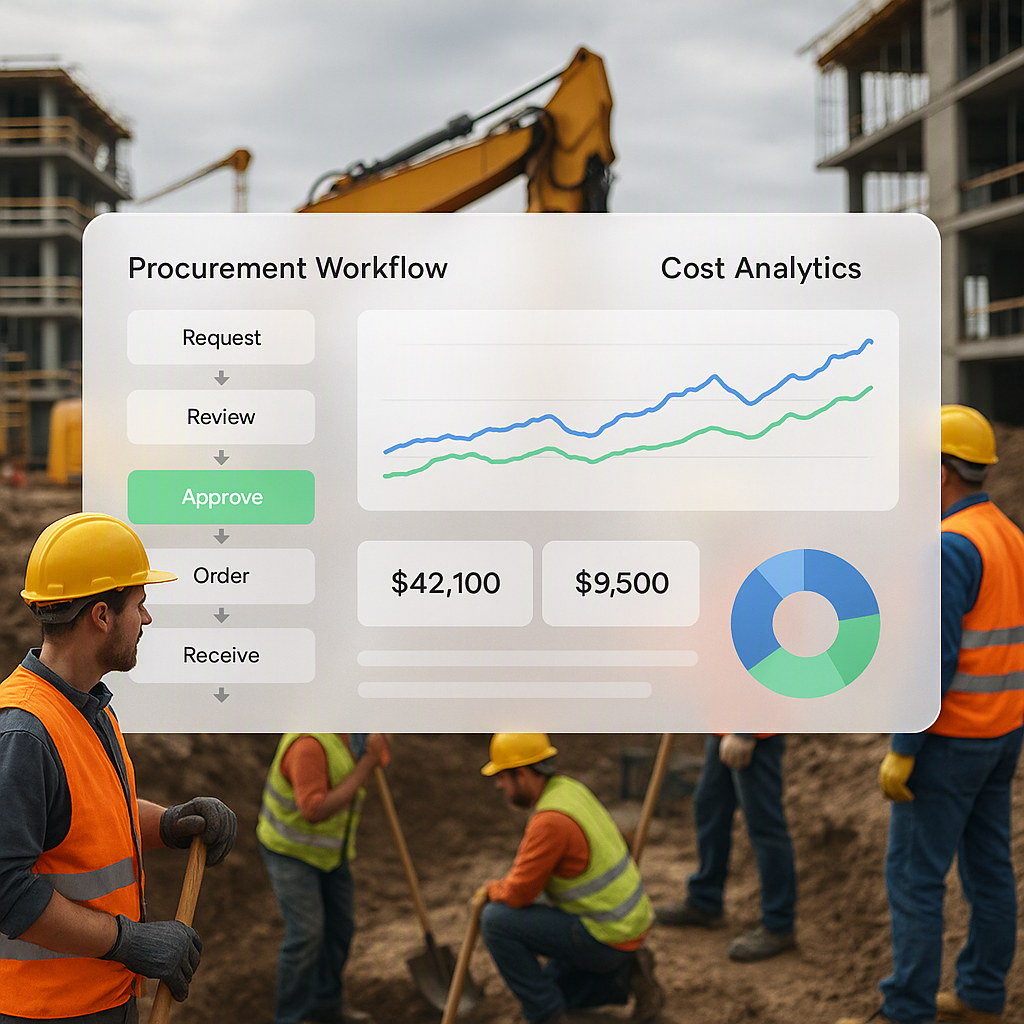
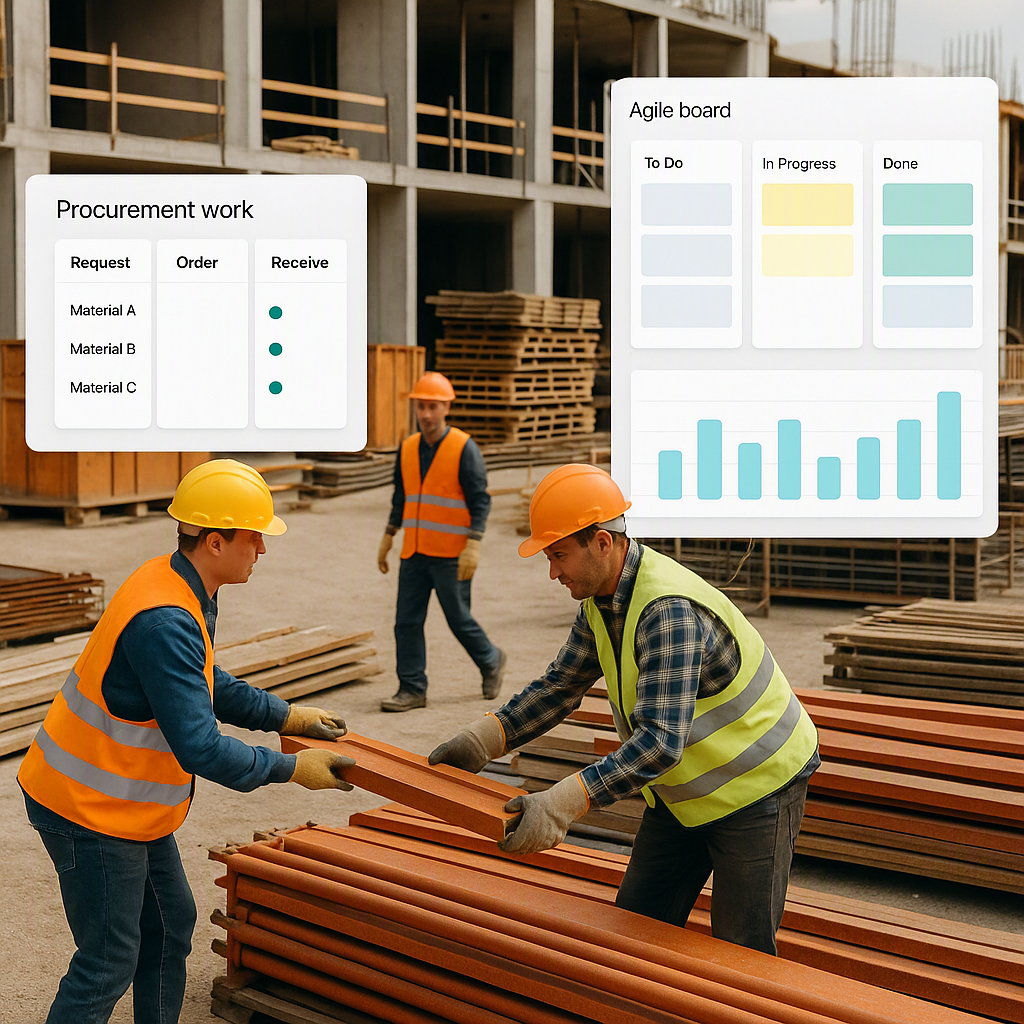
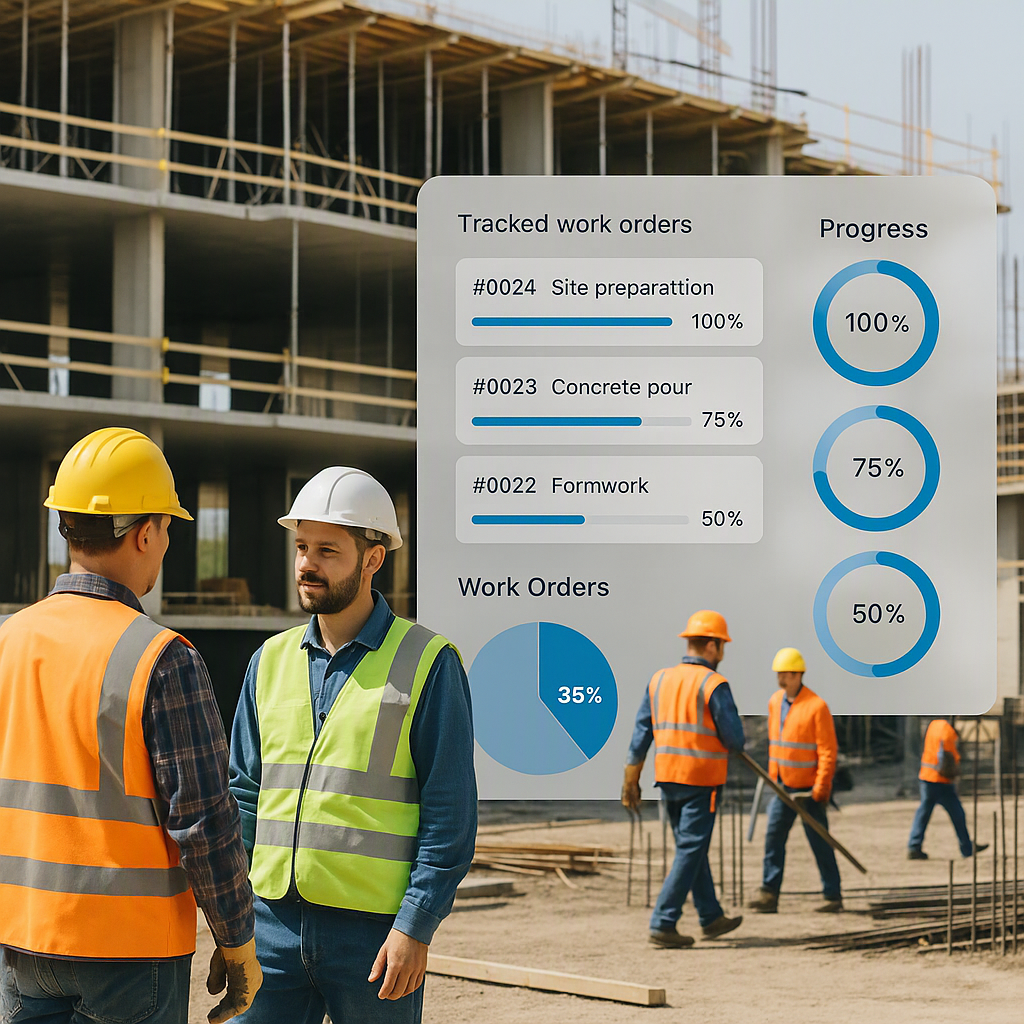
As work progresses, crew leads capture photos and tag them to specific locations, work packages, or punch list items. Progress percentages update against the schedule. Material deliveries are scanned and recorded against purchase orders.
Issue Reporting
When something goes wrong — a design conflict, a safety concern, damaged material, a subcontractor no-show — the issue is logged immediately with photos, location, and severity rating. It routes to the appropriate person for resolution. The issue creates an auditable trail that connects the field observation to the management response.
End of Day: Daily Report
The daily report is largely auto-generated from the day's captured data: weather, crew counts, work completed, issues logged, materials received, safety observations. The superintendent reviews and submits. It takes five minutes instead of thirty.
Office Side: Dashboard and Alerts
Project managers, estimators, and executives see updated dashboards reflecting real-time field data. Alerts fire for issues requiring attention: budget thresholds exceeded, safety incidents reported, schedule milestones at risk.
The Offline Problem (Solved)
The most common objection to mobile construction apps is connectivity. Construction sites — especially remote infrastructure projects — often have limited or unreliable cellular coverage.
Modern apps handle this with offline-first architecture. Field teams can log hours, update daily reports, access blueprints, and mark tasks as complete even without a network connection. Data syncs automatically when connectivity returns. No data is lost, and the user experience is unchanged.
This is not a compromise — it is a design principle. The best construction mobile apps assume connectivity is unreliable and engineer accordingly.
Real Impact: What the Numbers Show
54% of contractors report project delays due to workforce shortages. Mobile apps do not solve the labor shortage, but they make the available workforce more productive by eliminating administrative burden.
Consider a superintendent who spends 45 minutes per day on paperwork — timesheets, daily reports, material logs, safety documentation. Over a year, that is 195 hours — nearly five full work weeks — spent on documentation instead of supervision. Mobile apps with pre-filled templates, photo capture, and voice-to-text reduce that to 15-20 minutes per day, recovering 100+ hours annually per superintendent.
For project managers overseeing multiple sites, the impact is multiplied. Instead of driving between sites for status updates, they monitor dashboards and intervene only when needed. A PM managing five sites might recover 10-15 hours per week — time that goes back to proactive project management instead of reactive information gathering.
Integration Is Where the Real Value Lives
A standalone field reporting app is useful. A field reporting app connected to your ERP is transformational.
When field data flows into your project management system:
- Time entries from the field update labor costs in real time — no month-end timesheet reconciliation
- Progress photos link to schedule milestones — visual evidence of completion for billing purposes
- Material receipt records trigger cost accruals — the cost forecast reflects reality, not lagging data
- Safety incidents create action items — with tracking, escalation, and compliance reporting
- Daily crew counts inform resource planning — workforce allocation adjusts based on actual availability
Without integration, you have a reporting tool. With integration, you have a real-time command center for your construction operations.
Adoption: Why Field Teams Resist (and How to Win Them Over)
Technology adoption in the field is a human challenge, not a technical one. Superintendents and foremen resist new tools when:
- The tool adds work without removing it (they fill out the app AND the paper form)
- The interface is complex (designed by engineers who have never stood in mud)
- They do not see the benefit (the PM gets a dashboard; they get more data entry)
- There is no training beyond "here is the app, figure it out"
The firms that achieve high field adoption follow a consistent playbook:
Eliminate the old process immediately. When you deploy the mobile app, stop accepting paper daily reports. If both systems run in parallel, everyone defaults to the familiar one.
Start with the field team's pain point. Do not lead with "management needs visibility." Lead with "you will never fill out a paper timesheet again" or "you can submit an RFI with a photo from your phone instead of driving to the office."
Train on the jobsite, not in a conference room. Show people how to use the tool in the environment where they will actually use it — standing up, wearing gloves, in variable lighting.
Celebrate early wins publicly. When a superintendent catches a design conflict through a field-reported issue and saves a week of rework, make sure the whole company hears about it.
Choosing a Construction Mobile App
Not all construction apps are created equal. When evaluating options:
| Feature | Must Have | Nice to Have |
|---|---|---|
| Offline capability | Yes | — |
| Photo/video capture with tagging | Yes | — |
| Daily report auto-generation | Yes | — |
| GPS-verified time tracking | Yes | — |
| Integration with ERP/PM tools | Yes | — |
| Blueprint/drawing markup | — | Yes |
| Voice-to-text for notes | — | Yes |
| QR/barcode scanning for materials | — | Yes |
| Custom form builder | — | Yes |
The most important criterion is not the feature list — it is whether the tool genuinely reduces the field worker's administrative burden. If it does, they will use it. If it does not, no mandate from management will change that.
The Future: Wearables and Sensors
The next evolution of field technology extends beyond phone apps to wearable devices and environmental sensors. Smart helmets with heads-up displays, wearable fatigue monitors, and environmental sensors tracking noise, dust, and temperature are already in pilot projects.
These devices generate continuous data streams that require integrated platforms to process and act upon. The contractors building that platform capability today — through integrated ERP and field app deployments — will be positioned to leverage these emerging technologies as they mature.
The field-to-office communication problem has been solved technologically. The remaining challenge is organizational: making the decision to adopt, committing to the change, and following through. The contractors who have done it are not going back.
Ready to see JobNext in action?
Multi-tenant SaaS ERP for construction, facilities management, and contracting — covering preconstruction, project execution, procurement, HR & payroll, equipment, finance, and 150+ analytics reports.
Get Started Free →Learn more at JobNext.ai - Construction ERP