
"We Don’t Need Another Overcomplicated Tool"
For the longest time, I believed resource management in construction projects was straightforward. You estimate your manpower, materials, and equipment needs based on experience, track everything in spreadsheets, and adjust as you go. If something slipped through the cracks, you patched it up on-site. After all, construction is messy, right? Trying to "over-optimize" would just slow us down. Software solutions seemed like overkill, especially when margins were already razor-thin. Why invest in another tool when we could just work harder and smarter?
That’s what I thought. And I was wrong.
The Moment It Hit Me
The turning point came during a mid-sized residential project I was consulting on in Chennai. The contractor's team was juggling 12 active sites, each with its own crew, materials, and equipment needs. They were using a mix of spreadsheets, WhatsApp groups, and manual processes to allocate resources. It wasn’t bad. But it wasn’t good, either.
Then it happened. A small miscommunication between the site manager and the procurement team led to a two-week delay in concrete delivery. The crew sat idle, equipment rental fees piled up, and the project lost ₹7 lakhs. What made it worse? They didn’t even realize the mistake until it was too late to fix. The manager thought the order was placed. Procurement thought it was still pending clarification. The spreadsheet didn’t catch the gap.
That was my wake-up call. This wasn’t a one-off. Resource mismanagement was eating into margins across the industry. And it wasn’t just about inefficiency—it was about how quickly small errors could snowball into massive costs.
Why the Old Way Seemed Good Enough
I’ll admit, there was a certain appeal to the old-school methods. Spreadsheets gave us control. You could tweak formulas, play with numbers, and feel like you were in charge. WhatsApp was fast and familiar—why bother with a clunky new tool? And let’s be honest, the idea of implementing new software felt exhausting. Who had time for training, data migration, and the inevitable teething problems?
Plus, there was this underlying confidence that we knew our projects inside and out. We’d been doing this for years. Sure, there were occasional hiccups, but wasn’t that just the nature of the business?
Turns out, it wasn’t.
What’s Wrong with Spreadsheets?
Spreadsheets are great for simple tasks, but they quickly fall apart when complexity increases. Here are the main reasons:
-
Lack of Real-Time Updates: Spreadsheets are static by nature. If one team member updates a file, others may not see the changes immediately. This creates lag and misalignment.
-
Manual Errors: A single typo in a formula or cell can lead to cascading errors.
-
No Historical Tracking: Want to know who made a change or when it happened? Good luck finding that in a spreadsheet.
-
Scalability Issues: Managing one project in Excel is manageable. Managing 12 projects with shared resources, overlapping schedules, and fluctuating needs? That’s a recipe for chaos.
Why Do We Cling to Old Methods?
- Familiarity: People stick to what they know. Spreadsheets and messaging apps are ubiquitous.
- Cost Perception: Many assume that software solutions are prohibitively expensive.
- Fear of Change: Implementing new tools feels overwhelming, especially for teams with no technical background.
While these reasons are understandable, they come at a cost: inefficiency, miscommunication, and wasted resources.
The Feature That Changed Everything
Fast forward a few months, and I’m introduced to a resource management software that caught my attention: ProjectsNext. Specifically, their resource allocation feature. It works by letting you map your projects, BOQs (Bill of Quantities), and activities down to the tiniest detail. But what really stood out was its ability to track resource availability in real time across multiple concurrent projects. No more guesswork. No more back-and-forth messages.
How ProjectsNext Works
Here’s how it works in practice:
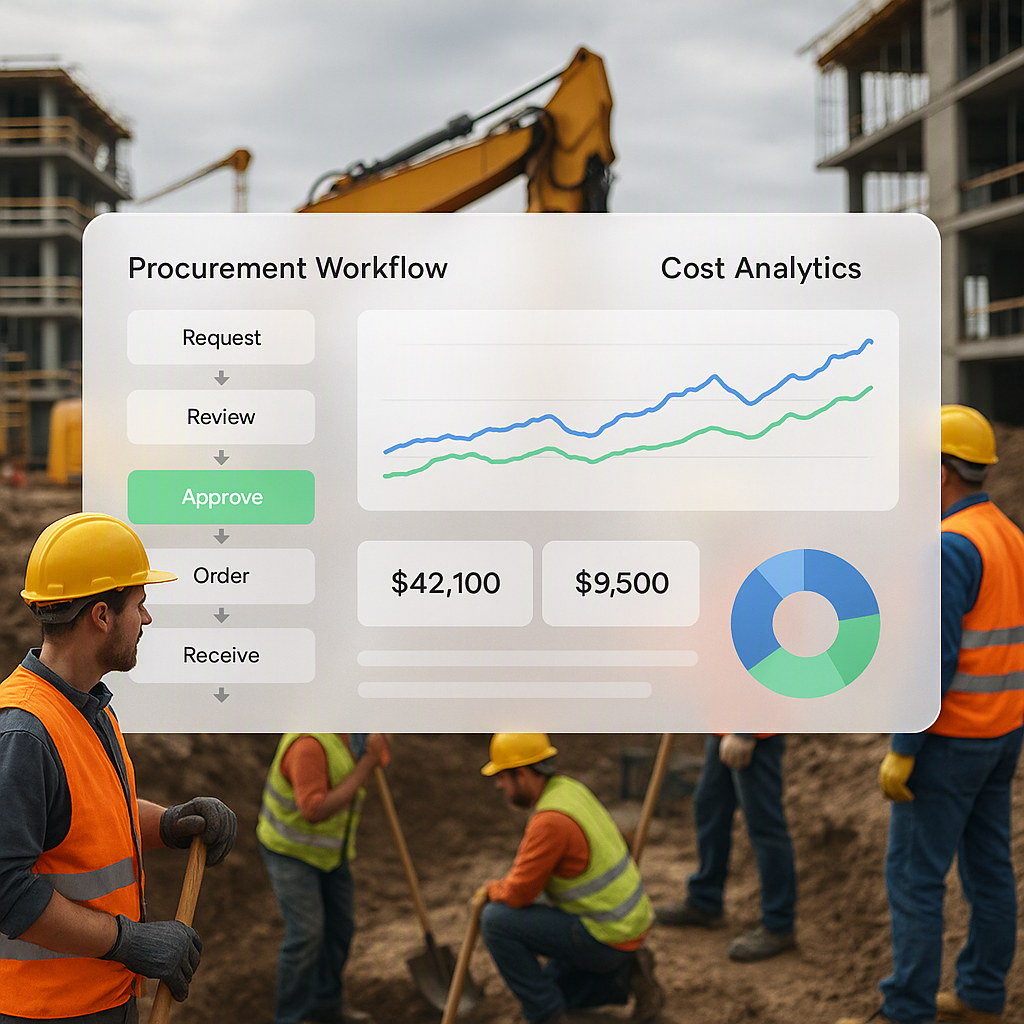
- Material Requisition (MR): A site manager needs 10 tons of steel for a project. They log a request in ProjectsNext.
- Stock Availability Check: The system automatically checks stock levels across all sites and warehouses.
- Structured RFQ Process: If the material isn’t available, the software triggers a Request for Quotation (RFQ) process.
- Approval Workflow: Role-based access ensures that only authorized personnel approve purchases.
- Integration with Procurement: Once approved, the system generates a Purchase Order (PO) and tracks delivery timelines.
It’s not just materials—manpower and equipment are managed similarly. For example, if a crane is required on-site, the system checks availability and schedules its transfer, avoiding double bookings.
The Difference It Made
That same contractor in Chennai adopted the system. Within three months, they reported zero idle days due to missing resources. The ₹7 lakh mistake? Never happened again. More importantly, they gained confidence in their planning and execution.
What I Do Differently Now
Today, I don’t recommend spreadsheets for resource management. Period. They’re fine for small teams or single projects, but the moment you’re managing multiple sites or working with subcontractors, they’re a liability.
Instead, I advocate for tools that provide real-time visibility and integration. Here’s the checklist I follow when evaluating resource management software:
| Feature | Why It Matters |
|---|---|
| Real-Time Updates | Avoid delays caused by outdated information. |
| Multi-Site Visibility | Manage resources across multiple projects. |
| Integrated Workflows | Connect procurement, HR, and inventory. |
| Role-Based Access | Ensure accountability and prevent bottlenecks. |
| Scalability | Handle growth without breaking the system. |
Actionable Steps for Transitioning
- Audit Your Current Processes: Identify where delays or inefficiencies occur. Is it procurement? Communication? Tracking inventory?
- Start Small: Pilot the software on one or two projects before rolling it out company-wide.
- Train Your Team: Invest time in onboarding. A tool is only as good as the people using it.
- Monitor ROI: Track metrics like idle time, procurement cycle duration, and material wastage. These will justify the investment.
What I’m Still Thinking About
I’ll be honest: software isn’t a magic bullet. It won’t fix bad project planning or poor leadership. And it’s not cheap. The initial investment—both in cost and time—can be significant, especially for smaller contractors.
But here’s the thing: the cost of not having a proper resource management system is higher. Just look at that ₹7 lakh mistake in Chennai. Multiply that by a few projects, and you’re staring at a major financial hole. The question isn’t whether you can afford resource management software. It’s whether you can afford not to have it.
The Bottom Line
If you’re still managing resources with spreadsheets and texts, it’s time to rethink your approach. Resource management software like ProjectsNext can help you track availability, streamline procurement, and avoid costly mistakes. It’s not just about efficiency—it’s about survival in a competitive industry.
Ready to see how it works? Get started with ProjectsNext today →
Learn more at JobNext.ai - Construction ERP