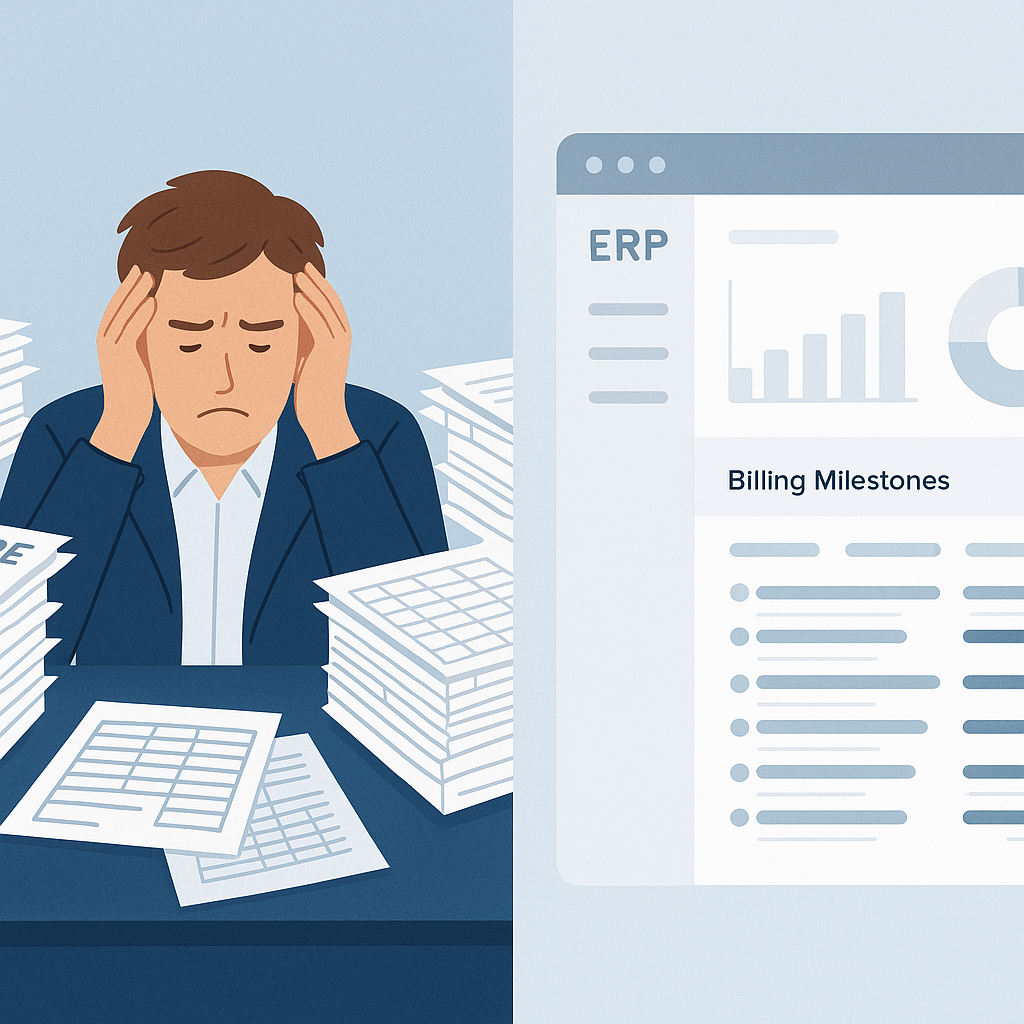
Why ERP Comparisons Are a Mess (and What to Focus On)
If you've ever tried to compare construction ERP systems, you know the problem. Every vendor promises the same thing: "streamlined operations," "better margins," and "real-time data." But dig deeper, and you'll find huge differences in what these tools actually do. Some are glorified accounting software. Others are cobbled-together modules that barely talk to each other. The result? Contractors pick the wrong tool 60% of the time, according to ERP Focus.
We’ve been there. Our team has worked with contractors across India and the GCC, and we’ve seen how bad software choices erode margins. So instead of giving you a list of 10 ERPs, let’s focus on what really matters: unified platforms that solve specific problems.
The #1 Problem: Tool Fragmentation
Here’s a stat to chew on: the average contractor uses 5-7 tools just to manage daily operations. One for estimating, another for procurement, a third for billing, and so on. Sounds manageable? It’s not. According to JobNext.ai, this kind of fragmentation can shave 2-5% off your project margins. Why? Because disconnected systems mean:
- Duplicate data entry: Your team spends hours retyping the same info across tools.
- Missed connections: Procurement doesn’t sync with billing, so you overcommit resources.
- Blind spots: Key metrics like project profitability aren’t available in real time.
What to Look for in a Construction ERP
So how do you avoid these traps? Look for these 5 non-negotiables:
-
Unified Modules: Your ERP should cover everything from tendering to payroll without third-party plugins. A good example is JobNext, which includes 6 billing methods, procurement workflows, and subcontractor management in one system.
-
Real-Time Cost Tracking: Can it show project profitability by BOQ, scope, or estimate? If not, you’re flying blind.
-
Compliance Built In: For contractors in India or the GCC, GST/TDS compliance and GCC payroll features are a must. Tools like JobNext integrate Tally for statutory reporting, saving teams days of manual work.
-
Role-Based Access: Not everyone needs to see everything. Your ERP should let you control permissions by role.
-
Analytics: Does it give you actionable insights? Platforms with pre-built dashboards (like JobNext’s 150+ SSRS reports) are worth their weight in gold.
A Real-World Comparison: JobNext vs. QuickBooks + Add-Ons
Let’s take two common setups: a unified ERP like JobNext and a fragmented setup using QuickBooks with add-ons for procurement, HR, and project tracking. Here’s how they stack up:
| Feature | JobNext ERP | QuickBooks + Add-Ons |
|---|---|---|
| Procurement Workflow | MR → RFQ → Vendor Offers → PO | Manual spreadsheets |
| Billing Methods | 6 (RA Bills, stage-wise, etc.) | 1-2 (basic invoicing only) |
| Compliance | GST/TDS, GCC payroll, Tally sync | Requires third-party tools |
| Analytics | 150+ reports, real-time dashboards | Limited, fragmented data |
| Cost Tracking | By BOQ, scope, and WBS hierarchy | Manual reconciliation |
The takeaway? QuickBooks might look cheaper upfront, but the hidden costs of fragmentation add up fast.
How to Avoid Buyer’s Remorse
You might be thinking, "Sure, but ERPs are expensive and take forever to implement." Fair point. But here’s the thing: implementation failure isn’t about the software—it’s about the approach. As we’ve outlined in ERP Implementation for Contractors, the key is a phased rollout. Start with high-impact modules (like procurement or billing) and expand as your team gets comfortable.
Final Thoughts
Comparing construction ERPs isn’t about finding the "best" software. It’s about finding the right tool for your operation. If disconnected systems are bleeding your margins, a unified platform like JobNext can save you time, money, and headaches. Just remember: the real ROI comes from solving specific problems—not chasing buzzwords.
Want to see how JobNext stacks up for your business? Check out their blog for more insights.
Ready to see JobNext in action?
Multi-tenant SaaS ERP for construction, facilities management, and contracting — covering preconstruction, project execution, procurement, HR & payroll, equipment, finance, and 150+ analytics reports.
Get Started Free →