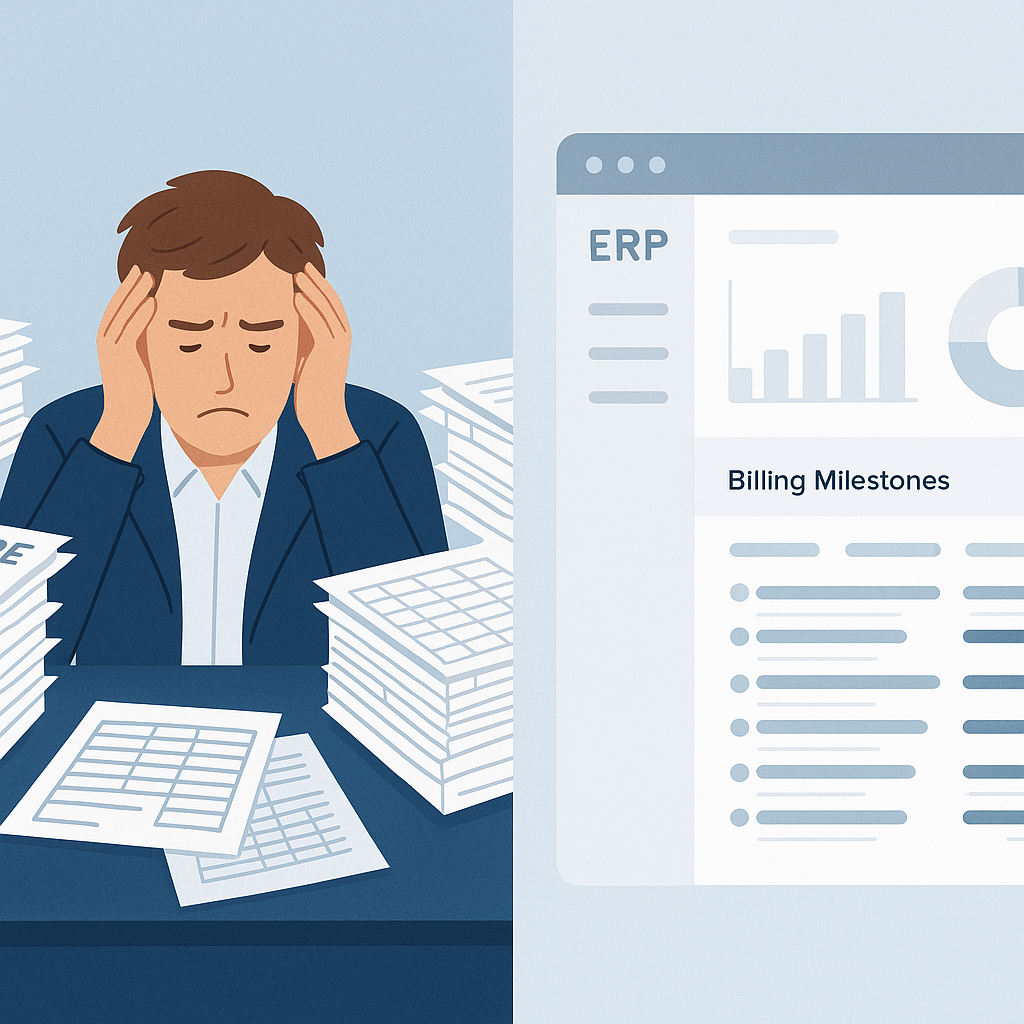
₹25 Lakh Gone: The Hidden Cost of Billing Chaos
Billing errors don’t sound dramatic, but they’re bleeding small contractors dry. I’ve seen it firsthand. Missed invoices, incomplete RAs, and manual errors add up fast. For companies running multiple projects, the math can be brutal — ₹25 lakh or more lost annually.
Why? Because billing in construction isn’t simple. You’ve got running account (RA) bills, stage-wise billing, monthly invoices, BOQ-based supply billing, and more. Each method has its own rules and timelines. Juggling these manually, or even with disconnected tools, creates gaps. And gaps mean revenue leakage.
Real-Life Chaos: A Finance Controller’s Nightmare
Let’s say you’re a mid-sized MEP contractor. You’re managing 14 active projects. Each project has its own billing structure: RA bills for one, stage-wise for another, and BOQ supply for a third. Your team uses Excel for RA measurements, invoices from Tally, and email to chase clients.
Here’s what happens:
- Missed Milestones: Someone forgets to raise an RA bill after a site inspection. That’s ₹8 lakh delayed — or forgotten entirely. A real example comes from a contractor in Bengaluru who found that RA bills for two projects worth ₹12 lakh were sitting in drafts for over three months due to poor communication.
- Manual Errors: BOQ line items are mismatched with invoices, leaving ₹2 lakh unbilled. In one case, a Pune-based contractor missed ₹5 lakh worth of BOQ items because their team accidentally skipped rows while copying data from Excel.
- Approval Delays: Your project manager sits on a draft invoice for days because you don’t have an automated approval workflow. A Gujarat-based firm reported losing ₹4 lakh in interest charges on delayed payments simply because their manual process slowed down invoice issuance.
Sound familiar? It’s not just frustrating; it’s a margin killer.
The Fix: Unified Billing in an ERP
This is where a unified ERP like JobNext shines. It automates and standardizes billing across all your projects. No more Excel chaos, no more Tally exports, no more manual rework. Here’s how it works:
1. All Billing Methods Covered
Whether it’s RA, stage-wise, monthly, supply BOQ, combined, or one-time, the system handles it. Contracts and BOQs flow directly into billing schedules. For instance, a contractor in Hyderabad implemented JobNext and reduced their billing errors by 80% in the first quarter.
2. Real-Time Approvals
Multi-level workflows ensure that invoices move from draft to final without bottlenecks. Let’s say your site engineer submits measurements directly into the ERP. The system alerts the project manager for review and approval. No more emails lost in inboxes.
3. Error-Free Invoicing
The system auto-matches BOQ items, measurements, and approved quantities. No more missed line items. For example, a contractor in Chennai recovered ₹15 lakh in missed billing simply by automating BOQ matching.
4. Integrated Accounting
Invoices automatically sync with accounts receivable, reducing double-entry errors. Imagine reconciling a ₹50-lakh project without manually matching Tally entries — that’s what JobNext enables.
What’s the ROI?
Let’s break it down. If you’re running ₹50 crore in annual turnover and losing 5% to billing inefficiencies, that’s ₹2.5 crore gone. A unified billing system like JobNext could save you ₹25 lakh or more annually.
Add to this the time saved for your finance team. A contractor in Mumbai reported that their finance team’s workload dropped by 40% after switching to JobNext.
But What About Small Teams?
You might be thinking, “This sounds great, but we’re a small team. Do we really need an ERP?” The answer is yes. Even if you’re running just 5 projects, the complexity of construction billing is too high to manage manually.
Start Small
A unified ERP scales with you. Start with basic functionality like RA billing and BOQ matching. As you grow, the system grows with you. One small contractor in Kerala started with just 3 projects on JobNext and expanded to 12 projects within a year without any additional tools.
Why GST Compliance Matters
There’s another angle here: compliance. In India, GST on construction services is a maze. Misfiled invoices can trigger penalties or audits. JobNext simplifies this by auto-computing GST for every invoice, syncing directly with statutory compliance tools like Tally.
Case Study: Avoiding GST Penalties
A contractor in Delhi faced a ₹3 lakh penalty for under-reporting GST because they manually calculated taxes on invoices. After switching to JobNext, their GST compliance is fully automated, eliminating errors.
Actionable Steps to Tackle Billing Chaos
- Audit Your Current Processes: Identify where errors occur — missed invoices, approval delays, or manual mismatches.
- Start with Key Projects: If ERP adoption feels overwhelming, start with one or two critical projects.
- Train Your Team: An ERP is only as good as its users. Train your team to input data correctly and use automated workflows.
- Monitor Metrics: Use the ERP’s dashboard to track overdue invoices, missed BOQ items, and approval delays.
FAQs
1. Can an ERP really replace Excel for billing?
Yes, and it does it better. While Excel is flexible, it’s error-prone and doesn’t scale. An ERP like JobNext automates repetitive tasks, reduces errors, and ensures you never miss a billing milestone. For example, contractors using JobNext report an 80% reduction in manual errors.
2. What if my clients delay payments?
JobNext integrates with accounts receivable tracking, giving you real-time visibility into overdue payments. You can set up automated reminders for clients, reducing delays. A contractor in Jaipur reduced payment delays by 30% using these features.
3. Is it worth the cost for small contractors?
Absolutely. The ROI is substantial. If you’re losing even ₹10 lakh annually to billing errors, the cost of an ERP pays for itself within months. Small teams in tier-2 cities like Coimbatore have seen savings of ₹5–10 lakh annually after adopting JobNext.
4. How long does it take to implement?
Implementation depends on your team size and processes, but most small contractors can go live in under 3 months with proper onboarding. JobNext offers guided setup and training to smooth the transition.
5. What if I’m already using Tally?
JobNext integrates seamlessly with Tally, syncing invoices and GST data automatically. You won’t have to abandon your existing accounting setup.
Comparison Table: Manual Billing vs ERP Billing
| Feature | Manual Billing | ERP Billing (e.g., JobNext) |
|---|---|---|
| Error Rate | High (human errors, missed items) | Low (automated checks) |
| Approval Workflow | Manual (email follow-ups) | Automated (multi-level workflows) |
| GST Compliance | Prone to errors | Fully automated calculations |
| Scalability | Limited | Scales with project complexity |
| Time Required | High (manual data entry) | Low (automated processes) |
| ROI | Negative (lost revenue) | Positive (savings and efficiency) |
Final Thoughts
If billing chaos is eroding your margins, it’s time to act. Unified ERPs like JobNext solve this problem by automating complex billing processes and ensuring compliance. The savings — both in time and money — are undeniable.
Stop losing revenue to billing errors. Get started with JobNext →