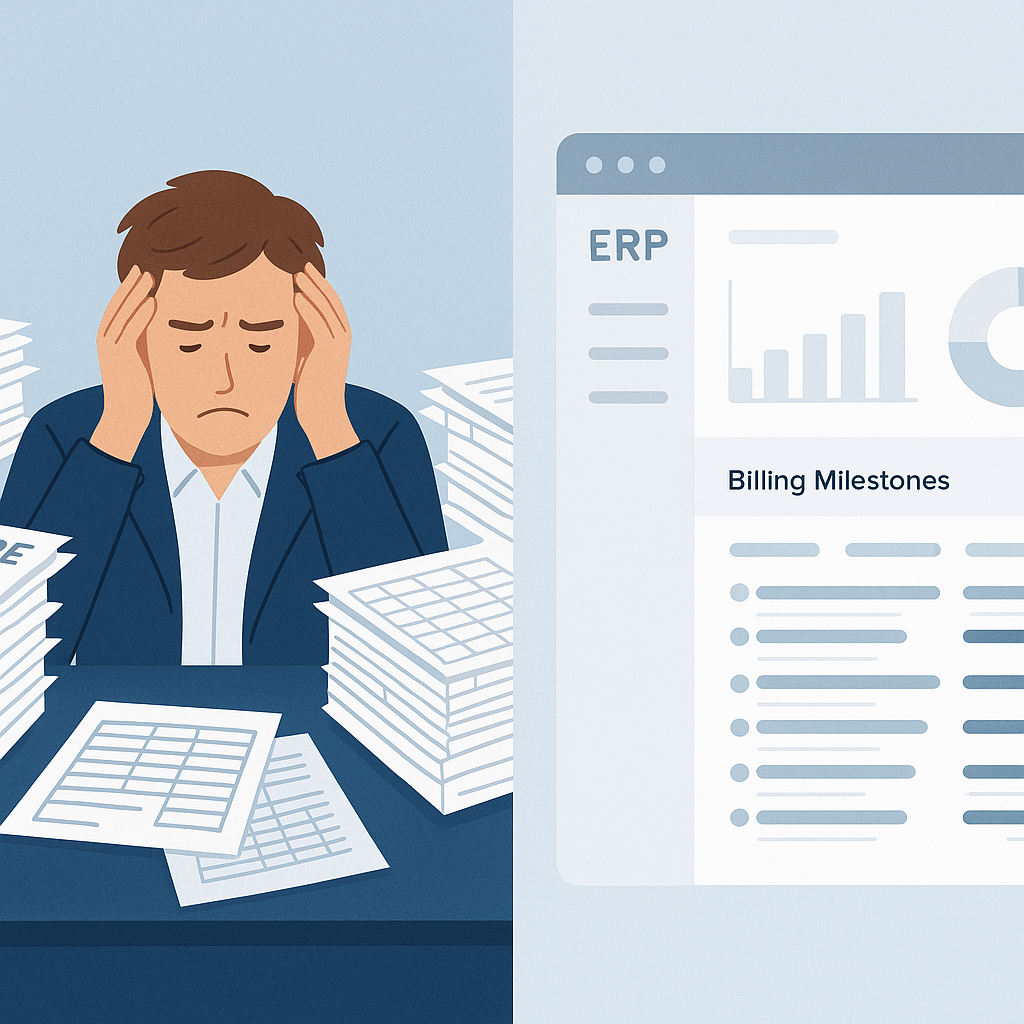
Are You Leaving Money on the Table?
Let’s get straight to it: small contractors lose millions every year because of disconnected billing systems. It’s not just about missed invoices or delayed payments—though those are bad enough. It’s about revenue leakage you didn’t even know existed. Sound familiar?
Here’s a common scenario: You finish a project milestone, but the client’s RA (Running Account) bill doesn’t include certain work items. Maybe a recently approved change order got lost in the shuffle. Or perhaps a site engineer forgot to update the BOQ (Bill of Quantities). By the time you realize, it’s too late. The client has moved on, and you’re eating the cost.
We’ve seen contractors bleed ₹30 to ₹50 lakh annually due to manual or fragmented billing processes. That’s not a rounding error—it’s your profit margin.
The Disconnected Tools Problem
Why does this happen? Because most small contractors rely on a patchwork of tools. Spreadsheets for BOQ tracking. Separate invoicing software. Email threads for client approvals. Maybe even a word processor for drafting invoices.
These tools don’t talk to each other. Data has to be manually copied from one to the next. And every manual step introduces risk—typos, omissions, or just plain forgetting to follow up.
Take this example: a contractor managing a ₹5 crore residential project was using Excel for BOQ tracking and WhatsApp for change order approvals. After a site inspection, a ₹2 lakh change order for additional plumbing work was verbally approved. But because the engineer forgot to update the BOQ, the plumbing work never made it to the RA bill. By the time the mistake was noticed, the client refused to pay, citing lack of documentation. That ₹2 lakh came straight out of the contractor’s margin.
In my opinion, this is one of the sneakiest ways small contractors lose money. You might think, “Hey, we’re a small operation. We don’t need an expensive ERP.” But here’s the kicker: the longer you wait to fix this, the more money you lose.
How Unified Construction ERPs Fix It
A unified construction ERP doesn’t just centralize your billing—it makes sure you don’t miss a single rupee. Let’s take a look at how:
1. Integrated Billing with BOQ and Scope
With an ERP like JobNext, your BOQ, scope, and billing are all connected. Any approved changes to the project automatically flow through to the billing module. No more chasing emails or manually revising quotes.
For instance, if a ₹10 lakh landscaping change order is approved via the ERP, the system automatically updates the BOQ and flags the work for inclusion in the next RA bill. This ensures no work goes unbilled.
2. Six Billing Methods, Zero Revenue Leakage
Not all projects are billed the same way. Some clients want stage-wise billing. Others prefer RA Bills. A few might need one-time invoices. The best ERPs support all of these methods and ensure that no work gets left unbilled.
For example: A contractor managing a ₹15 crore commercial project used to manually draft RA bills. They frequently missed reimbursable items like site overheads and transportation costs. After switching to JobNext, the ERP automatically flagged reimbursable costs for inclusion in every bill, recovering nearly ₹25 lakh in missed revenue in the first year alone.
3. Approval Workflows That Actually Work
Ever had a bill delayed because someone “forgot to approve it”? A good ERP enforces multi-level approval workflows. If a manager doesn’t approve, the system nudges them. No more bottlenecks.
Imagine this: A ₹7 crore contractor used to email bills to the project manager for approval. Delays in approvals often postponed billing cycles by weeks. After implementing an ERP, approval reminders reduced delays by 80%, and billing cycles were completed on time.
4. Real-Time Visibility
How much have you billed for this project? What’s still pending? Who’s dragging their feet on approving the next invoice? A unified ERP gives you real-time dashboards. No more guessing games.
One contractor used JobNext’s dashboard to identify ₹8 lakh worth of pending invoices across two projects. Within a week, all bills were sent and approved, recovering cash flow that had been stuck for months.
But What About Small Contractors?
You might think, “This all sounds great, but we’re not a big company. Can we really afford an ERP?”
Here’s the thing: you can’t afford not to. The money you waste on manual errors and missed billing is far greater than the cost of a modern, cloud-based ERP like JobNext. For small to mid-size contractors running multiple projects, the ROI is massive.
Cost Comparison: Manual Processes vs. ERP
| Aspect | Manual Processes | JobNext ERP |
|---|---|---|
| Missed Revenue | ₹30–50 lakh/year | ₹0 (Automated Tracking) |
| Time Spent on Billing | 10–15 hours/week | 2–3 hours/week |
| Compliance Errors | High (₹5–10 lakh penalties) | Minimal (Automated GST/TDS) |
| ERP Cost | ₹0 upfront, hidden losses | ₹50,000–₹2 lakh/year |
And let’s not forget compliance. If you’re operating in India, GST and TDS compliance can be a nightmare. JobNext handles this automatically, including Tally integration for statutory reporting. For contractors in the GCC, it simplifies VAT calculations. That’s not just convenient; it’s essential to avoid penalties.
What Happens if You Don’t Fix This?
You might get by for a while. But as you take on more projects, the complexity will grow. So will your losses. And let’s not forget the trust factor—clients notice when your invoices are late or inaccurate. It raises red flags about your reliability.
In my view, this is the critical point. It’s not just about money. It’s about reputation. If your clients can’t trust you to manage your billing, why would they trust you to manage their projects?
FAQ
Q: Isn’t an ERP too expensive for small contractors?
A: Cloud-based ERPs like JobNext are designed with small and mid-size contractors in mind. You’ll save far more in recovered revenue and improved efficiency than you’ll spend on the platform.
Q: What’s the ROI of switching to an ERP?
A: Contractors who adopt JobNext typically recover 5–10% of their annual revenue in missed billing, reduce admin time by 60%, and cut compliance errors by 90%.
Q: How does an ERP help with compliance?
A: JobNext automates GST/TDS calculations, integrates with Tally, and tracks statutory deductions like PF and ESI. No more manual errors or late filings.
Q: What if I only need some of the features?
A: A good ERP is modular. You can start with the features you need—like billing—and expand as your business grows.
Q: How long does it take to implement?
A: Implementation timelines vary, but with a SaaS ERP like JobNext, you can be up and running in weeks, not months.
If missed revenue and billing chaos are holding your business back, JobNext can help. Get started today →