The Hidden Cost of Disconnected Billing Systems
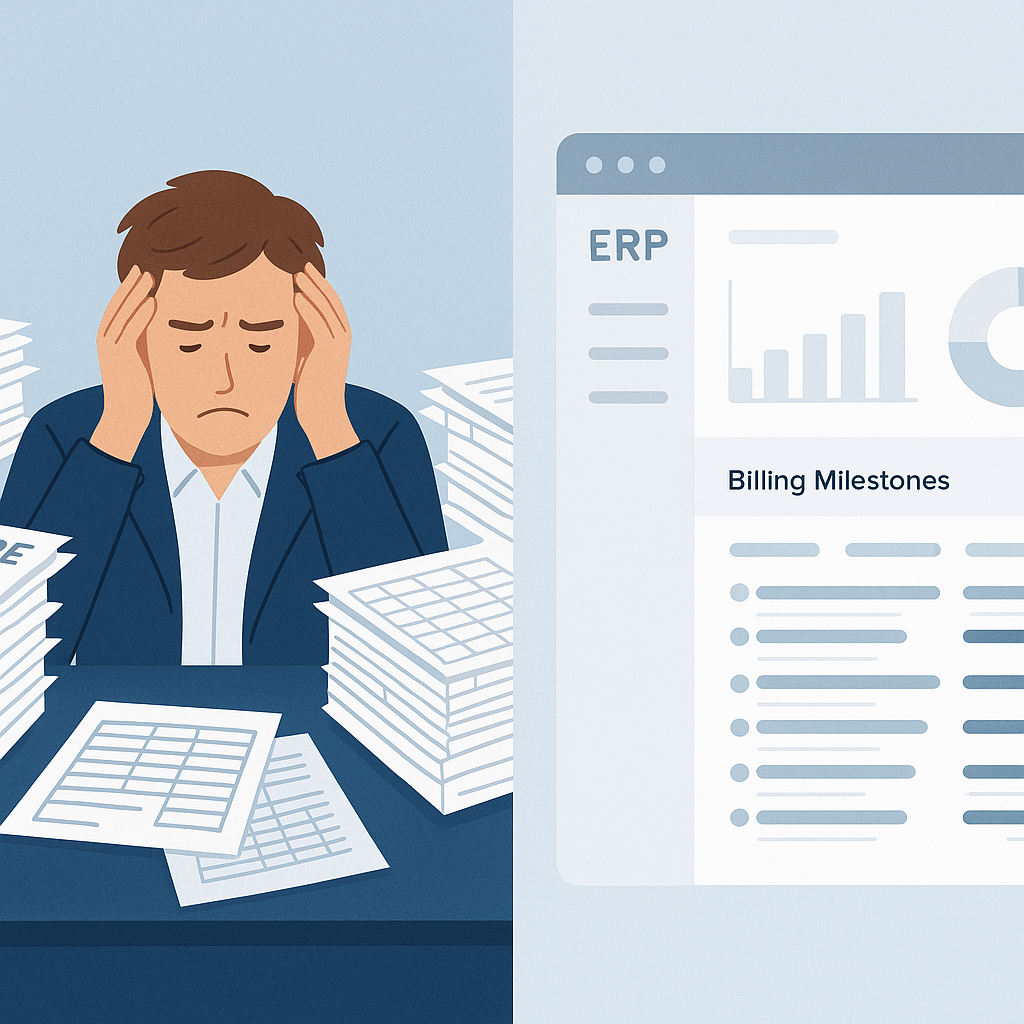
Every small contractor has faced this nightmare: a project closes, but some work remains unbilled. Maybe it was a stage payment missed in the chaos, or supply BOQ items that were overlooked. It’s not always negligence—it’s often the fault of disconnected systems. You’re juggling spreadsheets, standalone invoicing software, and chaotic paper trails. The math is brutal: even missing ₹2 lakh per project can add up to ₹25 lakh annually if your firm runs 12 projects a year.
The obvious objection? "But we’ve always done it this way." Sure, spreadsheets and manual methods worked when you had two projects. But scale changes everything. Running 10-15 concurrent jobs with multiple billing methods—RA bills, stage-wise, monthly invoicing, etc.—is a recipe for leakage.
Why Revenue Leakage Hurts Beyond Cash Flow
Missed billing doesn’t just impact your bottom line—it damages your business in other ways:
- Damaged Client Relationships: Sending delayed or inaccurate invoices can frustrate clients, eroding trust and potentially jeopardizing repeat business.
- Staff Inefficiency: When your accounting team spends hours chasing missed bills, they’re not focused on strategic tasks like forecasting or cost control.
- Difficulty Securing Loans: Banks and financial institutions look at cash flow stability when assessing creditworthiness. Revenue leakage makes your books look weaker than they are.
6 Ways Unified ERPs Protect Your Revenue
Unified construction ERPs like JobNext come with built-in billing workflows that ensure every piece of work gets invoiced. Here’s how:
1. Multiple Billing Methods
JobNext supports six billing methods—running account (RA) bills, stage-wise billing, monthly invoicing, supply BOQ, combined billing, and one-time invoices. Whatever your project demands, it’s covered. For example, civil contractors often use RA billing for progressive work, while interior contractors lean toward stage-wise billing. JobNext adapts to both without manual intervention.
2. Auto-Flow from Execution
Say goodbye to re-entering data from job setup to invoicing. Job BOQs and WBS structures auto-flow into the billing module, ensuring no missed entries. For instance, if a plumbing subcontractor finishes work tied to a specific BOQ item, it’s automatically flagged for invoicing. This eliminates human error and keeps billing consistent.
3. Approval Chains
Every invoice passes through multi-level approval workflows. This prevents rogue billing, unauthorized charges, or duplicate invoices. For example, invoices created by site managers are reviewed by project leads before being finalized by accounting teams. This ensures both accuracy and accountability.
4. Integrated AR Tracking
Billing isn’t just about raising invoices—it’s about getting paid. The ERP tracks accounts receivable, aging reports, and overdue payments to ensure your cash flow stays healthy. For instance, you can automate payment reminders for invoices overdue by 30 days, reducing the need for manual follow-ups.
5. Compliance Built-In
GST/TDS compliance is auto-handled. Forget manual calculations or missed deductions—JobNext integrates statutory reporting via Tally. For example, if you’re working on projects in states with differing GST rates, JobNext handles this seamlessly, ensuring compliance across all projects.
6. Real-Time Visibility
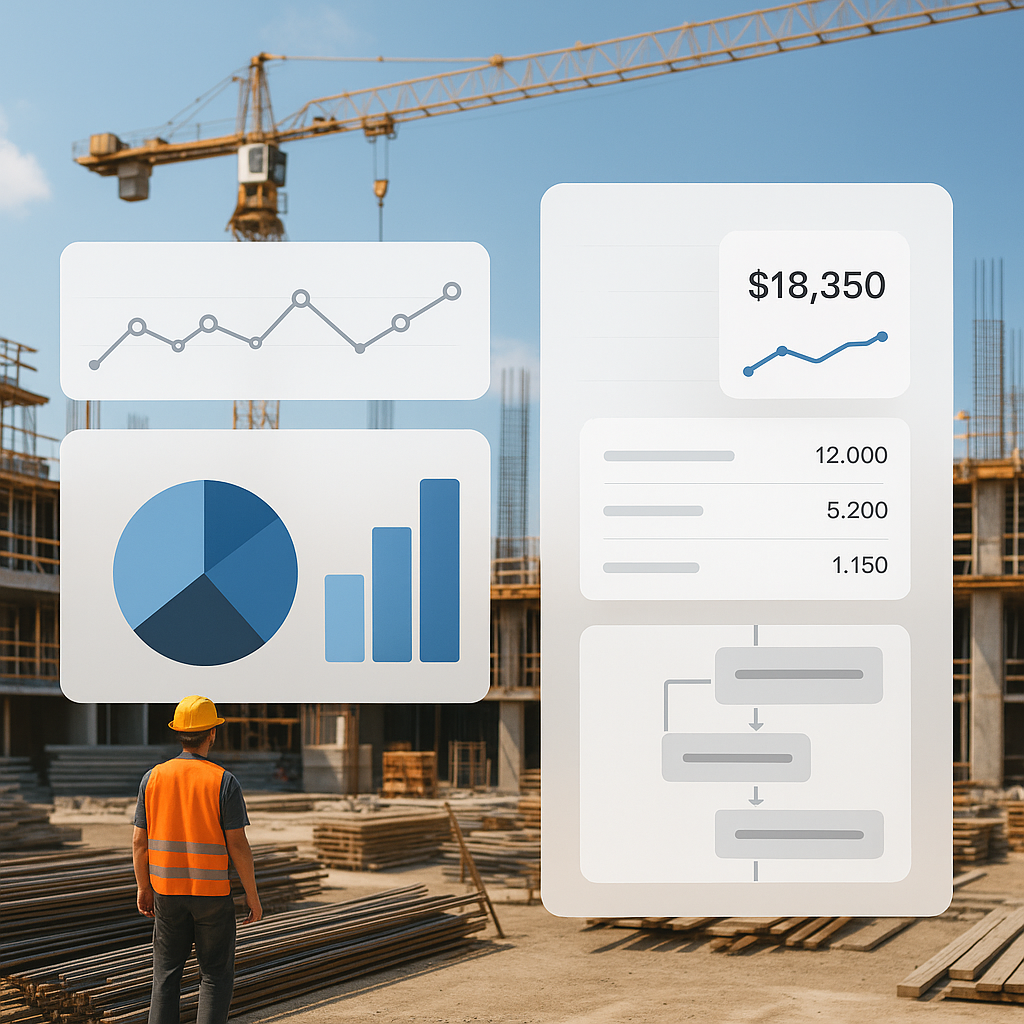
Dashboards show invoiced amounts, pending bills, and overdue payments across all projects. No surprises when month-end closes. For example, a landscaping contractor overseeing ten projects can instantly see which ones are lagging behind on payments.
Real-World Example: ₹15 Lakh Saved in Revenue Recovery
One JobNext client, a mid-size MEP contractor in India, discovered ₹15 lakh in unbilled work during their first ERP audit. Their old system couldn’t handle combined billing for supply BOQs and RA payments. JobNext’s unified billing module flagged the mismatch, allowing the team to recover lost revenue.
This isn’t an isolated case. Civil, interior, EPC, and landscaping contractors all suffer from revenue leakage. If you’re billing manually, you’re likely leaving money on the table.
But What About the Cost of ERPs?
You might be thinking, "Unified ERPs sound expensive." Fair point. Small contractors don’t have ₹50 lakh budgets for enterprise-grade systems. But JobNext is purpose-built for contractors with 50-2,000 employees. It’s a SaaS model—pay-per-user, scalable, and affordable. You won’t pay for features you won’t use.
Let’s be honest: can you afford NOT to invest? Losing ₹25 lakh annually dwarfs the cost of an ERP subscription. Even a ₹5,000 monthly subscription is a fraction of the revenue recovery potential.
Comparison: Manual Billing vs. ERP Billing
| Feature | Manual Methods | Unified ERP (JobNext) |
|---|---|---|
| Billing Methods | Limited (mostly spreadsheets) | Six methods supported |
| Data Accuracy | Prone to errors | Auto-flow from execution |
| Compliance Handling | Manual GST/TDS calculations | Automated |
| Accounts Receivable | Requires manual tracking | Integrated AR workflows |
| Scalability | Struggles with >5 projects | Handles 50+ concurrent jobs |
| Real-Time Reporting | Not available | Dashboards and alerts |
FAQs
Q: What if I don’t use RA billing?
A: JobNext handles multiple methods. If your projects rely on stage-wise or monthly invoicing, the workflows adapt accordingly. For instance, interior designers often prefer stage-wise billing, which JobNext supports seamlessly.
Q: We already use Tally for finance—why switch?
A: JobNext integrates with Tally for statutory compliance. But Tally alone won’t manage project-specific billing workflows. JobNext bridges the gap between execution and finance, ensuring no revenue leakage.
Q: Can JobNext handle GCC VAT compliance?
A: Yes, it supports dual GST/VAT setups for Indian and GCC operations, making it ideal for contractors working across borders. For example, a UAE-based contractor managing projects in India can easily switch between compliance frameworks.
Q: How hard is implementation?
A: Implementation takes weeks, not months. The platform comes pre-configured for construction workflows. Training is straightforward, with guided modules for project managers and accounting teams.
Q: Can I start with a small team?
A: Yes, the SaaS model allows you to scale as needed. You can start with just one project team and expand as your confidence in the system grows.
Call-to-Action: Stop the Leakage
If you’re dealing with unbilled work, disconnected systems, or missed payments, JobNext can help. Get started free →
: AI KB: JobNext Product Overview: Help: Getting Started Index: AI KB: JobNext Product Overview: Overview: JobNext Overview: AI KB: JobNext Product Overview: AI KB: Finance & Accounting Module