How to Track Project Cost Overruns and Protect Your Margins
Cost overruns are the silent killers of contractor profitability. On paper, a project might look profitable. But by the time you wrap up, you realize you’ve eaten into your margins — or worse, ended up in the red. It’s frustrating, and it’s avoidable.
Why Do Cost Overruns Happen?
Cost overruns usually sneak in through small cracks rather than dramatic failures. Here are the usual suspects:
- Poor BOQ tracking: Your Bill of Quantities (BOQ) looked fine during tendering, but execution brought surprises. Materials ran over budget, or labor costs exploded.
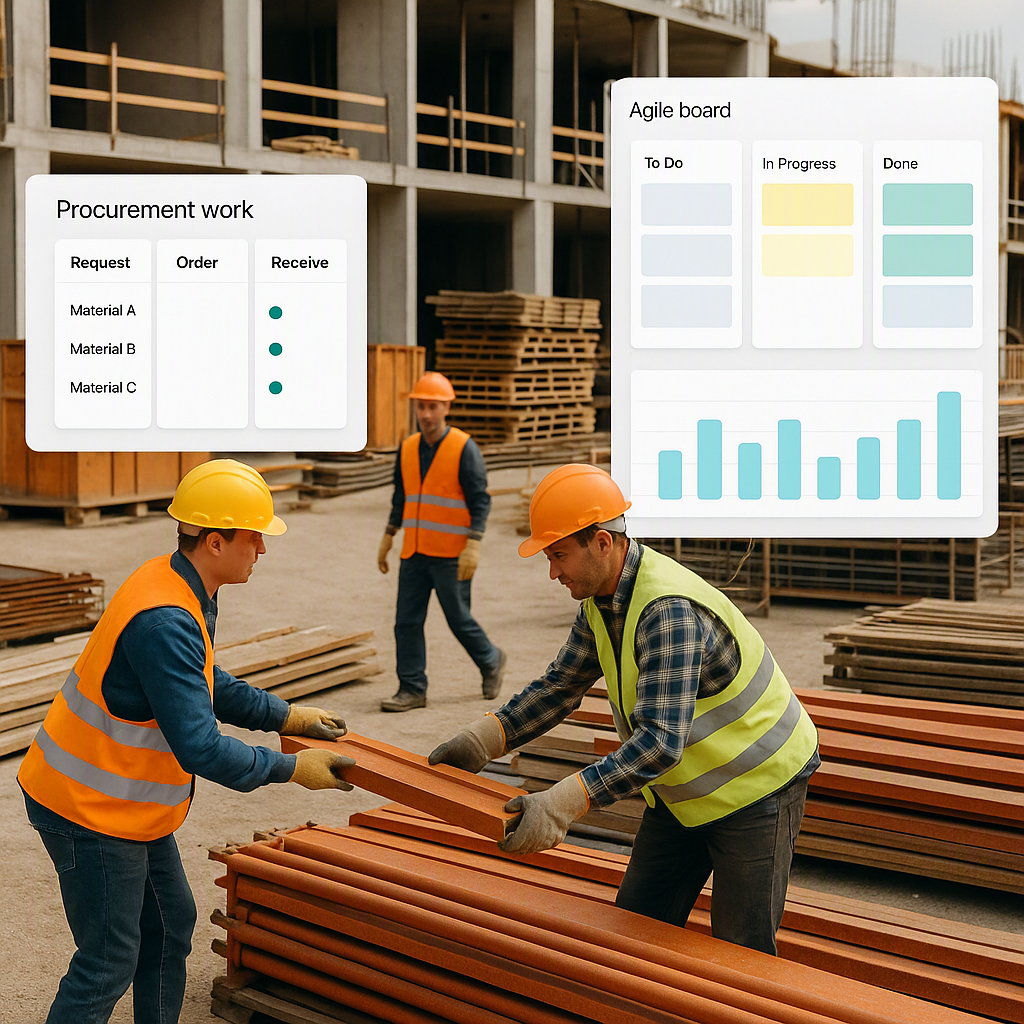
- Unstructured procurement: When material requisitions (MRs) and purchase orders (POs) aren’t tracked properly, you lose control over spending.
- Subcontractor issues: Payment disputes, unclear measurement tracking, or scope creep can punch holes in your budget.
- Delayed billing: You don’t realize you’ve missed billing for work completed until it’s too late.
- Compliance penalties: GST, TDS, PF, ESI — non-compliance here can lead to fines that eat into your margins.
Recognize any of these? If yes, then you already know the stakes. Let’s talk solutions.
The Real Fix: Tracking Costs in Real-Time
The best antidote to cost overruns is visibility. If you can track your project costs as they happen, you catch problems early — before they spiral out of control. This means comparing budgeted costs (your estimate) to actual costs (what you’re spending) at every stage of the project.
Step-by-Step: How to Track Project Costs
-
Set Up Your BOQ/WBS Structure A clear hierarchy is the foundation of cost tracking. Your BOQ or Work Breakdown Structure (WBS) should define every item, scope, and resource requirement. Without this structure, tracking is guesswork. For instance, break your project into manageable sections: earthworks, foundations, superstructure, and so on. Each segment should have defined quantities, rates, and budgets. This not only streamlines tracking but also makes variance analysis simpler.
Actionable Tip: Use software to digitize your BOQ/WBS and tag costs to each item. This makes it easier to track discrepancies.
-
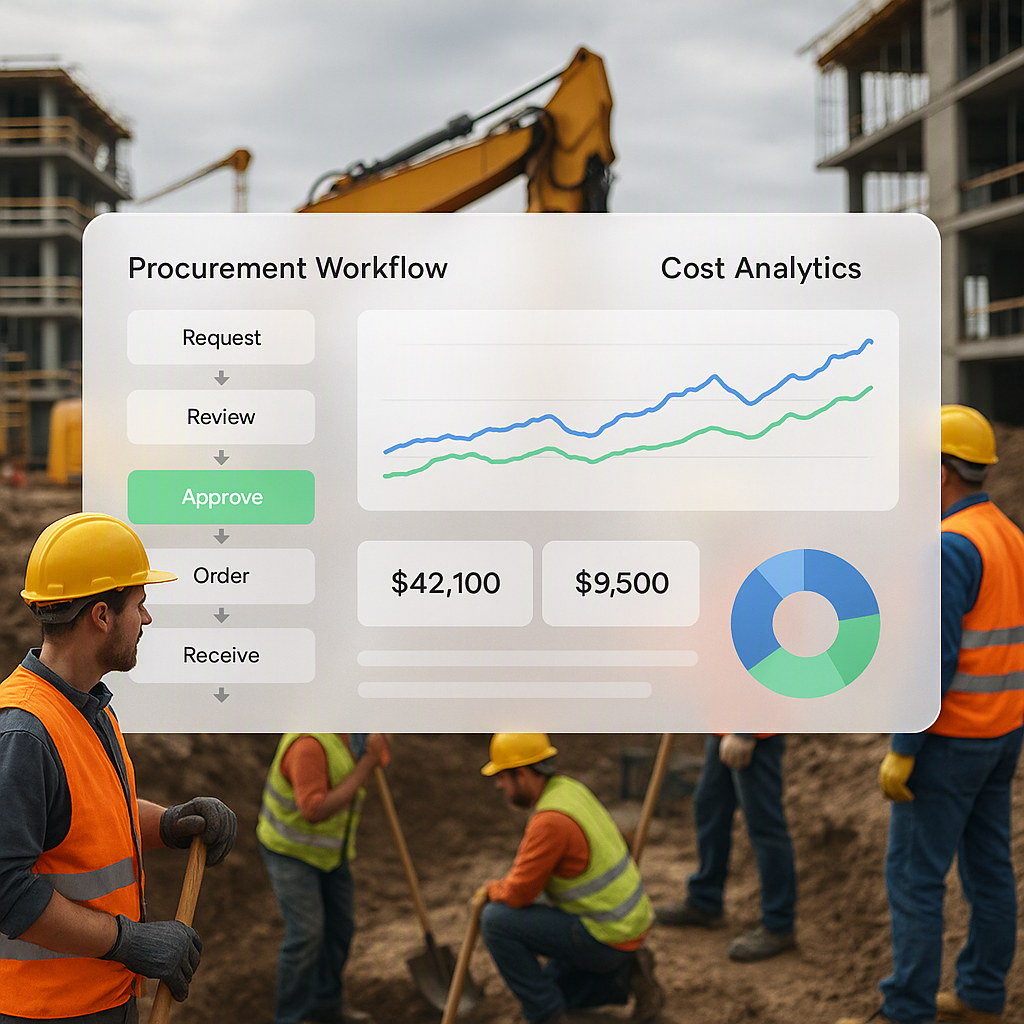
Implement Approval Chains for Procurement Every material request should pass through a formal approval process. This ensures that every purchase aligns with the project budget and prevents impulse or duplicate orders. Ideally, the workflow should follow this chain: MR → Request for Quotation (RFQ) → Vendor Offers → PO.
Actionable Tip: Create thresholds for approvals. For example, site managers may approve purchases under ₹50,000, but anything above requires senior-level sign-off.
-
Track Labor and Material Costs Daily Spotting problems early requires frequent updates. Daily tracking of labor hours, materials consumed, and equipment usage allows you to identify trends early. For instance, if labor hours spike unexpectedly, you can investigate whether it’s due to overtime, inefficiencies, or scope changes.
Actionable Tip: Use timesheets for workers and consumption logs for materials. Digital tools can automate data collection directly from the site.
-
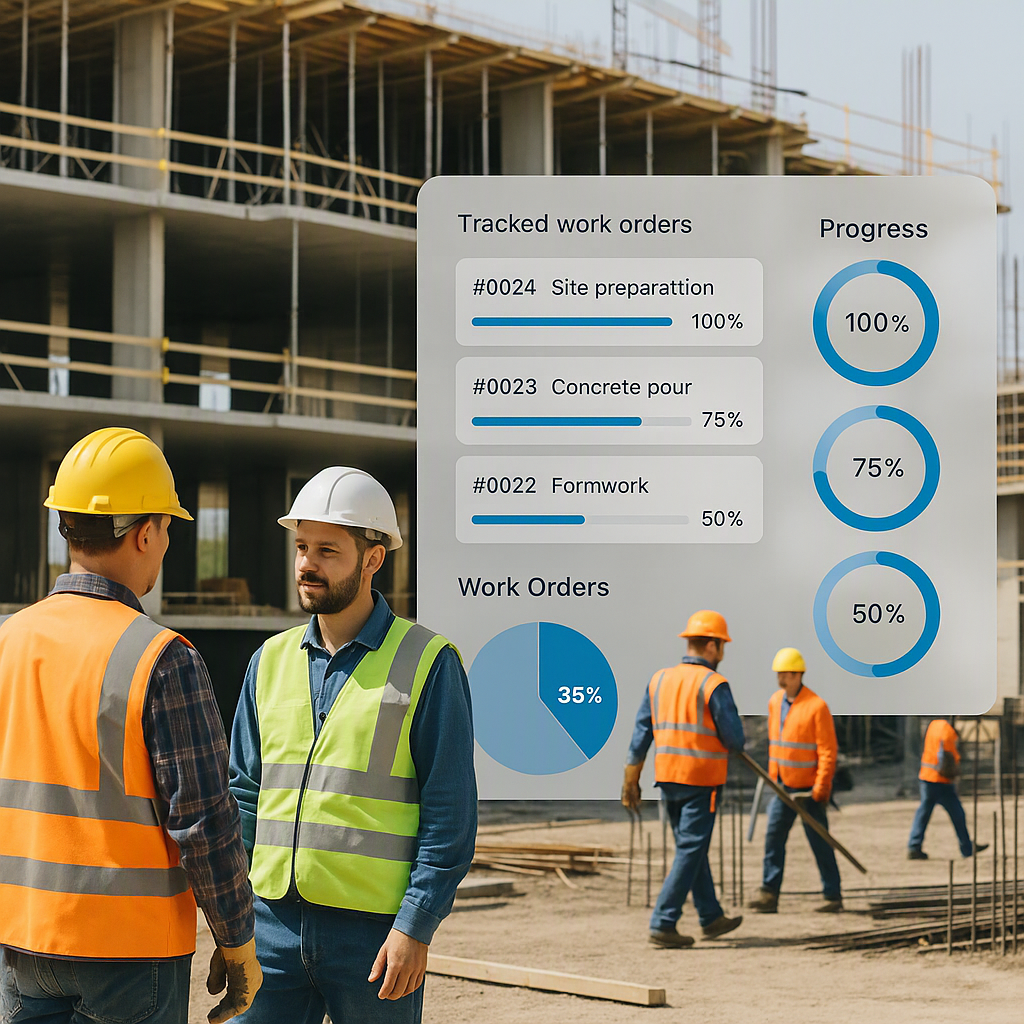
Monitor Subcontractor Progress and Payments Subcontractor costs are often a major source of overruns. Use progress-based tracking to validate work completed before releasing payments. This ensures that you’re only paying for verified deliverables.
Actionable Tip: Include clear measurement criteria and penalties for delays or scope creep in your subcontract agreements.
-
Automate GST/TDS Compliance Non-compliance with tax laws can lead to penalties that wipe out your profits. Automating GST filings, TDS deductions, and other statutory obligations ensures you stay compliant without manual effort.
Actionable Tip: Set up reminders for filing deadlines and use software to automatically calculate and deduct taxes.
-
Use Real-Time Dashboards A unified real-time dashboard is your best defense against cost overruns. It should show budget versus actual costs across all categories: materials, labor, equipment, subcontractors, and compliance. This eliminates the need to manually consolidate data from multiple sources.
Actionable Tip: Choose a dashboard that integrates with your procurement, billing, and payroll systems to avoid data silos.
Common Mistakes to Avoid
- Underestimating indirect costs: Don’t just focus on material and labor. Factor in equipment utilization, overheads, and compliance costs.
- Skipping daily tracking: Monthly updates are too slow. Cost overruns can snowball in a week.
- Ignoring approval workflows: Unapproved purchases are a recipe for chaos.
- Using disconnected systems: When tendering, procurement, billing, and payroll are in separate tools, data gets lost. Invest in a unified system.
Comparison: Manual Tracking vs. Automated Tools
| Parameter | Manual Tracking | Automated Tools |
|---|---|---|
| Data Accuracy | Prone to human error | High accuracy with real-time input |
| Time Consumption | Time-intensive consolidation | Automated processes save time |
| Visibility | Limited, delayed insights | Real-time dashboards |
| Scalability | Difficult to handle large projects | Scales seamlessly with project size |
| Compliance Management | Manual, error-prone | Automated tax and compliance tracking |
FAQs
1. What’s the difference between BOQ tracking and actual cost tracking?
BOQ tracking focuses on whether you’re sticking to your initial quantities and rates. Actual cost tracking goes a step further — it monitors how much you’re spending in real-time across all categories, including labor, materials, subcontractors, and compliance.
2. How do I calculate margin erosion?
Margin erosion is the difference between your estimated profit and actual profit. Here’s a simple formula:
[ \text{Margin Erosion} = \frac{(\text{Estimated Profit} - \text{Actual Profit})}{\text{Estimated Profit}} \times 100 ]
For example, if your estimated profit was ₹10 lakh and your actual profit is ₹7 lakh, your margin erosion is 30%.
3. Can I track costs without an ERP?
It’s possible, but incredibly inefficient. You’ll need to manually consolidate data across spreadsheets, emails, and accounting software, which is time-consuming and error-prone. An ERP automates the process and provides better visibility.
4. How do I prevent subcontractor cost overruns?
Use measurement-based tracking for progress. Ensure every payment stage matches the work completed, and include penalties for delays or scope creep in your contracts. Regular site inspections can also help catch issues early.
5. What’s the best way to manage multi-site payroll?
Centralize attendance tracking and payroll management. Use a system that supports multi-site operations and integrates statutory deductions like PF and ESI. This ensures consistent and error-free payroll processes.
Final Thoughts
Cost overruns don’t have to be inevitable. With real-time tracking, structured workflows, and automated tools, you can catch problems early and protect your margins. If you’re dealing with cost tracking headaches, tools like ProjectsNext can help you streamline your processes, improve visibility, and prevent margin erosion before it’s too late.
Learn more at JobNext.ai - Construction ERP