
Why Most WBS Templates Fail Contractors
Let’s face it — many WBS (Work Breakdown Structure) templates are useless. They’re either too generic (a vague list of tasks that doesn’t help with cost estimates) or too detailed (taking hours to build, only to confuse your team). Contractors need something practical, not academic.
A good WBS template does two things: it organizes project scope clearly and ties directly to your cost estimates. If your WBS doesn’t help you track resources, materials, and subcontractor costs, it’s just busywork.
The Core Structure of a Practical WBS
At its heart, a WBS is a hierarchy. Start at the top with your project name, then break it down into manageable sections. For most contractors, this means organizing by BOQ (Bill of Quantities) or work packages. Each section should clearly describe what’s being done, where, and by whom.
Key Principles for Structuring a WBS
- Hierarchy Matters: Use a top-down approach to break the project scope into smaller, manageable components. This keeps large projects from becoming overwhelming.
- Focus on Deliverables: Each element in the WBS should represent a tangible deliverable, not just a vague activity.
- Use Consistent Naming: Keep naming conventions clear and consistent. Avoid using overly technical or ambiguous terms that your team may misunderstand.
- Balance Simplicity and Detail: A WBS should be detailed enough to support planning and estimation but not so granular that it bogs down workflows.
Here’s an illustrative example of a WBS for a simple interior fit-out project:
| Level | Description | Notes |
|---|---|---|
| 1 | Interior Fit-Out | Project name |
| 2 | Civil Works | Includes masonry, plaster |
| 3 | Electrical Installation | Wiring, fixtures, panels |
| 3 | HVAC Installation | Ducting, units, testing |
| 2 | Finishing | Painting, flooring, carpentry |
Actionable Steps to Build a WBS
- Define the Project Scope: Start by outlining your project’s overall goal and deliverables.
- Break Down Tasks by BOQ: Use your Bill of Quantities to create work packages for each major phase.
- Organize Work Packages by Dependencies: Identify tasks that must be completed before others can begin.
- Assign Responsibility: Clearly specify who will execute each work package (e.g., subcontractors, internal teams).
- Review for Completeness: Ensure all deliverables are accounted for. Missing tasks can lead to budget overruns later.
Connecting Your WBS to Cost Estimates
Here’s where many contractors trip up. A WBS isn’t just a list — it’s a cost map. Each task or sub-task in your WBS should link directly to your BOQ, resource estimation, and procurement plans.
Why This Connection Matters
A WBS disconnected from cost estimates leads to:
- Budget Mismatches: If costs aren’t tied to specific work packages, overruns are inevitable.
- Poor Resource Allocation: Without clear links to resources, labor and materials may be over- or under-utilized.
- Missed Margins: Contractors often lose profits because indirect costs aren’t properly accounted for.
How to Connect WBS and Cost Estimates
- Link WBS Items to BOQ References: Each work package should correspond to a specific item in the BOQ. This ensures accuracy in cost calculations.
- Estimate Resources for Each Line Item: Break down labor, materials, equipment, and subcontractor costs under each task.
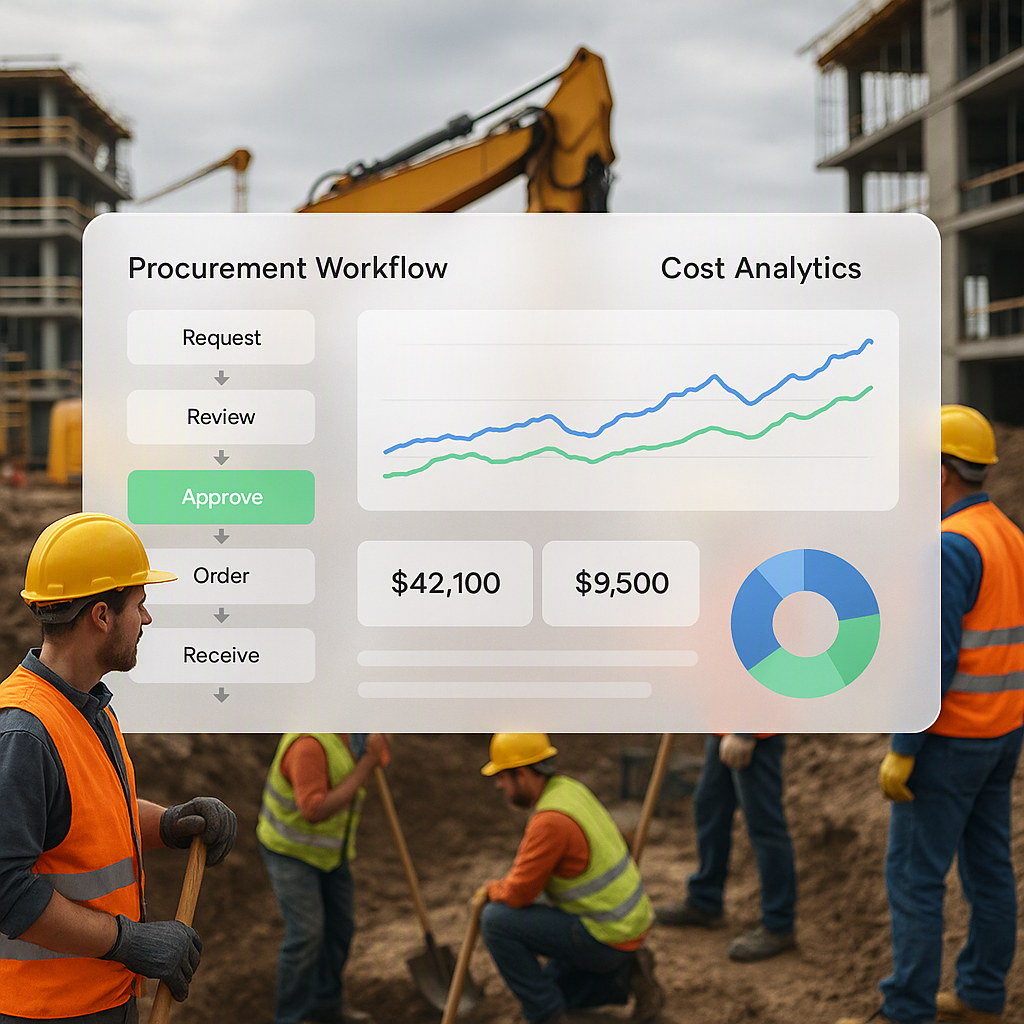
- Use Software for Integration: Platforms like ProjectsNext allow you to directly tie your WBS hierarchy to cost estimation workflows, preventing manual errors.
- Track Actuals vs Estimates: Use progress tracking tools to compare estimated costs against actual expenses during execution.
Common Mistakes in WBS Creation
Even experienced contractors make mistakes when designing WBS templates. Here are the most common pitfalls:
-
Over-detailing: Adding every tiny task (e.g., “Load paint rollers onto van”) clogs the template. Focus on work packages, not micromanagement.
Solution: Stick to a manageable level of detail. If a task doesn’t directly impact cost estimation or scheduling, it’s likely unnecessary.
-
Ignoring Dependencies: Overlapping tasks can cause scheduling chaos. For example, you cannot install drywall before electrical wiring is complete.
Solution: Use dependency management tools or simple Gantt charts to show task relationships.
-
Skipping Scope Definitions: Vague descriptions like “Electrical Work” don’t help — specify what’s included (e.g., wiring, fixtures, and panels).
Solution: Include clear descriptions for each WBS item and ensure they align with contract documents.
-
Failing to Update: A WBS is a living document. Project changes, scope adjustments, and unforeseen delays must reflect in your WBS.
Solution: Schedule regular reviews and updates throughout the project lifecycle.
Building the Template: Step-by-Step
1. Start with Project Phases
Divide your project into logical phases like preconstruction, execution, and finishing. This ensures a clear timeline for deliverables.
2. Break Down by BOQ
For each phase, list work packages based on your BOQ. These packages should tie directly to your cost estimate.
3. Add Resource Layers
For each work package, identify the materials, labor, equipment, and subcontractor costs. Ensure these align with your procurement timelines.
4. Include Progress Tracking
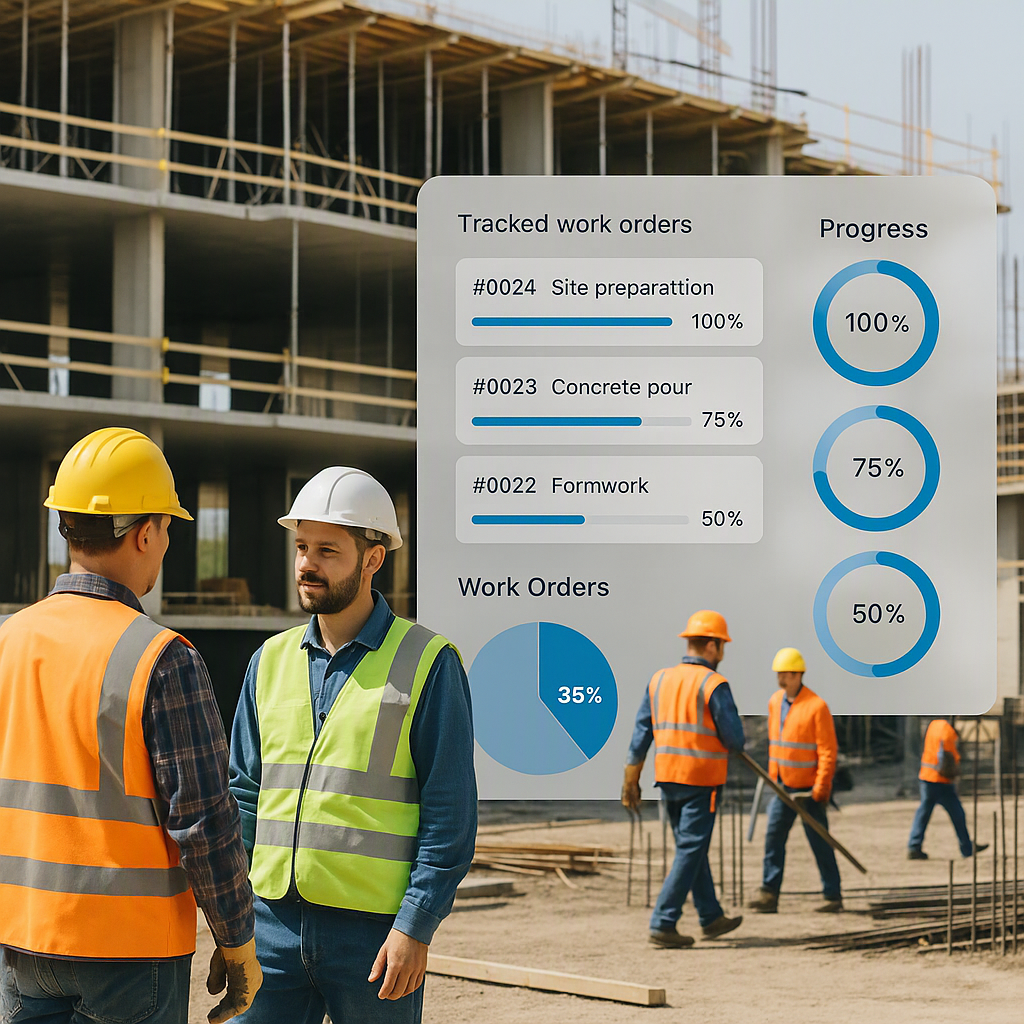
If you’re managing subcontractors, include measurement-based progress tracking for payment milestones. For example, use percentage-of-completion metrics to approve invoices.
5. Check for Gaps
Review your WBS for missing deliverables, duplicated tasks, or unclear descriptions. Involve your team and subcontractors in the review process.
FAQ
Q: Can I use Excel for my WBS template?
Absolutely. Many contractors start with Excel because it’s flexible and familiar. Just make sure to structure your columns clearly:
- Task/Description
- BOQ Reference
- Resource Estimate
- Progress Tracking
If your project scales up, consider software like ProjectsNext for automation and integrations.
Q: How detailed should my WBS be?
Detailed enough to plan resources but not so granular that it’s unmanageable. A good rule: if a WBS item can’t be estimated or tracked, it’s too vague. Aim for 2-3 levels of hierarchy for small-to-mid-size projects.
Q: What’s the best way to track progress against my WBS?
Use a system that integrates WBS with progress tracking. For example, JobNext highlights how real-time margin tracking can prevent contractor overruns. Alternatively, simple tools like Excel can also track milestones if formatted correctly.
Q: How do I handle scope changes in my WBS?
Update the WBS immediately when scope changes occur. Add new tasks and reallocate resources accordingly. Regular communication with subcontractors and project managers helps avoid confusion.
Q: Can subcontractors create their own WBS sections?
Yes, subcontractors can often provide better insights into task dependencies and durations. However, ensure their inputs align with your overall project scope and cost estimates.
Mistakes to Avoid
- Not Revising the Template: A WBS isn’t static. Update it as scope changes.
- Ignoring Subcontractor Input: Subcontractors often have better insights into task dependencies and durations.
- Failing to Connect to Procurement: If your WBS doesn’t reflect material delivery timelines, your cost tracking will fall apart.
Decision Framework: When to Use a WBS Template vs Custom Design
| Factor | WBS Template | Custom Design |
|---|---|---|
| Project Size | Best for small-to-mid-size projects | Necessary for large, complex projects |
| Team Experience | Ideal for teams with limited WBS knowledge | Works for experienced managers |
| Software Integration | Works well with predefined templates | Requires manual setup for integrations |
| Scope Changes | Templates may need frequent edits | Custom designs adapt more easily |
| Budget Control | Templates may oversimplify cost tracking | Custom WBS provides detailed oversight |
Final Thoughts
Done right, a WBS can save contractors significant time and money. It’s not just a planning tool — it’s a cost control weapon. If your current process isn’t cutting it, take a hard look at how you’re connecting WBS, BOQ, and resource estimation.
If you're struggling with margin control or disconnected systems, ProjectsNext can help. Their unified platform integrates WBS, procurement, billing, and HR workflows seamlessly.
Call to Action
Ready to simplify your project planning? Get started with ProjectsNext →
Learn more at JobNext.ai - Construction ERP