
Why State SORs Matter for Contractors
Contractors frequently struggle with cost overruns. It’s not always because of poor execution — often, the problem starts way earlier, during estimation. You price a project wrong, and everything that follows becomes a fight to stay within budget. Sound familiar?
In India, where public infrastructure projects drive significant construction activity, using a State Schedule of Rates (SOR) can mean the difference between a profitable job and a financial headache. Why? Because SORs provide a standardized way to estimate costs for materials, labor, and equipment. These are updated periodically by Public Works Departments (PWDs) across states to reflect market realities. Think of them as a contractor’s cheat sheet for pricing.
But here’s the catch: SORs are only as useful as your ability to integrate them into your estimation workflow. If you’re still doing this manually or relying on outdated digital tools, you’re bound to make errors. Let’s dig into the practical steps to make the most of these documents and how tools like ProjectsNext can streamline the process.
What’s Inside a State SOR?
At their core, SORs are rate books that break down the unit costs of construction activities based on materials, labor, and equipment. For example, a typical line item might look like this:
| Item Description | Unit | Rate (₹) |
|---|---|---|
| Concrete M20 (1:1.5:3) | m³ | 7,200 |
| 10mm TMT Bar Steel | kg | 50 |
| Masonry Work | m³ | 5,000 |
This structure makes it easy to cross-check your estimates against market benchmarks. However, contractors often fall into two common traps:
-
Treating the SOR as a Static Reference: Many teams use the SOR as a guide but fail to integrate it actively into their workflow. For instance, during BOQ preparation, referencing the SOR manually can lead to errors and omissions.
-
Overlooking SOR Updates: State PWDs update SORs periodically to reflect inflation, changes in material costs, and other economic factors. If you’re using an outdated version, your estimates may be wildly inaccurate.
Actionable Steps to Use SORs Effectively:
- Digitize Your SOR: Convert the document into a searchable format (PDF or Excel) to make it easier to find the rates you need.
- Standardize Data Entry: Create a template for BOQ preparation that allows you to input SOR rates directly. This minimizes manual errors.
- Monitor Updates Regularly: Assign someone in your team to keep track of SOR updates from the relevant PWD website.
- Cross-check with Market Rates: While SORs are a great starting point, always validate them against the current market conditions, especially for private projects.
The Hidden Risks of Ignoring SORs
Skipping the SOR or using outdated rates is risky. Here’s why:
1. Undercutting Your Bid
If your rates are lower than the SOR, you might win the tender, but you’ll lose money as the project progresses. State agencies often use SORs as a benchmark to evaluate bids. If your numbers are too low, they might even flag your bid as unviable. This not only affects your profit margins but also damages your reputation, making it harder to win future tenders.
2. Overpricing and Losing Tenders
On the flip side, quoting significantly above the SOR can make your bid uncompetitive. Public sector projects especially favor the lowest compliant bidder. Overpricing can also lead to questions about the efficiency of your processes or your understanding of the project scope.
3. Scope Creep Without Budget Buffers
Scope creep happens when additional work is added to a project without corresponding increases in budget or timeline. SORs help you account for every line item in your BOQ, ensuring that you include all potential costs upfront. Without this structured approach, you may underestimate quantities or forget smaller items, leaving you vulnerable to budget overruns.
4. Disputes
When clients challenge your rates, having an SOR as a reference can save you from lengthy disputes. It’s your proof that the rates you’ve quoted align with industry standards. Without this, you’re left to negotiate based on arbitrary figures, which weakens your position.
Practical Tip:
Always document the SOR version and date you’re referencing in your tender submissions. This ensures transparency and gives you a solid foundation for resolving any disputes later.
How ProjectsNext Simplifies SOR-Based Estimation
The good news is that modern construction ERPs like ProjectsNext are designed to solve these exact problems. While many contractors still rely on manual processes, ProjectsNext provides structured workflows that integrate SORs directly into your estimation and BOQ preparation process.
Key Features of ProjectsNext:
-
BOQ-SOR Integration ProjectsNext allows you to upload your State SOR document directly into the platform. For instance, if you’re working on a public works project in Maharashtra, you can load the latest PWD SOR and map it to your project’s BOQ line items. This eliminates the need for manual cross-referencing and reduces errors.
-
Rate Validation and Alerts Every line item in your estimate is automatically cross-referenced against the uploaded SOR. If your quoted rate deviates significantly, the system flags it for review. This ensures you don’t accidentally underbid or overbid.
-
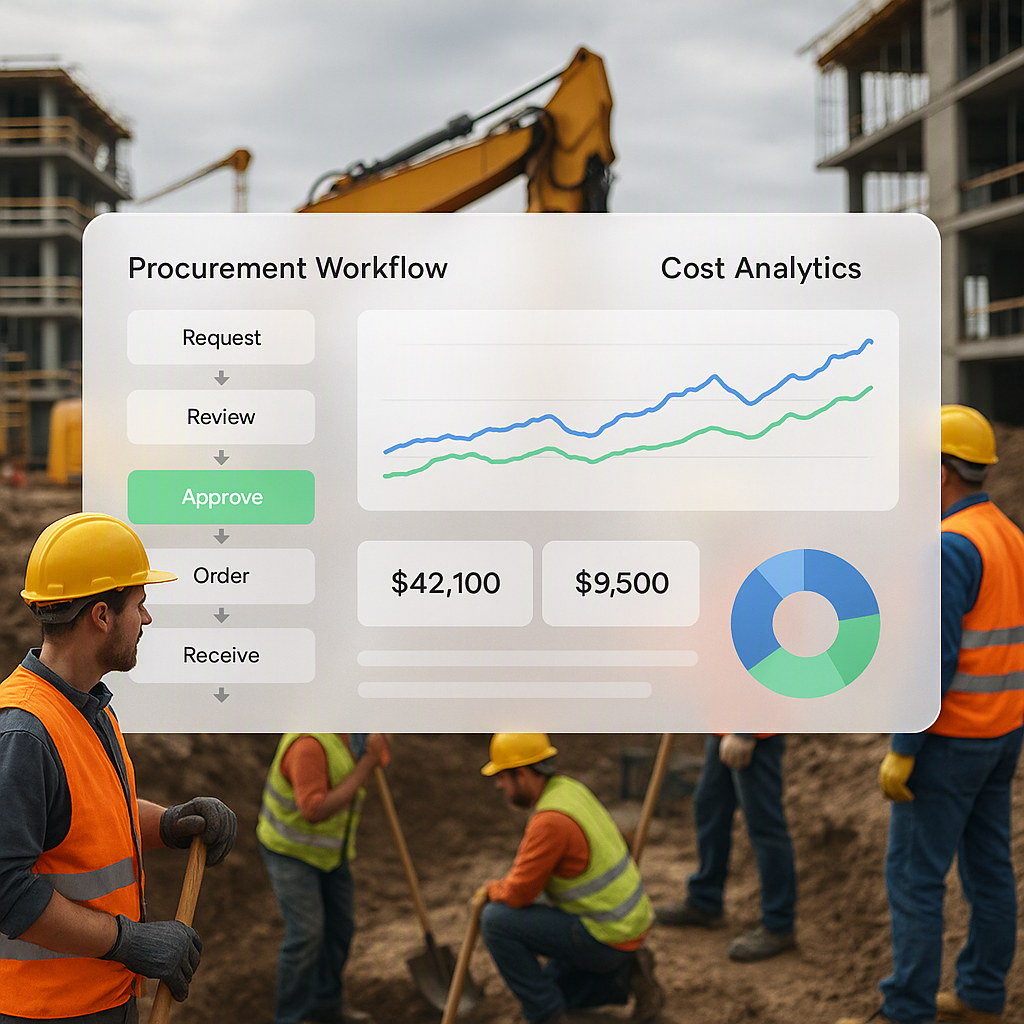
Approval Workflows ProjectsNext includes built-in approval workflows. Once your estimate is complete, it’s routed through pre-defined approval chains, allowing senior estimators or project managers to review and sign off on the rates. This reduces the risk of last-minute pricing errors.
-
Historical Data for Private Tenders While SORs are vital for public projects, private tenders often require more flexibility. ProjectsNext lets you combine SOR-based rates with historical data from past projects to create a hybrid estimation model. This approach ensures your bids reflect both standardized rates and your actual cost history.
Practical Example: Using SOR to Prevent Cost Overruns
Let’s say you’re bidding on a municipal road project in Gujarat. The PWD SOR lists the rate for 100mm thick bituminous concrete as ₹5,000 per m³. However, after loading the SOR into ProjectsNext and reviewing your historical data, you discover that your actual cost for the same item has been ₹6,200 per m³ due to higher transportation costs in your region.
With this insight, you adjust your bid to ₹6,200 per m³. This ensures that you cover your costs while remaining competitive. Additionally, when the client questions your rate, you can provide both the SOR as a benchmark and your historical data as justification. This combination of tools and data makes it easier to defend your pricing.
Common Mistakes to Avoid
-
Using Outdated SOR Versions: State PWDs update their SORs annually or biannually. Always check for the latest version before starting your estimate.
-
Ignoring Regional Adjustments: SORs often provide base rates. Don’t forget to adjust for factors like location, transport, and site conditions.
-
Not Customizing for Non-Standard Items: SORs don’t cover everything. For specialized work, you’ll need to calculate rates from first principles or use historical data.
-
Relying Solely on SORs: For private projects, market rates may differ significantly from SORs. Always cross-check with your suppliers.
-
Failure to Document Assumptions: Always specify which SOR version you used, and document any adjustments or deviations. This transparency can save you in case of disputes.
FAQ
Q1. How do I find the latest State SOR?
Most state PWDs publish their SORs on official websites. For example, Maharashtra’s PWD SOR is available at maharashtra.gov.in. Always download the latest version.
Q2. Can I use the same SOR for private projects?
Not directly. While SORs are a good starting point, private projects often require rate adjustments based on market conditions and specific client requirements.
Q3. What happens if my rates don’t match the SOR?
For public tenders, significant deviations can disqualify your bid or invite scrutiny. Always provide justifications when quoting above or below the SOR.
Q4. Does ProjectsNext support multiple SORs?
Yes, you can upload and manage multiple SORs within the platform, making it easy to switch between public and private projects.
Q5. How often should I update my estimation tools with new SORs?
At a minimum, update your tools whenever a new version of the SOR is released. For most states, this happens annually or biannually.
Decision Framework: Manual vs. Automated SOR Integration
| Feature | Manual Process | ProjectsNext Integration |
|---|---|---|
| Error Margin | High: Prone to manual data entry errors | Low: Automated validation against SOR |
| Time Investment | High: Time-consuming data entry | Low: Automation speeds up the process |
| Update Management | Manual updates required | Centralized SOR management |
| Flexibility for Private Projects | Limited | Combines SOR and historical data |
| Approval Process | Informal and prone to oversight | Structured workflows with sign-offs |
If you’re tired of manual estimation processes and want to integrate SORs seamlessly into your workflow, ProjectsNext can help. Get started today →
Learn more at JobNext.ai - Construction ERP