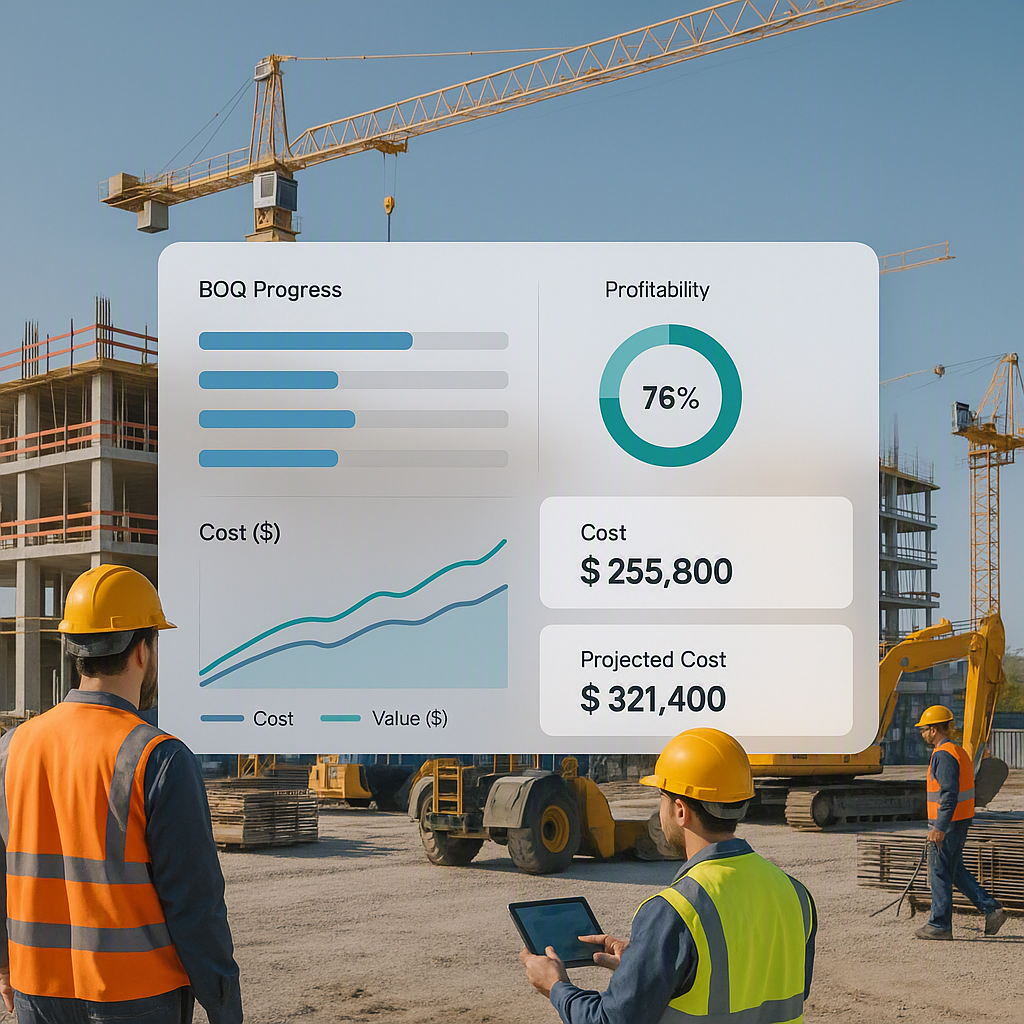
The Profitability Problem Contractors Face
Margins in contracting are razor-thin. One minor misstep—an underpriced BOQ item, delays on-site, or unexpected material costs—can evaporate profits. Worse, many small and mid-size contractors don’t even know they’re losing money until it’s too late. If your spreadsheets say the project should be profitable but the bank balance doesn’t agree, you’re not alone.
Why does this keep happening? Because most contractors rely on manual tools that don’t track costs in real time. Material procurement, subcontractor expenses, and site overheads get scattered across disconnected systems (or worse, paper files). By the time the finance team reconciles everything, the damage is done.
This profitability problem can be compounded by poor communication between the site and office teams. Without streamlined processes to track expenses and allocate costs, contractors often discover discrepancies when it’s too late to respond effectively. The result? Projects that appear profitable on paper often bleed money in reality.
What Real-Time Job Costing Fixes
Real-time job costing isn’t just about better accounting—it’s about survival. When every project expense gets tracked as it happens, contractors can see profitability slipping before it’s gone. This lets you course-correct mid-project: renegotiate a subcontract, adjust procurement quantities, or flag cost overruns to the site team.
What is Real-Time Job Costing?
Real-time job costing is the practice of continuously tracking all costs related to a project as they occur, rather than waiting until the end of the project or another predetermined accounting period. It involves:
- Capturing actual expenses as they are incurred (e.g., materials purchased, labor hours worked, subcontractor payments).
- Comparing actual costs with the estimated costs in the BOQ to identify variances.
- Providing immediate visibility into project profitability through dashboards, reports, and alerts.
By implementing real-time job costing, contractors can move from reactive to proactive financial management. This shift is critical for anyone operating in an industry where even a 1% margin erosion can mean the difference between profit and loss.
How Job Costing Software Helps Contractors Take Control
Here’s how job costing software makes real-time tracking a reality and addresses common pain points:
1. BOQ-Level Tracking
The BOQ (Bill of Quantities) is the cornerstone of any construction or contracting project. It breaks down the scope of work into measurable and chargeable items. However, many contractors fail to track actual costs against the BOQ, leading to unaccounted overspends.
How software helps:
- Upload BOQs directly into the system: This allows you to assign costs to specific line items.
- Monitor real-time variances: The software compares planned versus actual costs, flagging overruns instantly.
- Automated cost allocation: Labor, materials, and overhead costs are automatically matched to their respective BOQ items.
Actionable tip: Regularly review the variance report provided by your job costing software. If certain BOQ items consistently exceed their budgets, it might signal inefficiencies or errors in estimation.
2. Material Procurement Workflow
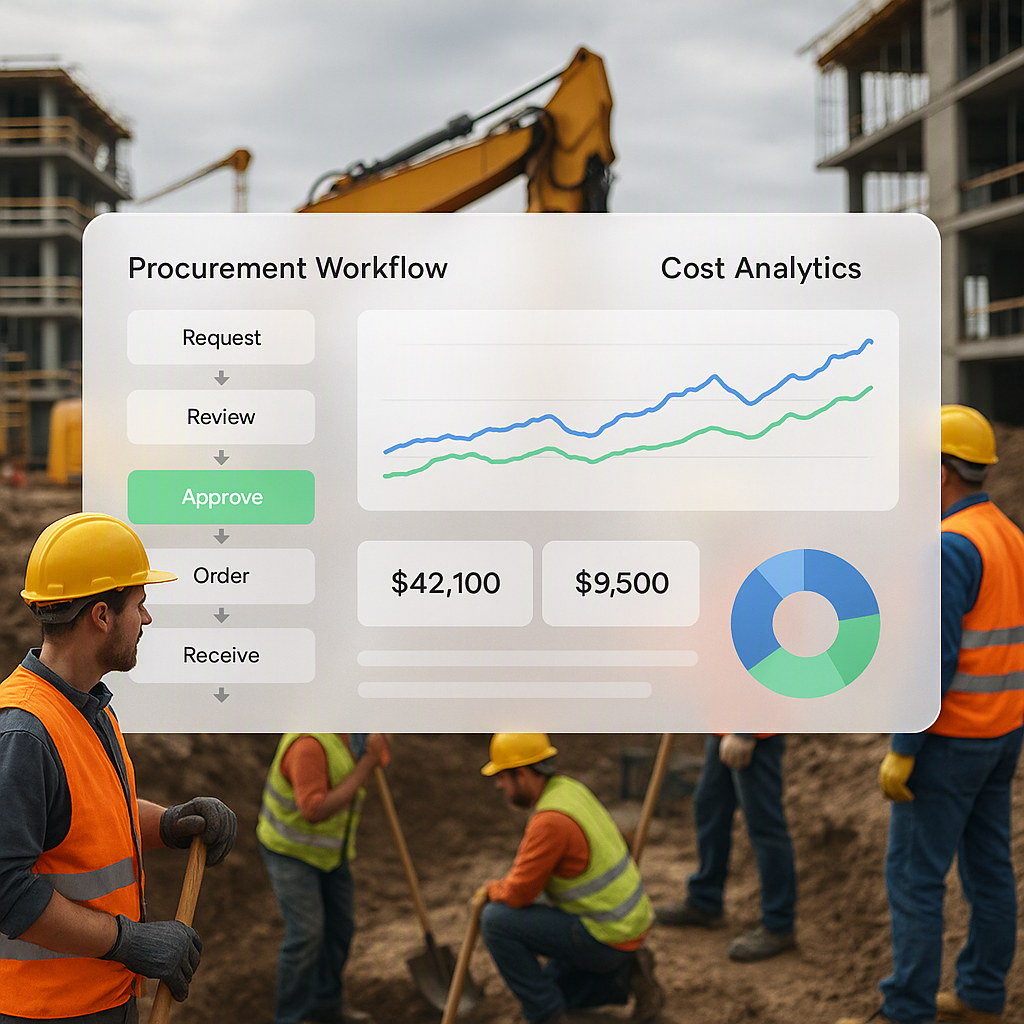
Poorly managed procurement is a silent profitability killer. Site teams often over-order materials to avoid shortages, leading to waste, or delays can cause cost escalations due to fluctuating prices.
How software helps:
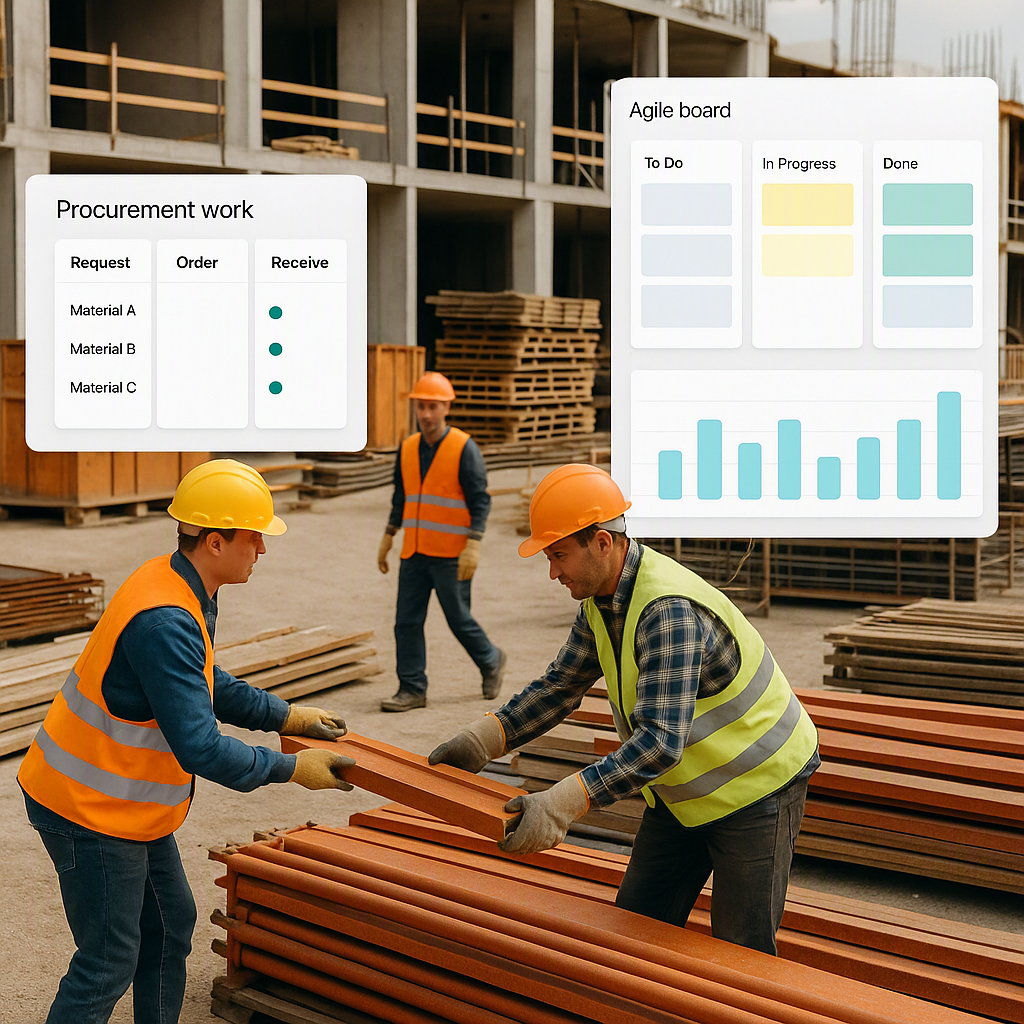
- Integrated procurement workflows: From material requisition to purchase orders (POs), each step is tracked.
- Approval mechanisms: Site teams must get requisitions approved, preventing unauthorized purchases.
- Vendor comparisons: Some systems allow you to compare vendor quotes directly in the software, ensuring you always get the best deal.
Actionable tip: Standardize material requisition templates across all sites. This reduces errors and ensures uniformity when entering data into the job costing system.
3. Subcontractor Management
Subcontractor payments can spiral out of control when they’re not tied to measurable progress. Common issues include paying for incomplete work, unverified claims, or unexpected extra charges.
How software helps:
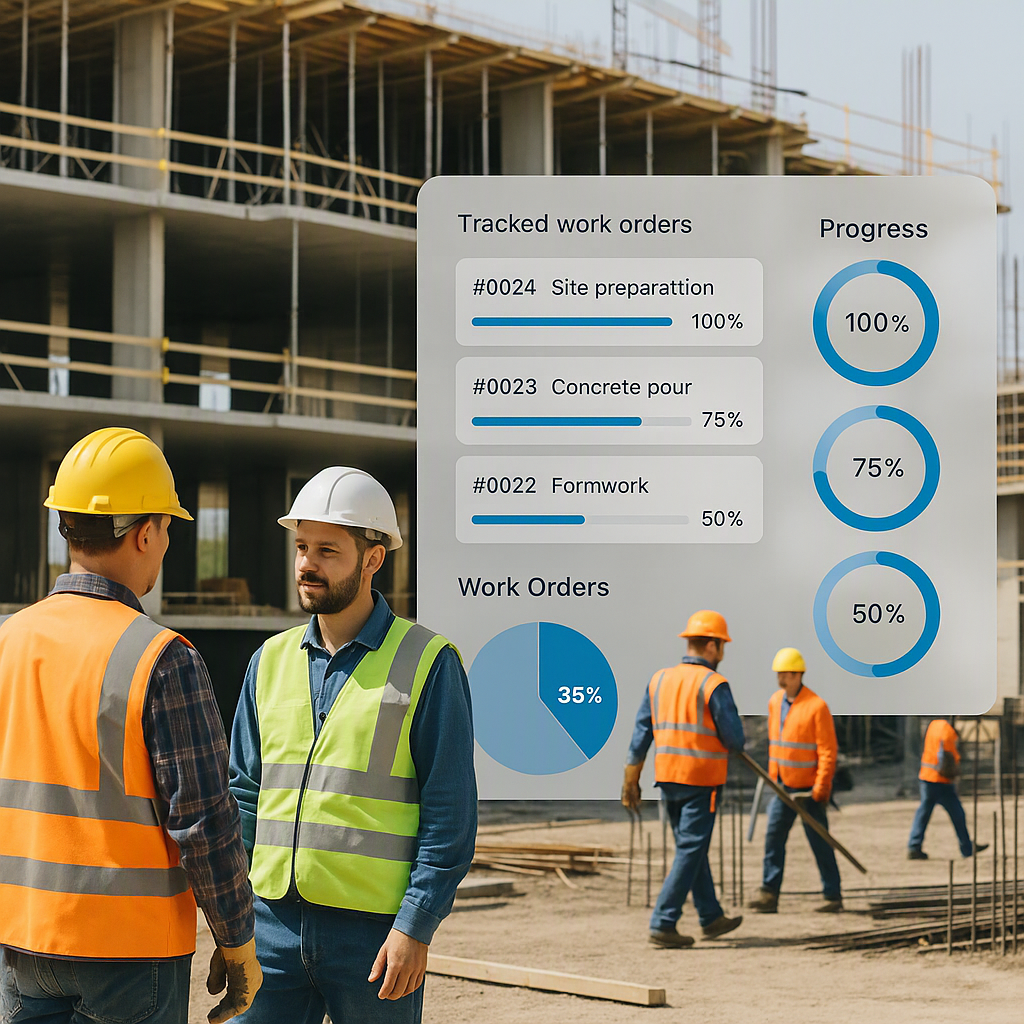
- Link payments to progress: Payments are only triggered once specific milestones or completion percentages are met.
- Automated alerts for delays: Delays in subcontractor work are flagged, allowing you to renegotiate terms or adjust project schedules.
- Centralized documentation: All contracts, progress reports, and payment records are stored in one place, reducing disputes.
Actionable tip: Conduct regular progress reviews with subcontractors and use the software’s reporting features to ensure alignment on milestones and payments.
4. Real-Time Dashboards
A good job costing tool doesn’t just track data—it visualizes it. Real-time dashboards provide a bird’s-eye view of your projects, helping you make informed decisions quickly.
Key benefits:
- Profitability insights: See profit margins for each project, BOQ item, or cost center.
- Customizable views: Tailor dashboards to display the metrics that matter most to your business.
- Alerts and notifications: Get real-time warnings about cost overruns or delayed payments.
Actionable tip: Set up automated alerts for critical thresholds (e.g., if a BOQ item exceeds its budget by 10%). This ensures you can act immediately.
5. Compliance and Finance Integration
In countries like India, compliance with tax regulations (e.g., GST, TDS) adds another layer of complexity to cost tracking. Non-compliance can lead to penalties and cash flow issues.
How software helps:
- Automated tax calculations: GST and TDS are applied directly to transactions.
- Integration with accounting tools: Tools like ProjectsNext integrate with software like Tally, simplifying tax filing and financial reporting.
- Reduced manual errors: Automation minimizes the risk of incorrect tax calculations or missed filings.
Actionable tip: Ensure that your job costing software supports your region’s tax regulations and integrates seamlessly with your existing accounting tools.
Common Mistakes Contractors Make
Mistake 1: Treating job costing as a year-end exercise
Profitability analysis isn’t just for audits. If you’re waiting until project closure to crunch numbers, you’re flying blind. Real-time data is the only way to make informed decisions.
Solution:
Commit to daily or weekly reviews of your job costing dashboards. Train your site and finance teams to prioritize real-time data entry and analysis.
Mistake 2: Using disconnected tools
Excel is great for some tasks but terrible for real-time collaboration. If your procurement data lives in one sheet and subcontractor payments in another, you’re wasting time stitching them together.
Solution:
Invest in centralized software that integrates procurement, subcontractor management, and financials into one platform.
Mistake 3: Ignoring indirect costs
Many contractors focus on material and labor costs but forget overheads like equipment depreciation, staff allocation, and site utilities. These add up—and job costing software can track them.
Solution:
Set up a system to allocate indirect costs (e.g., based on project duration or percentage of completion) and monitor them regularly.
Comparison Table: Manual Tracking vs. Job Costing Software
| Feature | Manual Tracking | Job Costing Software |
|---|---|---|
| Real-time cost tracking | No | Yes |
| BOQ-level cost allocation | Difficult and time-consuming | Automated and accurate |
| Procurement management | Prone to delays and errors | Streamlined with approvals |
| Subcontractor payment tracking | Challenging and error-prone | Linked to measurable progress |
| Compliance and tax integration | Manual and prone to penalties | Automated and compliant |
FAQ
Q1: Can job costing software work for small contractors?
Yes. Small contractors benefit the most because they lack the resources to absorb losses. A tool like ProjectsNext scales to fit businesses of all sizes. It’s an investment that pays off by preventing profit leaks.
Q2: What’s the biggest feature to look for in job costing software?
BOQ-level tracking. If the tool doesn’t let you match expenses to BOQ items, it’s not built for contractors. This feature is essential for identifying where your project might be leaking money.
Q3: How does real-time tracking improve decision-making?
It gives you visibility. You see cost overruns immediately, so you can act before they spiral out of control. For example, you can renegotiate terms with subcontractors or adjust procurement orders.
Q4: How long does it take to implement job costing software?
Implementation timelines vary but typically range from a few days to a few weeks. Choose a solution with a user-friendly interface and dedicated support to ensure a smooth onboarding process.
Q5: Is job costing software expensive?
Costs depend on the software and its features. However, the savings you gain from preventing cost overruns and improving efficiency often outweigh the initial investment.
Call to Action
Profitability shouldn’t be a guessing game. If you’re struggling to track project costs in real time, ProjectsNext can help. It’s built for contractors who want to stop margin erosion and take control of their budgets. Explore ProjectsNext →
Learn more at JobNext.ai - Construction ERP