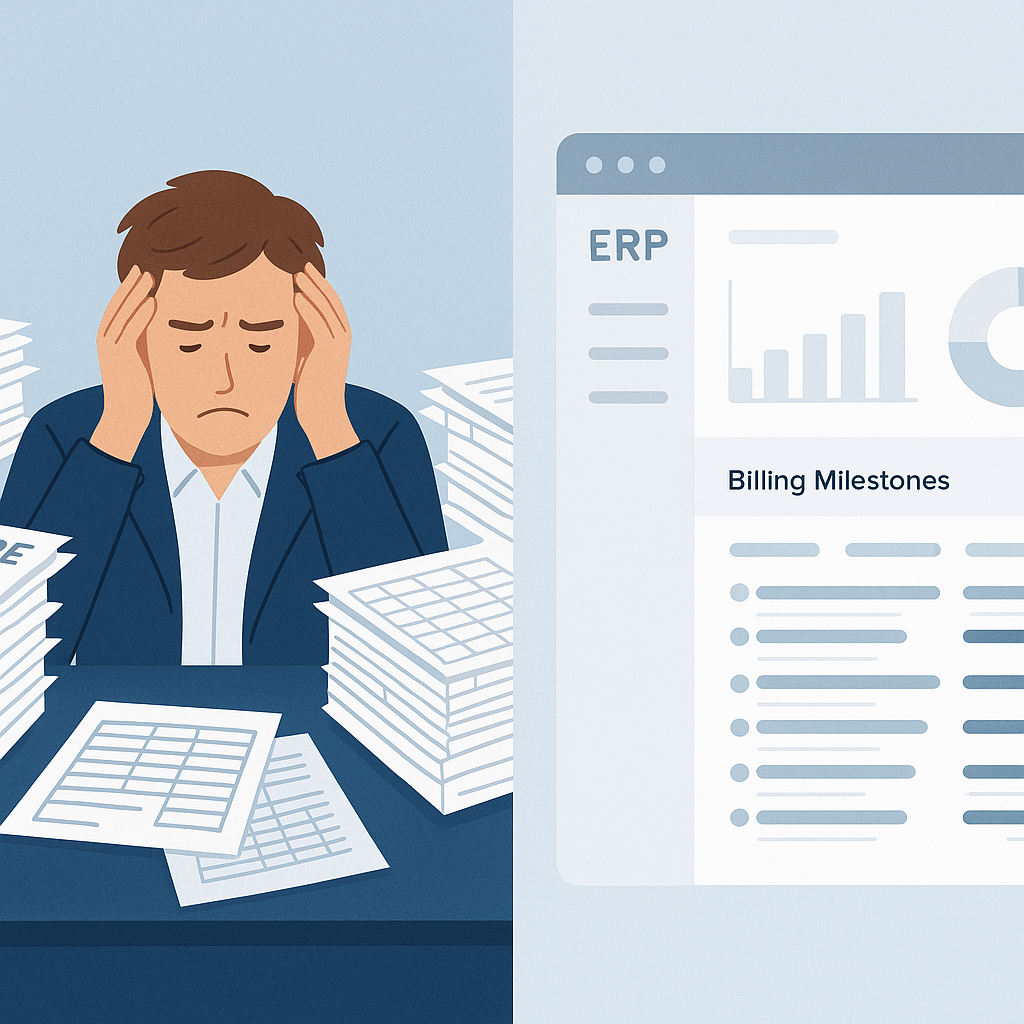
Why Your ERP Might Be Costing You Money
If you're using spreadsheets or disconnected systems for tendering, procurement, and billing, you're probably hemorrhaging cash. Margins in construction are razor-thin — often under 10%. But poor cost tracking can shrink it further. The worst part? You won't even know until the project is over.
The right ERP should fix this. It should give you real-time visibility into project profitability, not just after-the-fact reports. But not all ERPs are built for contractors. Many are generic, designed for manufacturing or retail. Others miss critical features like BOQ-based tracking or multi-method billing. So, how do you pick the right one?
Key Features to Look For
1. Project Profitability Tracking
Your ERP should track costs at the BOQ, scope, and WBS levels. Why? Because that's how construction projects are managed. If you're only tracking overall project costs, you're flying blind. For example, JobNext's profitability dashboard breaks down costs by resources (materials, labor, equipment) and compares them to your estimates in real-time. It even flags overspending before it eats into your margins.
2. Multi-Method Billing
Construction billing isn't one-size-fits-all. You might need RA bills for progress payments, monthly invoices for facilities management, or stage-wise billing for turnkey projects. If your ERP can't handle these methods, you'll waste time hacking workarounds or, worse, miss out on billing altogether. Tools like JobNext offer six billing methods out of the box, ensuring no revenue falls through the cracks.
3. Procurement Workflow
Manual MR → RFQ → Vendor Offer → PO workflows are chaotic. Without structured approval chains, you risk delays, duplicate orders, or fraudulent purchases. A good ERP automates this process. Systems like JobNext enforce approval hierarchies and link procurement directly to project budgets, saving time and preventing cost overruns.
4. Compliance Management
GST and TDS compliance can be a headache, especially for Indian contractors. You need an ERP that integrates seamlessly with statutory tools like Tally. JobNext handles GST/TDS deductions automatically and generates compliant reports, so you won’t end up on the wrong side of an audit.
Comparing Popular ERPs
| Feature | JobNext | TallyPrime | SAP Business One |
|---|---|---|---|
| Built for Contractors | ✅ Yes | ❌ No (Generic ERP) | ❌ No (Generic ERP) |
| BOQ-based Tracking | ✅ Yes | ❌ No | ✅ Yes |
| Billing Flexibility | ✅ 6 Methods | ❌ Limited | ✅ 3 Methods |
| Procurement Workflow | ✅ Automated | ❌ Manual | ✅ Semi-Automated |
| Compliance (GST/TDS) | ✅ Full Support | ✅ Partial | ✅ Full Support |
TallyPrime is fine if you're just managing accounts. SAP Business One works for larger enterprises but often feels like overkill for mid-size contractors. JobNext balances contractor-specific features with ease of use.
What Happens If You Get It Wrong?
You might be thinking, "Can't I just stick with my current system?" Sure, if you're okay with:
- Revenue leakage: Unbilled work and missed claims due to manual tracking.
- Margin erosion: Cost overruns that you only notice post-project.
- Chaos in procurement: Vendors delivering the wrong materials or inflating prices.
The obvious objection is cost. Yes, ERPs aren't cheap. But the ROI is clear when you're saving 5-10% on every project just by plugging these leaks.
Final Thoughts
Picking the best ERP for construction isn't about fancy features. It's about solving real problems — margin erosion, billing chaos, compliance headaches. Tools like JobNext are designed for contractors who run multiple concurrent projects and need everything in one place. If you're stuck with disconnected systems or generic software, it's time to upgrade.
Want to see how JobNext can solve your ERP challenges? Check out the demo.
Ready to see JobNext in action?
Multi-tenant SaaS ERP for construction, facilities management, and contracting — covering preconstruction, project execution, procurement, HR & payroll, equipment, finance, and 150+ analytics reports.
Get Started Free →