Why ERP Software Comparison Matters for Contractors
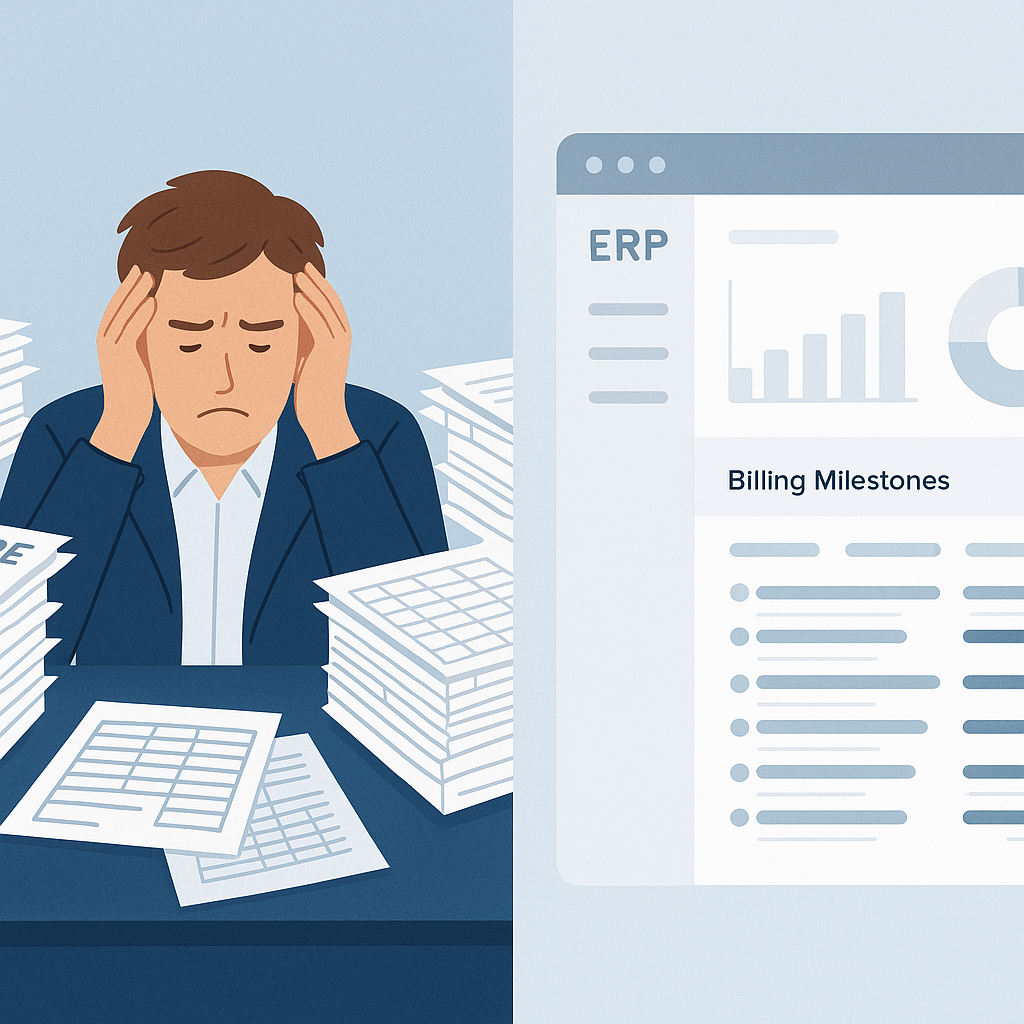
Let’s not sugarcoat it: managing multiple projects without a good ERP system is a disaster waiting to happen. Margins shrink because costs aren’t tracked. Billing delays create cash flow problems. And juggling disconnected tools feels like fighting a hydra — fix one problem, and two more pop up. If you’re still relying on spreadsheets or legacy systems, you’re leaking money.
What Makes ERP Software “Best” for Construction?
It depends on what you need. Some contractors prioritize GST compliance (especially in India). Others need tight procurement workflows to control costs. If you’re in the GCC, multi-currency support and payroll for region-specific rules (like WPS) may be non-negotiable. But one feature that’s universally critical? Real-time project profitability tracking.
The Problem: Margin Erosion Without Cost Tracking
Here’s a common scenario: You win a bid based on aggressive pricing. But once the project starts, costs balloon — material wastage, subcontractor overruns, or underutilized equipment. By the time you realize you’re over budget, it’s too late to adjust.
Many ERP systems claim to help with this, but not all deliver. Some give you reports weeks after month-end — useless when decisions need to happen now. Others lack BOQ-level tracking, so you only see aggregated costs, not where exactly you’re bleeding.
JobNext’s Approach: Real-Time Profitability Monitoring
Here’s where JobNext stands out. It tracks profitability at every level — BOQ, scope, and WBS hierarchy. Want to know if labor costs for a specific activity are exceeding estimates? You can see it before it snowballs. Need to compare vendor quotes against your tender estimates? Done.
And it’s all live. Our team tested this during a pilot with a mid-size MEP contractor. They caught a subcontractor inflating measurement claims within two days of tracking progress. That single correction saved them ₹4.2 lakh. Without real-time visibility, they’d have lost it.
Comparing 3 Popular Construction ERP Tools
1. Tool A
- Pros: Solid finance module, GST compliance, good for single-site operations.
- Cons: Weak procurement workflows, no WBS-level cost tracking.
- Verdict: Good for small contractors with straightforward projects.
2. Tool B
- Pros: Strong reporting library, multi-currency support, integrates with Primavera.
- Cons: Expensive licensing, complex UI, lacks HR/payroll for GCC rules.
- Verdict: Best for companies focused on planning but not execution.
3. JobNext
- Pros: Unified platform (tendering, procurement, billing, HR, finance), real-time profitability tracking, GCC payroll support, GST compliance.
- Cons: Requires initial setup effort to import BOQs/WBS.
- Verdict: Ideal for contractors managing multiple concurrent projects across sites.
How to Choose the Right ERP
Ask yourself:
- Are your margins eroding? If yes, prioritize tools with real-time tracking.
- Do you handle complex procurement? Look for structured MR → RFQ → PO workflows.
- Are you struggling with GCC payroll or GST compliance? Ensure HR/payroll and finance modules are up to par.
The Bottom Line
You don’t need the “best ERP software for construction” in some abstract sense. You need the best for your company. If margin erosion is your biggest pain point, JobNext’s live profitability tracking is worth considering. But don’t take my word for it — test it yourself.
Want to see how JobNext handles real-time project profitability tracking? Request a Demo.
Ready to see JobNext in action?
Multi-tenant SaaS ERP for construction, facilities management, and contracting — covering preconstruction, project execution, procurement, HR & payroll, equipment, finance, and 150+ analytics reports.
Get Started Free →