Why Comparing Construction ERP Software Often Feels Impossible
Let’s get real — comparing ERPs for construction isn’t like picking a streaming service. Most platforms look the same on paper: project management, procurement, finance, HR, etc. But what they don’t tell you? The devil’s in the details.
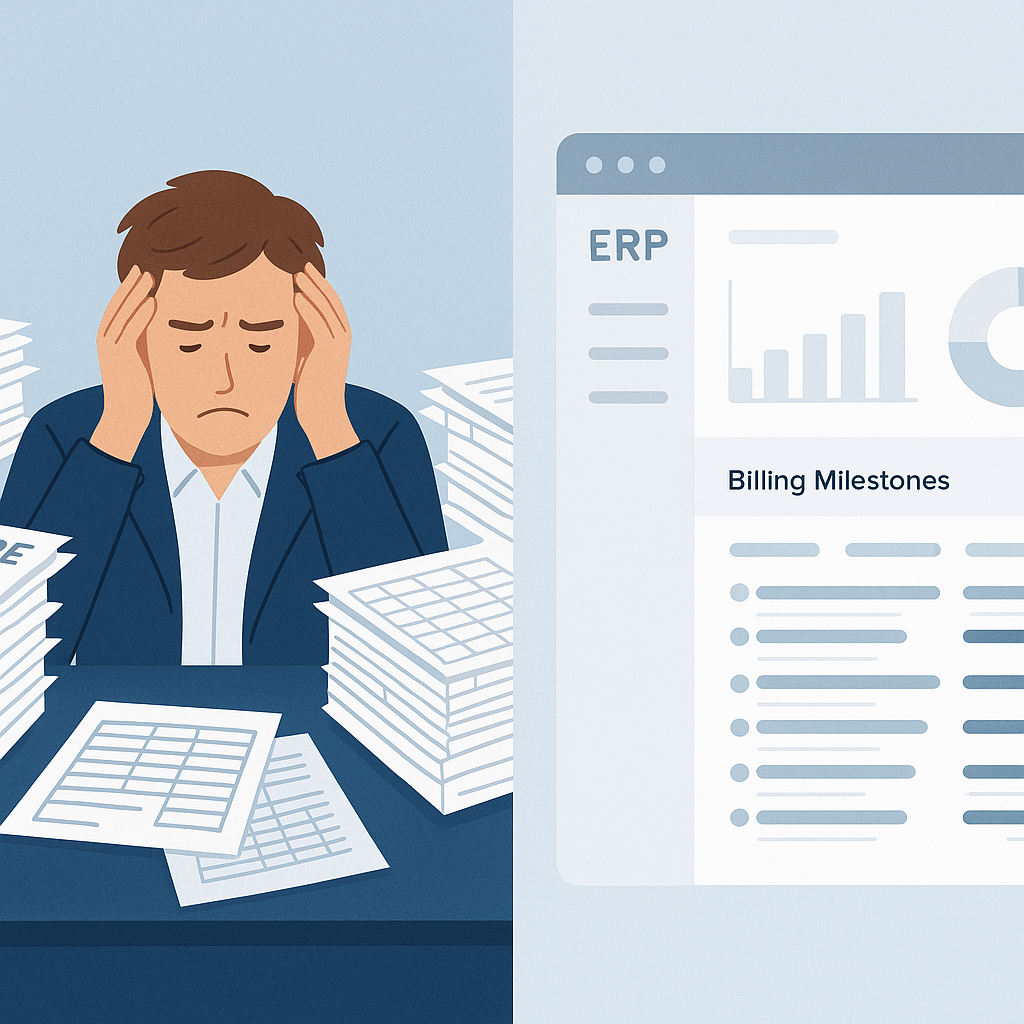
Take billing. A common scenario: You’re managing multiple projects, and each client demands a different billing method. One prefers RA (Running Account) bills, another wants stage-wise billing. Some projects need monthly invoicing, while others follow supply BOQ rates. Without the right ERP, this quickly turns into chaos. Miss one detail, and you’re either chasing unpaid invoices or leaving money on the table.
So how do you find the ERP that actually works for contractors? Start by focusing on the problems it solves, not just features.
The 3 Key Problems to Evaluate in Construction ERPs
1. Disconnected Systems = Operational Headaches
Most contractors juggle separate tools: Excel for tracking tenders, an outdated accounting system, and HR software that doesn’t talk to anything else. Sound familiar? This results in manual data entry everywhere, wasted hours, and missed opportunities.
The solution? A unified ERP. For example, JobNext integrates tendering, procurement, billing, HR, and finance into one platform. You don’t need to switch between five systems just to get a project profitability report. Everything — from BOQ estimates to payroll — lives in one place.
2. Billing Complexities = Revenue Leakage
We touched on this earlier, but let’s dig deeper. Imagine you’re running 10 projects simultaneously, each with different billing types. Without structured workflows, it’s easy to lose track. A missed stage payment or an incorrectly calculated RA bill can erode margins fast.
Why does this matter in ERP selection? Look for systems that support multiple billing methods natively. JobNext, for instance, handles six billing methods — RA Bills, stage-wise, monthly, supply BOQ, combined, and one-time. It even has built-in checks to ensure no invoice gets skipped. This flexibility ensures you’re capturing every rupee (or dirham).
3. GST Compliance = Non-Negotiable
If you’re operating in India, GST compliance isn’t optional. But manually tracking GST (or TDS) across projects? That’s a nightmare waiting to happen. A good ERP automates this — from tax calculations to filing-ready reports.
JobNext takes it a step further by integrating directly with Tally for statutory reporting. You get the best of both worlds: in-platform compliance and seamless sync with your accounting tool. For GCC contractors, it also supports VAT compliance, so you’re covered regionally.
How to Compare Construction ERP Software Side-by-Side
Here’s a quick table to help you assess options:
| Feature | Why It Matters | JobNext Example |
|---|---|---|
| Multi-billing Support | Prevents revenue leakage across diverse projects | 6 methods: RA, stage-wise, BOQ, etc. |
| Unified Platform | Eliminates disconnected systems | Combines tendering, procurement, HR, etc. |
| GST/TDS Compliance | Avoids penalties, saves time | Automated + Tally integration |
| Real-Time Profitability | Tracks margins live instead of post-mortem | BOQ-level tracking, dashboards |
| Multi-level Approvals | Ensures control over spending, billing, etc. | Configurable approval chains |
Pro tip: Don’t trust demo presentations alone. Ask vendors for a trial period or sandbox environment. Get your team to run real use cases (e.g., generating RA bills, creating purchase orders) to see if the tool holds up.
Final Thoughts: Don’t Settle for Surface Comparisons
You might be tempted to pick the cheapest ERP or stick with what you’ve always used. But if your current setup is causing headaches — missed invoices, GST errors, or project overruns — it’s time to rethink.
The best ERP isn’t the one with the longest feature list. It’s the one that solves your specific problems effectively. JobNext excels for contractors handling complex billing, multi-project operations, and compliance-heavy environments. But don’t take our word for it. Test it, compare it, and pick what works for you.
Need help narrowing down options? Let us know.
Ready to see JobNext in action?
Multi-tenant SaaS ERP for construction, facilities management, and contracting — covering preconstruction, project execution, procurement, HR & payroll, equipment, finance, and 150+ analytics reports.
Get Started Free →