Why Choosing the Right Construction ERP Matters
Margins in construction and allied trades are brutal. Seriously, most contractors and trade specialists—whether civil, structural, MEP, HVAC, fire protection, electrical, plumbing, interiors/fit-out, or EPC—are lucky to hit a 5% profit margin on projects. And when you’re juggling multiple jobs, disconnected tools, and unreliable data, those margins can evaporate faster than you think. That’s why the ERP you choose isn’t just another software decision—it’s a survival decision.
But not all ERPs are created equal. Some are bloated with features you’ll never use. Others are so barebones they can’t handle the complexities of modern projects in India or the GCC (Gulf Cooperation Council: UAE, Saudi Arabia, Qatar, Oman, Bahrain, Kuwait). So, how do you decide?
We’ve broken down the seven features that actually matter. Skip these, and you could end up with software that looks good in a demo but fails when it hits the field.
1. Unified Platform (Goodbye, Tool Fragmentation)
Here’s the problem: fragmented tools kill productivity. Your tendering team uses one app, procurement uses another, and finance works out of spreadsheets. Sound familiar? It’s chaos. And it’s costing you.
A unified platform puts everything—tendering, procurement, billing, HR, equipment, and finance—under one roof. For example, JobNext combines all these into a single system, meaning no data silos, no re-entry errors, and no finger-pointing between departments. According to their blog, contractors and trade specialists using unified platforms see an average of 20% faster project execution (source).
This isn’t just about convenience. It’s about eliminating the hidden costs of tool fragmentation. A study by Construction Executive found that fragmented systems can eat up 5-10% of project budgets.
2. Real-Time Project Profitability Tracking
Most contractors and allied trades professionals don’t realize they’re losing money on a project until it’s too late. Why? Because their systems can’t track profitability in real-time.
A strong ERP lets you monitor project margins across BOQs, scopes, and estimates. For example, JobNext flags margin erosion the moment costs start to creep over estimates. This isn’t theoretical—real-time data saves real money. A research report from JobNext showed how a mid-size contractor saved 8% on project costs by catching overspending early.
3. GST, VAT, and Compliance Built In
If you’re working in India or the GCC, compliance isn’t optional. GST, VAT, TDS, PF, ESI—the list goes on. And manual compliance tracking? It’s a nightmare waiting to happen.
Look for an ERP with built-in compliance features. For instance, JobNext integrates GST compliance directly into workflows for Indian contractors, while also supporting VAT compliance for Gulf-based operations. Plus, it syncs with Tally for Indian statutory reporting and handles multi-company structures commonly found in GCC-based business groups.
According to TechJockey’s ERP comparison, only a handful of systems truly nail compliance across regions. Make sure your ERP is one of them.
4. Procurement Automation (MR to PO)
Procurement is where things often go off the rails. Unstructured workflows lead to delays, cost overruns, and angry vendors.
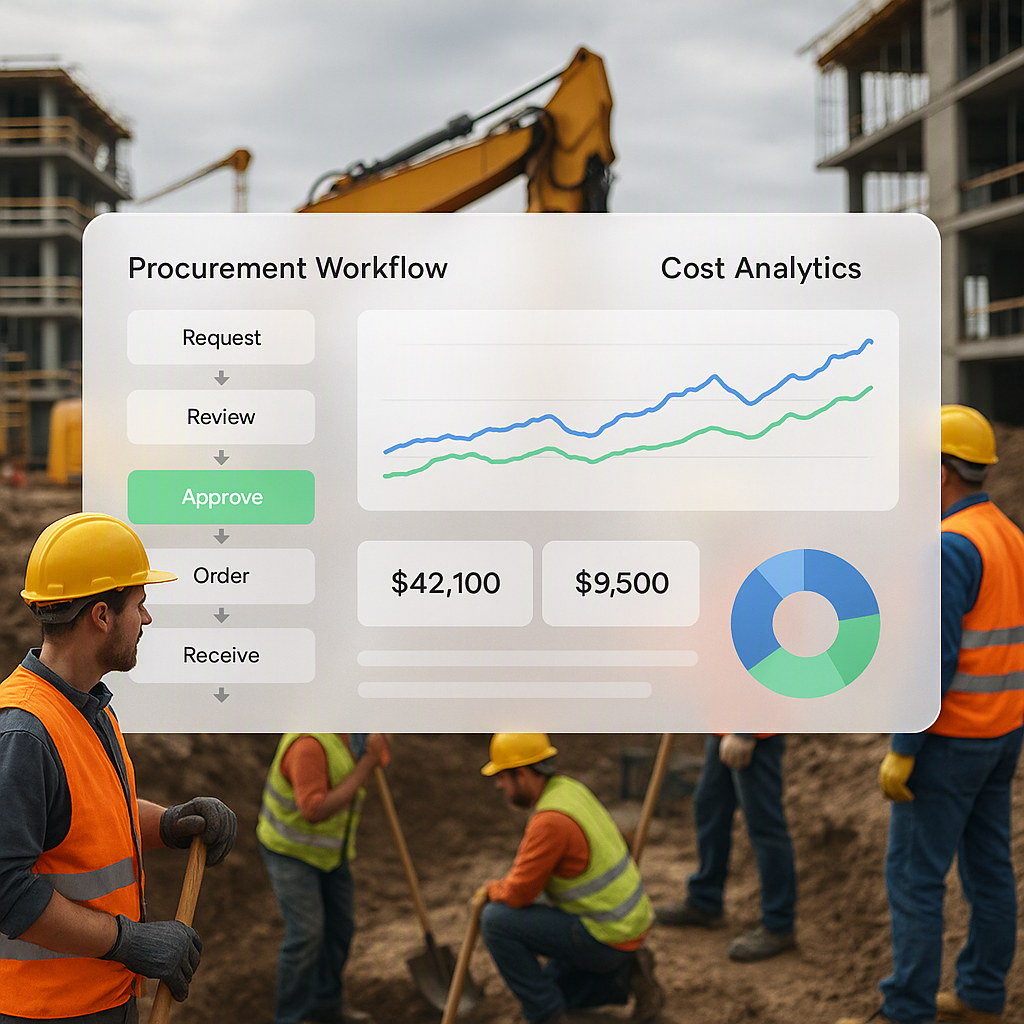
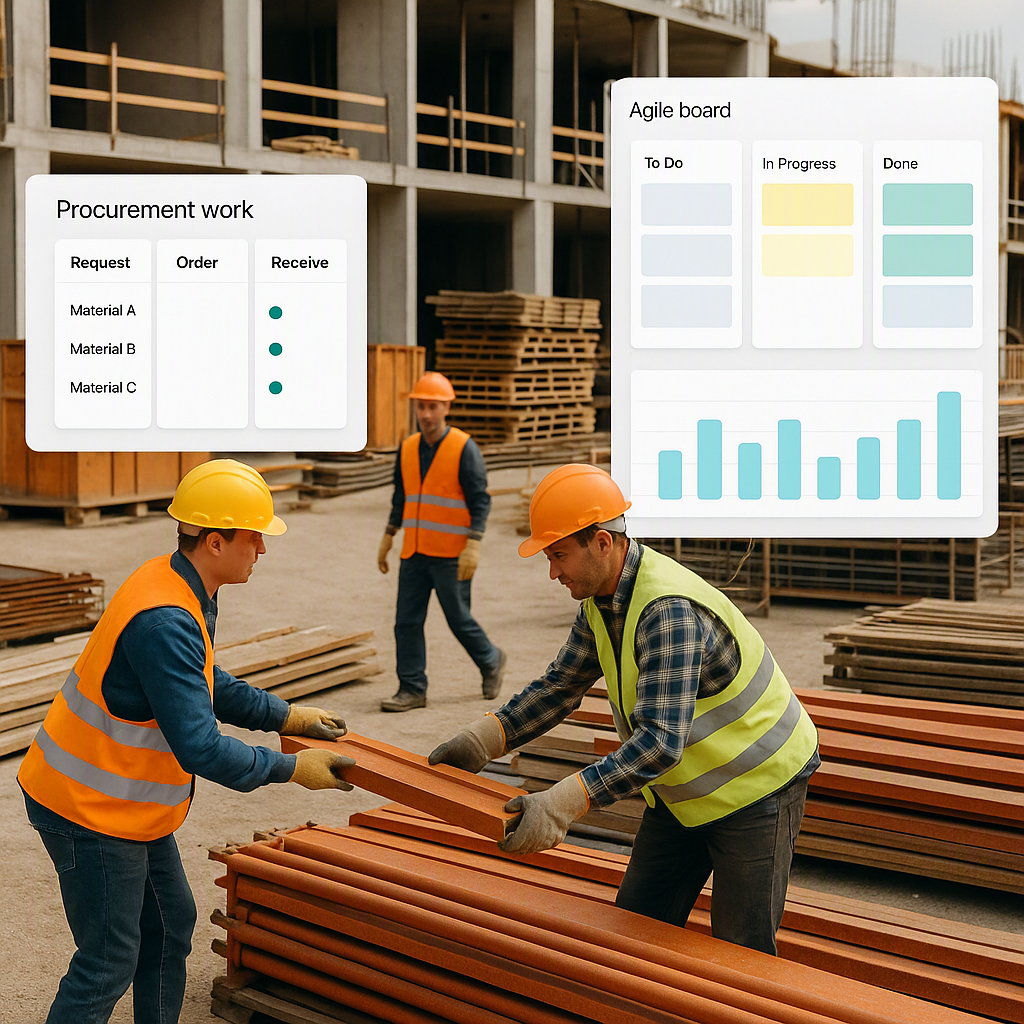
A great ERP automates the entire procurement chain—Material Request (MR) to Purchase Order (PO)—with built-in approval workflows. For example, JobNext ensures every RFQ and vendor offer is tracked, so nothing falls through the cracks. It’s structured, transparent, and fast.
ERPFocus notes that procurement automation can cut cycle times by up to 40%. Imagine the impact of that on your next big project.
5. Subcontractor Management
Subcontractors are both a blessing and a curse. Whether you’re managing electrical crews in India or MEP teams in the GCC, if you’re not tracking their progress and payments tightly, you’re asking for cost overruns.
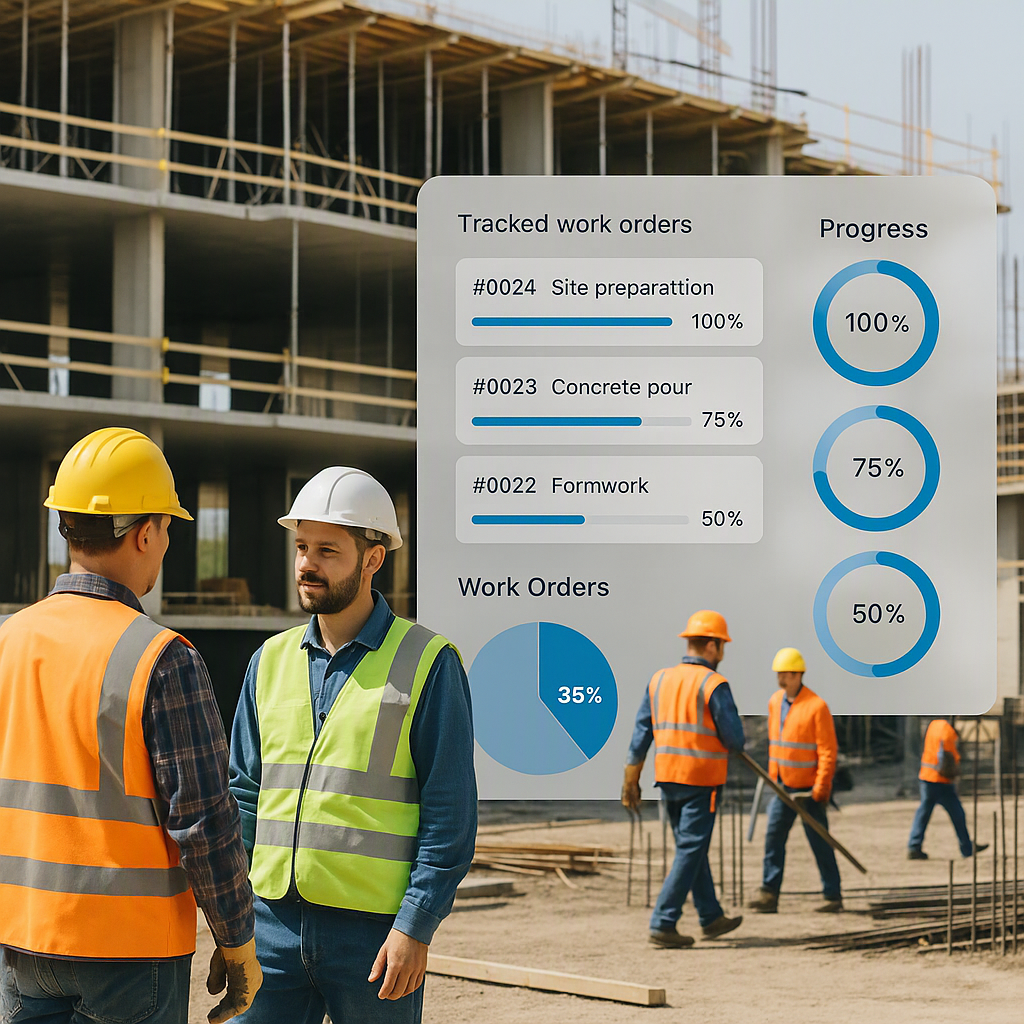
The best ERPs, like JobNext, include measurement-based progress tracking tied to payment controls. You can’t pay for work that hasn’t been completed, and you have clear documentation to back it up. This feature alone can save you from nasty disputes.
6. HR and Payroll for Multi-Site Operations
Managing teams across multiple sites is hard. Attendance tracking, payroll, and leave management become logistical nightmares.
That’s why your ERP needs robust HR tools. JobNext, for instance, handles site-wise attendance, camp-based staff allocation, and GCC-specific payroll compliance (including WPS for Gulf operations). These aren’t flashy features, but they’re essential if you’re running operations in the Gulf or dealing with large teams in India.
7. Analytics That Actually Help
Reports are useless if they don’t lead to action. The best ERPs offer real-time dashboards and customizable analytics.
JobNext comes with 150+ pre-built SSRS reports covering finance, HR, projects, and more. One contractor we interviewed said these reports helped them identify underutilized equipment, saving them ₹15 lakhs in just six months.
How to Compare ERPs
When comparing ERPs, focus on the features that solve your biggest headaches. Don’t get distracted by flashy demos or promises of “customization.” Here’s a quick checklist:
| Feature | Why It Matters |
|---|---|
| Unified Platform | Eliminates tool fragmentation |
| Real-Time Profitability Tracking | Prevents margin erosion |
| Compliance Automation | Avoids penalties and manual errors |
| Procurement Workflow Automation | Speeds up material procurement |
| Subcontractor Management | Controls cost overruns |
| Multi-Site HR and Payroll | Simplifies workforce management |
| Actionable Analytics | Turns data into decisions |
Final Thoughts
Choosing the right construction ERP doesn’t have to be a guessing game. Focus on what matters: unifying your systems, protecting your margins, and automating where it counts. Tools like JobNext aren’t just software—they’re a strategy for staying competitive in an industry where every rupee or dirham counts.
Still unsure? Check out The Hidden Cost of Tool Fragmentation. It’s a must-read for any contractor or trade specialist considering an ERP.
Learn more at JobNext.ai - Construction ERP