Choosing Construction ERP Software: What They Don’t Tell You
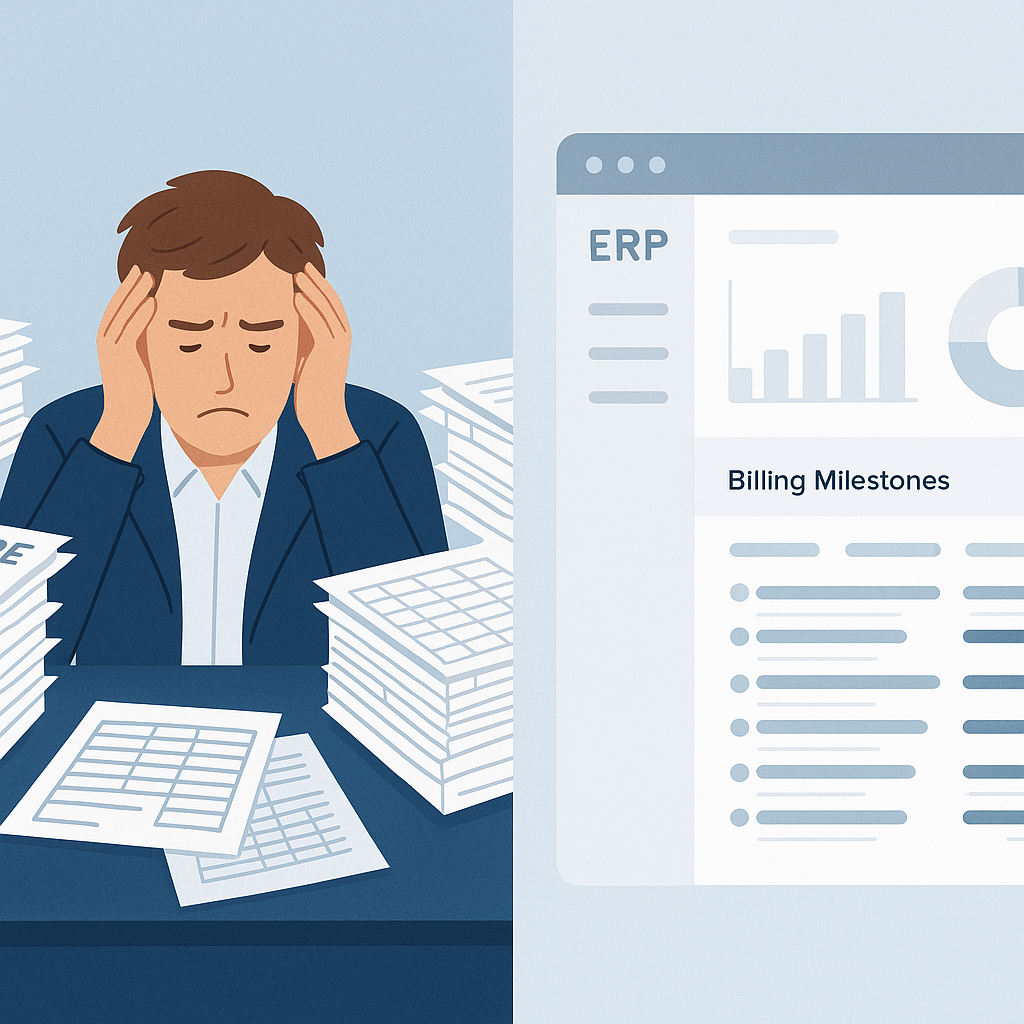
Most construction ERP software looks great in demos. But once you’re knee-deep in implementation, reality hits. The tool doesn’t fit your processes, or worse, it adds more work. Sound familiar?
Here’s the thing: contractors don’t have room for error. Margins are already thin, delays are costly, and managing multiple projects across sites is hard enough without software that adds confusion. So how do you avoid the trap of picking the wrong ERP? You ask tough questions upfront.
1. How Will It Actually Help Me Manage My Margins?
Margins in construction are razor-thin—often below 10% in competitive markets like India and the GCC. If your ERP doesn’t give you real-time visibility into costs, you’re flying blind. Can it track project profitability against the BOQ? Will it flag when labor or materials are overshooting estimates?
For example, JobNext integrates BOQs, scopes, and estimates into a single system so you can see exactly where your project stands financially—at any time. If a subcontractor’s costs go over budget, you’ll know before it’s too late to fix it.
2. Does It Eliminate Disconnected Systems?
Be honest: are you juggling Excel, standalone accounting software like Tally, and maybe a few homegrown tools? It’s common. But disconnected systems create chaos. Data gets lost. Approvals are missed. You spend hours reconciling numbers.
An effective ERP should replace all of that. Look for one that covers tendering, procurement, billing, HR, and finance in one place. Multi-tenant SaaS platforms like JobNext excel here. They centralize everything, so your team isn’t bouncing between tools. Plus, with integrations like Tally for GST compliance, you won’t waste time re-entering data.
3. Can It Handle Complex Procurement Workflows?
Procurement is where many contractors bleed money. Unclear approval chains, manual RFQ processes, and vendor mismanagement lead to overspending. Does the ERP you’re evaluating offer structured workflows? Does it support MRs (Material Requests), RFQs, vendor offers, and POs (Purchase Orders) in a single sequence?
We’ve seen contractors save 10-15% on procurement costs just by implementing a system like JobNext’s MR → RFQ → Vendor Offers → PO workflow. It’s not about the tool—it’s about creating accountability and visibility at every step.
4. What Billing Methods Does It Support?
Different projects, different billing methods. RA Bills, stage-wise, monthly invoicing, supply BOQ, combined billing—it’s a mess if your ERP only supports one or two methods. And missed billing means lost revenue.
One contractor we worked with recovered 8% of annual revenue just by switching to an ERP that supported their preferred billing methods. JobNext, for instance, doesn’t lock you into one format. It adapts to how your clients pay, ensuring nothing falls through the cracks.
5. Is It Built for Multi-Site Operations?
If you’re running projects across multiple sites, you know the pain of managing attendance, payroll, and resource allocation. Paper-based systems or basic HR tools don’t cut it. Can your ERP handle multi-site complexities?
For example, JobNext simplifies attendance tracking across sites, integrates payroll with statutory compliance (PF, ESI, GCC-specific needs), and even supports staff allocation. No more manual spreadsheets or misaligned records.
The Bottom Line
You’re not just buying an ERP—you’re buying a system to run your business. And not all systems are created equal. The best construction ERP software solves real problems: margin erosion, disconnected tools, manual chaos, compliance headaches.
Take time to ask the tough questions. Test how well the software fits your process, not the other way around. And if it doesn’t meet your needs? Walk away. The wrong ERP will cost you far more than it’s worth.
Ready to see JobNext in action?
Multi-tenant SaaS ERP for construction, facilities management, and contracting — covering preconstruction, project execution, procurement, HR & payroll, equipment, finance, and 150+ analytics reports.
Get Started Free →