Why Profitability Slips Through the Cracks
Let’s face it: project profitability is slippery. You can win a bid with razor-thin margins, but if you don’t track costs closely, your profits can vanish before you know it. Materials, labor, subcontractor payments—they all add up fast. And if you're relying on manual spreadsheets or scattered systems to track these, you're basically flying blind.
Here’s the hard truth: many contractors don’t even realize they’re losing money until it’s too late. By the time the final accounts are reconciled, the project’s done, and the losses are locked in. That’s the problem with outdated or disconnected systems—you only find out what went wrong after it’s already gone wrong. But does it have to be this way?
The Case for Real-Time Dashboards
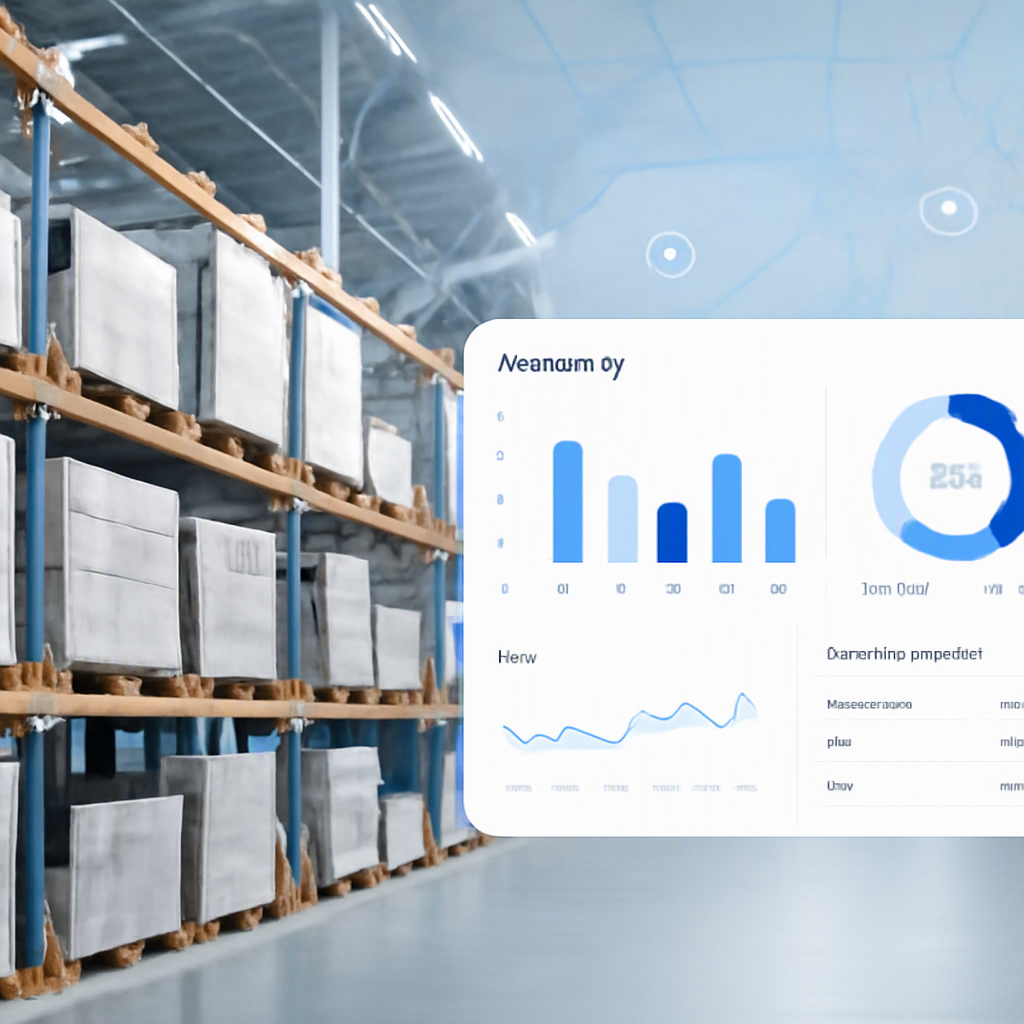
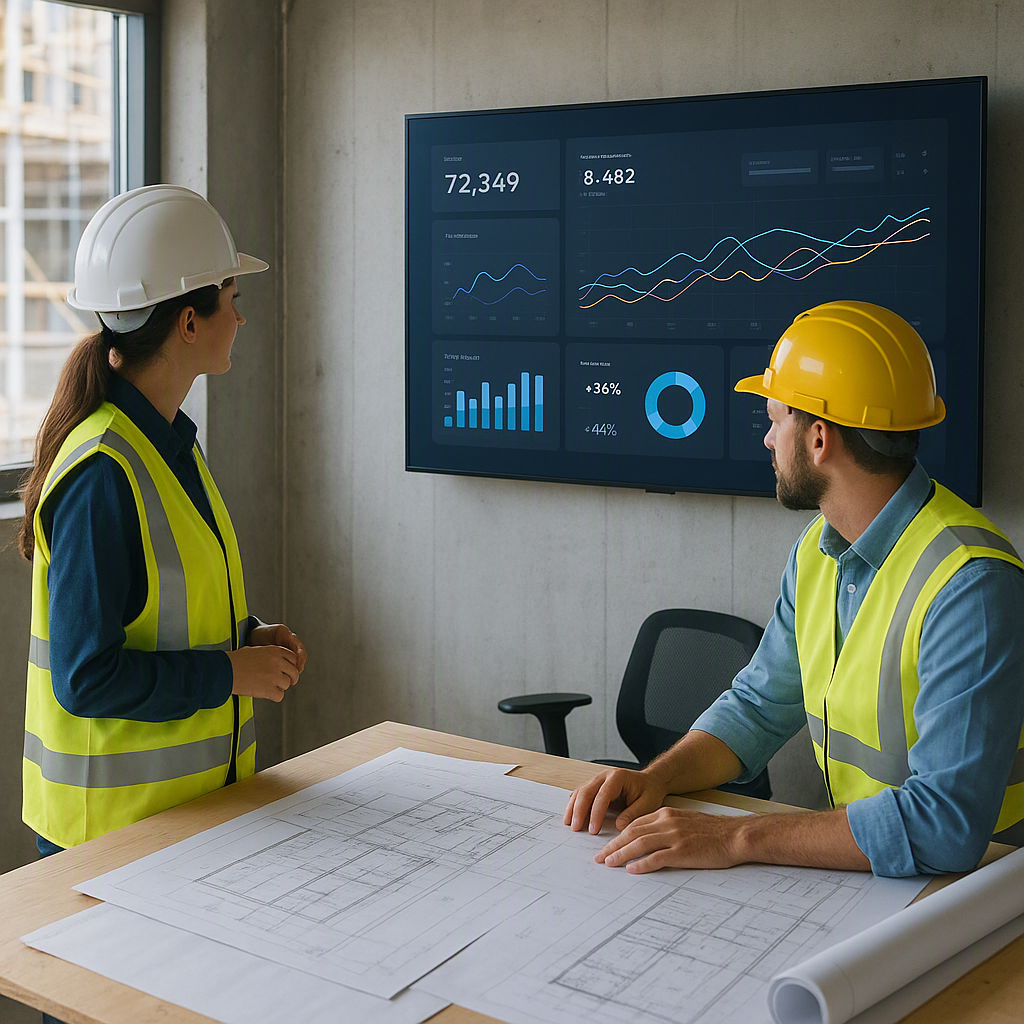
Real-time dashboards change the game. They let you monitor costs, revenue, and profitability as they happen. Imagine having all your project data—BOQ progress, material costs, subcontractor expenses, and billing status—consolidated into one place. No more guessing. You see where every rupee is going, straight away.
Here’s why this matters: in construction, costs can spiral out of control quickly. An unexpected rise in steel prices, a delay in material delivery, or an underperforming subcontractor can turn a good project into a bad one. Real-time dashboards give you the early warning system you need to intervene before things go south.
Actionable Steps to Maximize Real-Time Dashboards
- Centralize Your Data Sources: Start by integrating all your tools—accounting software, procurement systems, and labor management—into the dashboard.
- Set Alerts for Key Metrics: Define thresholds for cost overruns, labor inefficiencies, and material delays. The dashboard should notify you automatically when these thresholds are crossed.
- Train Your Team: A dashboard is only as good as the people using it. Ensure your team knows how to log data accurately and interpret the insights.
- Review Daily, Act Quickly: Make it a habit to review the dashboard daily and take swift action on anomalies. The sooner you address issues, the less likely they are to snowball.
A Practical Example: Subcontractor Overruns
Let’s get specific. Subcontractor management is one of the most common pain points for contractors. Without proper controls, costs can balloon. You’ve probably seen it happen: a subcontractor submits inflated progress measurements, or there’s confusion about what’s been approved versus what’s been delivered.
This is where a real-time dashboard becomes indispensable. With a tool like ProjectsNext’s project execution module, for instance, you can track subcontractor progress against the agreed-upon work orders and BOQs. When a subcontractor submits a measurement, it’s logged immediately, and payment approvals go through a structured workflow. If anything doesn’t match up, you’ll know right away. Not weeks later, when the money’s already out the door.
Practical Steps for Subcontractor Oversight
- Digitize Work Orders: Ensure all subcontractor agreements, including labor and material requirements, are digitized and linked to the dashboard.
- Track Milestones: Break subcontractor work into measurable milestones. For example, if a subcontractor is responsible for 10,000 sq. ft. of plastering, track their progress in 1,000 sq. ft. increments.
- Approval Workflows: Set up a multi-level approval system for progress measurements. This ensures no payments are made until work is verified.
- Audit Regularly: Use the dashboard to audit subcontractor costs weekly. This will help you catch discrepancies before they become unmanageable.
Why Many Contractors Resist—and Why They Shouldn’t
You might be thinking, “Great idea, but I’ve been managing projects for years without a fancy dashboard. Why change now?” Fair question.
Here’s the thing: the old way of manually tracking costs worked when projects were simpler. But today, even smaller contractors are juggling multiple sites, each with their own teams, materials, and subcontractors. Add GST compliance, TDS, and vendor payments into the mix, and it’s like trying to juggle flaming swords. Real-time dashboards don’t just make your life easier—they make it possible to manage this complexity without losing your shirt.
Overcoming Resistance
- Cost Concerns: Many contractors worry about the upfront cost of implementing a dashboard. However, the ROI from preventing even one major cost overrun can easily justify the investment.
- Learning Curve: Some teams resist new technology because they fear it will be too complex. Choose a user-friendly platform and offer comprehensive training to ease the transition.
- Perceived Redundancy: If you already have systems in place, it might feel like a dashboard is redundant. But remember, a dashboard centralizes and enhances your existing systems—it doesn’t replace them.
What to Look for in a Dashboard
Not all dashboards are created equal. Here’s what you should look for:
- Integration: Your dashboard should pull data from every part of your operation—procurement, HR, finance, and project execution. If it only covers one area, it’s not solving the problem.
- Customizability: Every contractor works differently. Look for dashboards that let you tailor the view to highlight what you care about most—whether it’s cost variance, labor utilization, or billing status.
- Real-Time Updates: This is non-negotiable. A dashboard that updates weekly isn’t a real-time dashboard. You need to see your cash flow and costs in real-time to make informed decisions.
- User-friendly Interface: If your team can’t figure out how to use it, it’s useless. Look for a clean, intuitive layout that doesn’t require a degree in data science to navigate.
Comparison Table: Key Features to Consider
| Feature | Why It Matters | Questions to Ask Vendors |
|---|---|---|
| Integration | Saves time and avoids manual errors | Can it integrate with your existing tools? |
| Customizability | Tailors insights to your specific needs | Can you customize reports and dashboards easily? |
| Real-Time Updates | Enables immediate action on cost overruns | How frequently does the dashboard update? |
| User-Friendly Interface | Ensures team adoption and effective usage | Is there a demo or trial version to test usability? |
| Compliance Features | Simplifies GST, TDS, and other regulatory tracking | Does it support local tax and compliance standards? |
Learn more at JobNext.ai - Construction ERP