I Thought AI in Contract Management Was Overhyped
For the longest time, I was skeptical about AI in contract management. I’d hear phrases like "revolutionizing workflows" and "cutting-edge automation," and my eyes would glaze over. AI felt like a buzzword vendors threw around to charge more for software that didn’t actually change how work got done.
In my mind, contract management for field services was manual for a reason. Tracking subcontractors, managing variations, and ensuring compliance required hands-on oversight. You couldn’t just feed an algorithm a bunch of data and expect it to understand the nuances of a BOQ (Bill of Quantities) or a scope change. And let’s be honest—most contractors struggle to even keep their data consistent across spreadsheets and WhatsApp threads. How was AI supposed to fix that?
I wasn’t wrong to be skeptical. The tools I’d seen back then didn’t do much beyond automating basic tasks like sending reminders or generating templates. Useful, sure. Transformative? Hardly.
Then something changed.
What Changed My Mind
It was mid-2025, and I was consulting for a mid-sized MEP (Mechanical, Electrical, and Plumbing) contractor in Pune. They had just rolled out a new ERP system with AI-powered features for contract management. I wasn’t involved in the implementation—I was there to fix their subcontractor billing mess.
Their problem was painfully common. Subcontractors were billing for work that wasn’t fully completed. Site engineers were approving these bills without proper measurements because they were too busy to cross-check. By the time finance flagged the discrepancies, the payments had already gone out. The result? A ₹12 lakh hole in their project margins over six months.
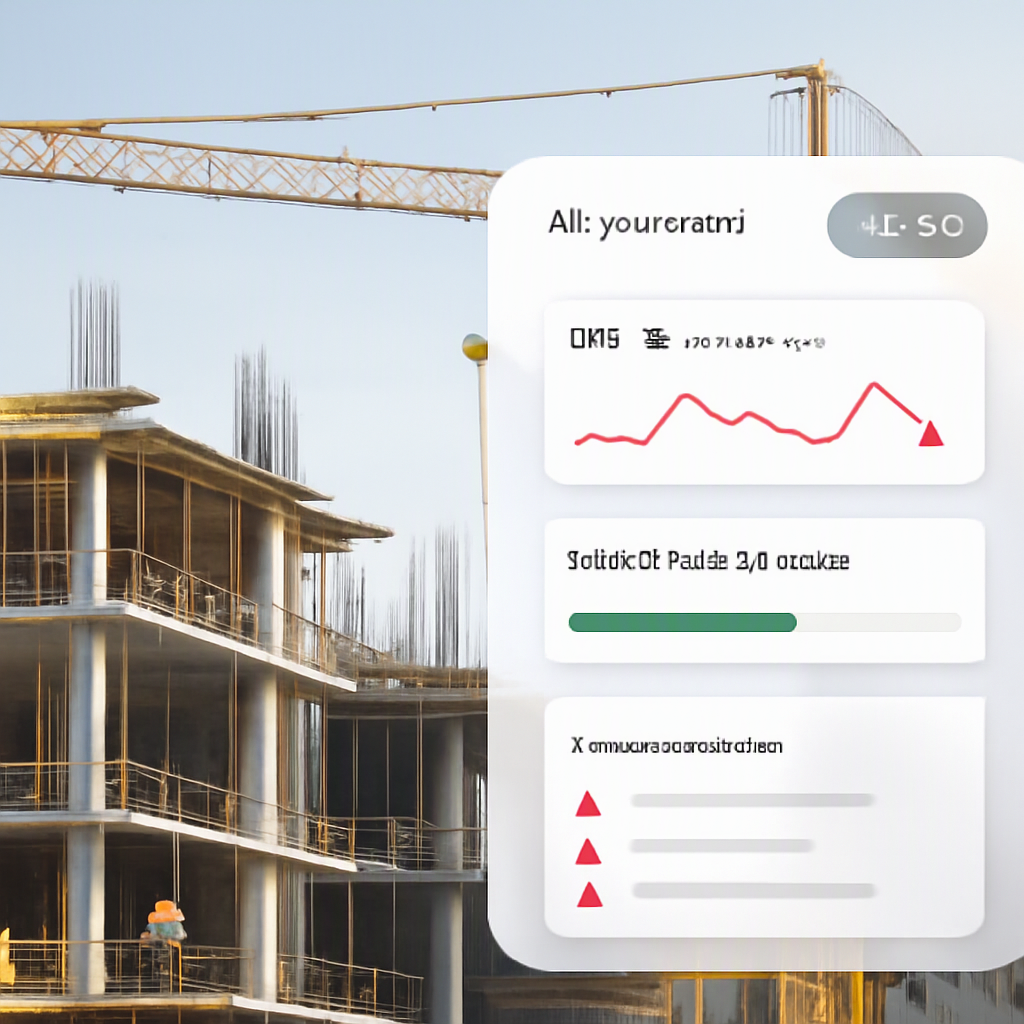
One afternoon, the project manager called me over. "You’ve got to see this," he said. He showed me how the system was automatically cross-referencing subcontractor work orders with site progress measurements. If a subcontractor billed for 80% of a task but only 60% was verified on-site, the system flagged it. Not only that—it also notified the site engineer to review the discrepancy before approving the bill.
Let’s break this down. Here’s what the AI tool did:
- Cross-referencing data: The system automatically matched the progress measurements from the site with the billing data entered by the subcontractor.
- Highlighting mismatches: When the two didn’t align (e.g., subcontractor billed for 80% but only 60% was done), the tool flagged it.
- Triggering alerts: Notifications were sent to the relevant site engineer, prompting them to take action rather than letting the bill proceed unchecked.
I was stunned. This wasn’t just automating a task; it was actively preventing revenue leakage. And it wasn’t some black-box magic, either. The logic was straightforward: compare the bill to the approved measurements and highlight mismatches. Something a human could do—but never did consistently because they were juggling too many other priorities.
Why My Old Belief Survived So Long
Looking back, my skepticism wasn’t entirely unfounded. A lot of early AI tools overpromised and underdelivered. They couldn’t handle the messy realities of field service operations—missing data, inconsistent formats, and last-minute changes.
Here are the key reasons my skepticism persisted:
- Early tools were too basic: The first "AI-powered" contract management tools I saw weren’t really AI. They were glorified automation tools that could send reminders, populate templates, or generate reports, but they couldn’t adapt to real-world complexities.
- Messy data environments: Contractors often work with incomplete or inconsistent data—BOQs with missing line items, progress reports that aren’t updated on time, and informal communication over WhatsApp. Early AI tools couldn’t deal with this reality.
- Misunderstanding AI’s potential: I was lumping all AI tools together, assuming that if one didn’t work, none would. I didn’t realize how much the technology was evolving, especially for niche applications like contract management.
- Resistance to change: I’d spent years working around the same problems with spreadsheets and emails. It’s hard to embrace new tools when you’re used to a certain way of working, even if it’s inefficient.
But, as I learned, the new generation of AI tools was different. They didn’t just automate—they solved specific, high-impact problems with precision.
What I Do Differently Now
Today, I take a much deeper and more critical approach to evaluating AI-powered tools. Here’s how my process has changed:
1. Identify the Problem First
Before considering any tool, I ask: What’s the specific pain point we’re trying to solve? For example:
- Are subcontractors overbilling and creating payment discrepancies?
- Are scope changes causing confusion and missed deadlines?
- Is compliance tracking eating up too much time?
Defining the problem makes it easier to assess whether a tool’s features align with the challenges you’re facing.
2. Evaluate Workflow Integration
A tool isn’t helpful if it creates more work. So I ask:
- Does it integrate with existing systems like ERP, procurement, or finance software?
- Can it handle real-world complexities, like change orders or partial work completions?
- Does it reduce manual intervention, or does it just shift the workload elsewhere?
For instance, a tool claiming to reduce billing errors should be able to:
- Match invoices to progress updates automatically.
- Flag discrepancies without requiring someone to sift through endless spreadsheets.
- Notify the right person immediately, so action can be taken.
3. Clean Up Data First
Even the best AI tool can’t work with junk data. Here’s how I help clients prepare:
- Standardize BOQs and work orders. Avoid free-text fields; use dropdowns and predefined categories.
- Implement rigorous progress tracking processes. Make sure site engineers log updates consistently and in real time.
- Centralize communication and documentation. Eliminate reliance on tools like WhatsApp for critical project updates.
4. Demand Transparency
I don’t trust AI tools that operate as a black box. I want to know:
- What logic or rules does the AI follow?
- Can I customize it to suit my organization’s specific needs?
- How does it handle edge cases or incomplete data?
If a vendor can’t explain how their tool works in plain language, it’s a red flag.
What Being Wrong Cost Me
Holding onto my skepticism for so long meant I missed opportunities to recommend better solutions to my clients. That MEP contractor in Pune could have avoided months of margin erosion if they’d implemented the system earlier—and I’d have been in a position to suggest it if I’d done my homework.
The cost of being wrong wasn’t just financial. It was reputational. Clients trust consultants to bring them the best solutions, and when you dismiss something without fully understanding it, you risk losing that trust.
That said, I still approach AI with a healthy dose of caution. There are areas where it excels—like progress tracking and billing validation—and others where it struggles. For example, making judgment calls about scope changes often requires human context that’s hard to quantify.
Comparison Table: Manual Processes vs AI-Powered Solutions
| Aspect | Manual Processes | AI-Powered Solutions |
|---|---|---|
| Billing Accuracy | Prone to human error; discrepancies often caught too late. | Automatically flags billing vs progress mismatches in real time. |
| Time Efficiency | Site engineers and project managers spend hours cross-checking data. | Saves time by automating cross-referencing and approvals. |
| Data Consistency | Relies on manual updates, leading to errors and inconsistencies. | Integrates with existing systems to ensure data consistency and real-time updates. |
| Compliance Tracking | Labor-intensive and prone to oversight, especially for GST or other legal requirements. | Tracks compliance requirements automatically, reducing risk of penalties. |
| Adapting to Changes | Difficult to manage frequent scope changes; requires constant manual intervention to update all documentation. | Tracks changes in real time and updates associated documents, like BOQs and contracts, seamlessly. |
If you’re dealing with billing errors, compliance headaches, or margin erosion in your projects, ProjectsNext can help. It’s an all-in-one ERP designed for contractors, with AI-powered features for contract and subcontractor management. Learn more →
Learn more at JobNext.ai - Construction ERP