
ERP Training Isn’t About Buttons — It’s About Workflows
If you're a contractor implementing ERP, here's a hard truth: training can make or break your rollout. I’ve seen it happen. A shiny new system fails because people don’t understand how to actually use it to solve real project problems.
The biggest myth? That ERP training is about learning software features. It’s not. It’s about embedding your team’s daily workflows — tendering, procurement, billing — into the system. If your people don’t see how the ERP fits their work, they’ll stick to their old ways. And suddenly, your expensive ERP becomes a glorified spreadsheet.
Let’s break down how you can master ERP training for a seamless implementation. I’ll use JobNext as an example because it’s built specifically for contractors, but the principles apply to any system.
Step 1: Start With Real Use Cases, Not Menus
Most ERP training starts with, “Here’s the dashboard. Here’s how to create a report.” Boring. And useless.
Instead, start with real-world tasks your team already knows. For instance:
- How do you handle material procurement today? Walk through your current MR → RFQ → PO process.
- What’s your subcontractor billing workflow? Do you measure progress before payments?
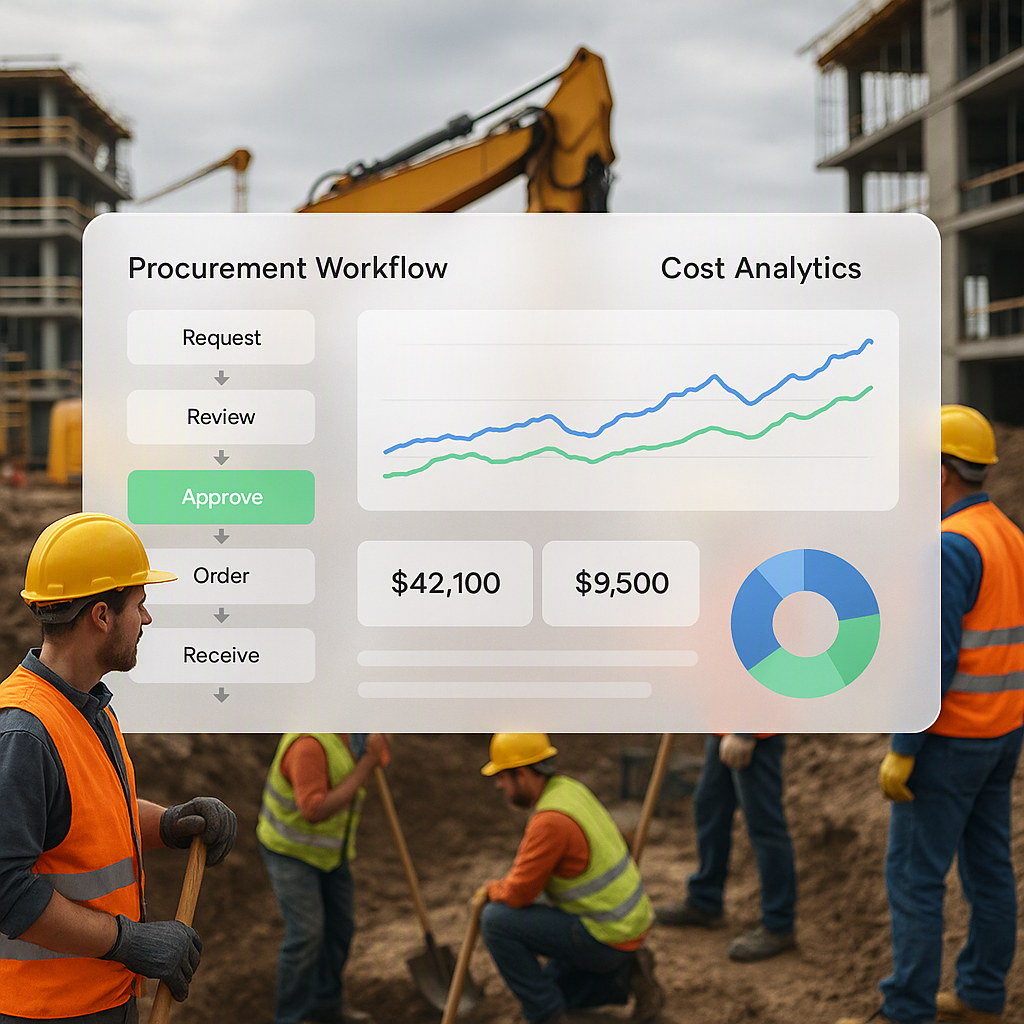
Now, map those workflows into your ERP. With JobNext, for example, you’d use its structured procurement module to replace chaotic WhatsApp and email approvals. Show your team how the system reduces manual errors and gives them real-time visibility into RFQ responses. Suddenly, the ERP isn’t just a tool — it’s a solution.
Actionable Tip:
Break down these workflows into small, digestible steps. For example:
- Current Step: Submitting manual material requests via email.
- ERP Workflow: Log into JobNext → Navigate to Material Request → Fill in quantities and submit for approval.
Once users see how their daily tasks integrate into the ERP, they’ll be more likely to adopt it.
Example:
A mid-sized contractor handling ₹50 crore projects spent an average of 3 days to process material procurement because approvals were scattered across emails and phone calls. After training their team to use JobNext’s procurement workflow, the approval time dropped to less than 8 hours, cutting project delays significantly.
Step 2: Focus on Roles, Not Everyone
Here’s a mistake I’ve seen too many times: training everyone on everything. Don’t do it.
Instead, break your team into role-specific groups:
- Site Engineers: Teach them how to track daily progress and submit material requests in the ERP.
- Procurement Managers: Show them how to compare vendor offers and issue POs.
- Finance Teams: Walk them through GST compliance, bank reconciliation, and RA bill approvals.
For example, JobNext’s role-based access ensures site engineers only see what’s relevant to their jobs. No distractions, no overwhelm. Train them on just those parts.
How to Approach This:
- Identify key roles within your organization.
- Map each role to the specific ERP modules they’ll use.
- Create separate training sessions for each group.
Comparison Table: General vs. Role-Specific Training
| Aspect | General Training | Role-Specific Training |
|---|---|---|
| Training Focus | Broad, covers all features | Tailored to specific job functions |
| Time Required | Long sessions | Shorter, focused sessions |
| Employee Engagement | Low (irrelevant info) | High (relevant to current work) |
| Adoption Rate | Lower | Higher |
Step 3: Reinforce With Real Data
Here’s a pro tip: don’t train on dummy data. Use your actual projects.
For instance, if you’re bidding on a ₹50-crore EPC job, use that BOQ during training. Show how JobNext’s 4 quoting methods — Easy, Estimate, Standard, Combined — can handle your specific tender requirements. When people see their real work inside the ERP, they’re far more likely to engage with it.
Case Study:
A construction firm in Bangalore was hesitant to adopt their ERP because training used generic samples that didn’t match their real-world needs. When they switched to real project data — including live BOQs and material requests — user engagement jumped by 60%, and the system was fully adopted within 45 days.
Actionable Tip:
Before training, prepare your actual project data:
- Upload a live BOQ into the ERP.
- Use ongoing procurement and billing examples.
- Prepopulate the system with your vendor and client data.
Step 4: Build in Approvals Early
What kills ERP adoption? Lack of accountability.
Let’s say your old procurement process had no approval hierarchies. Anyone could issue POs. Now, your ERP introduces structured workflows — MR → RFQ → Vendor Offers → PO.
During training, make it clear who approves what. JobNext’s multi-level approval workflows are perfect for this. Use training sessions to demonstrate how a delayed approval can hold up an entire project. Once your team sees the impact, they’ll take ownership of their roles.
Real-World Example:
A contractor implemented a multi-level approval system for procurement using JobNext. During training, they highlighted how a 24-hour delay in PO approval impacted their project timeline by three days. Seeing this consequence in real-time encouraged managers to approve POs on time.
Step 5: Track Who’s Actually Learning
You might think, “We did the training; we’re good.” Nope. Most people forget 80% of what they learn within a week.
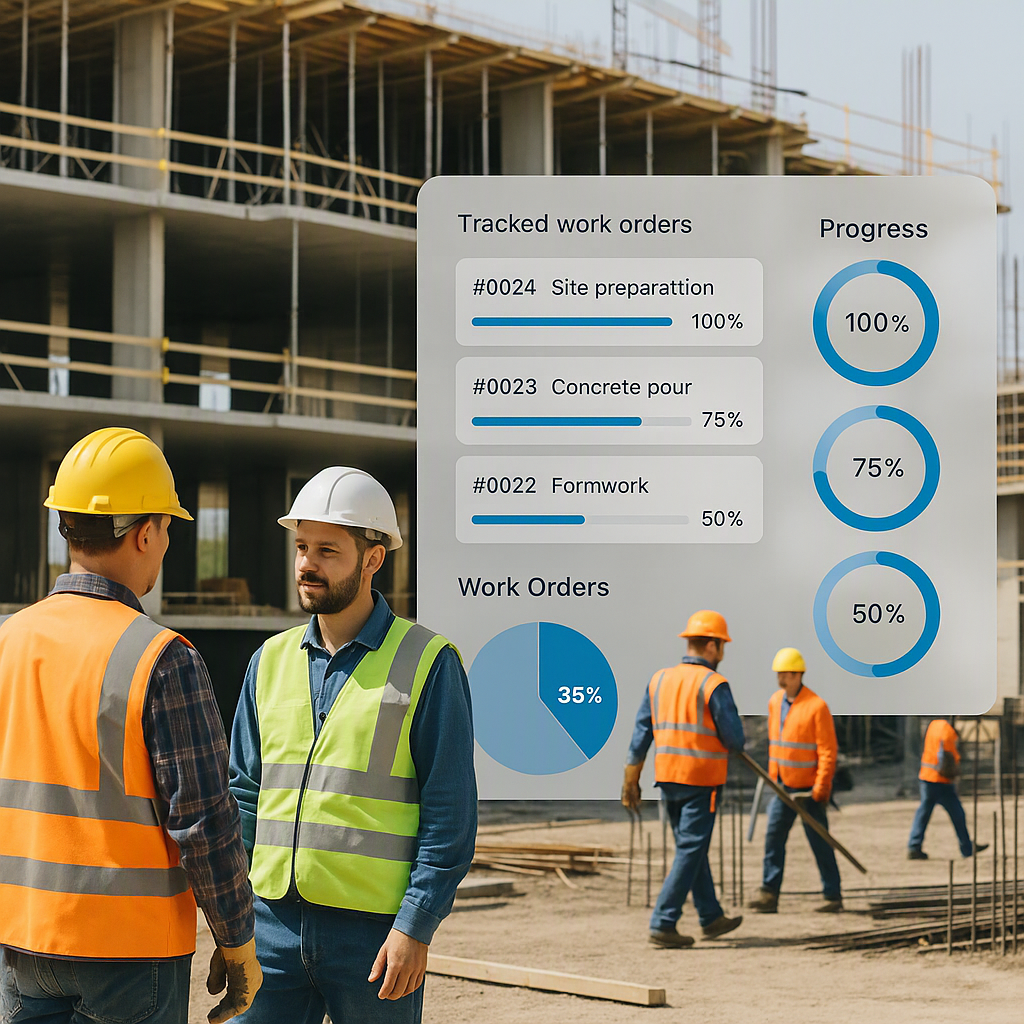
Use your ERP’s tracking tools to monitor who’s logging in, completing tasks, and following workflows. JobNext, for example, lets you assign specific WBS templates to jobs. If someone’s skipping steps, you’ll know.
Actionable Tip:
Set up a leaderboard or recognition system based on user engagement. For example:
- Most POs approved within 24 hours.
- Most accurate data entry.
This makes training fun and encourages your team to use the system consistently.
Step 6: Don’t Skip Follow-Ups
Training isn’t a one-and-done event. Schedule follow-ups 30, 60, and 90 days post-implementation. Ask questions like:
- What’s confusing?
- Which workflows aren’t being used?
- Are there bottlenecks we missed?
For example, if subcontractor payments are still delayed despite the ERP, revisit JobNext’s subcontractor management module. Maybe your team doesn’t fully understand how to track progress-based payments.
Actionable Tip:
Use these follow-ups to address:
- New challenges your team is facing.
- Further customization needs.
- Refresher training for underutilized modules.
Common Pitfalls (And How to Avoid Them)
1. Skipping Master Data Setup
If your master data is messy, nothing will work. Spend time setting up your Material Master, Vendor Master, and Chart of Accounts. Train your team on why clean data matters.
How to Fix:
- Dedicate a team to clean and validate master data before ERP implementation.
- Use ERP tools to flag duplicate or inconsistent entries.
2. Ignoring Site-Level Staff
Your ERP isn’t just for HQ. Site engineers often resist new tools unless they see clear benefits. Show them how features like attendance tracking and material requests simplify their work.
How to Fix:
- Conduct on-site training sessions.
- Provide mobile app tutorials for site-based staff.
3. Overloading Training Sessions
Keep sessions short and focused. No 4-hour marathons. Instead, do 1-hour modules over several days. For instance, one session could cover RA Bills; another could focus on GST compliance.
How to Fix:
- Break training into manageable chunks.
- Use interactive tools like quizzes or hands-on exercises.
FAQs
1. How long does ERP training take?
It depends on your team size and complexity. For a mid-sized contractor (200-500 employees), plan for 2-4 weeks of initial training and 90 days of follow-ups. Large organizations may require 6-8 weeks.
2. Should we hire external trainers?
If you’re using a construction-specific ERP like JobNext, their onboarding team will usually handle it. For generic ERPs, external trainers may help, especially if you lack in-house expertise.
3. How do we handle resistance to change?
Focus on demonstrating how the ERP solves real problems. For example, show how it reduces errors, speeds up approvals, or improves cash flow tracking. Address concerns during follow-ups.
4. What if training fails?
If adoption is low, revisit your workflows. Are they too complex? Are roles unclear? Consider bringing in external consultants to audit your processes.
5. How do we measure training success?
Track logins, task completion rates, and consistency in following workflows. Tools like JobNext’s activity reports can help.
Final Thoughts
ERP training isn’t just about teaching software; it’s about changing how your team works. If you focus on workflows, roles, and real-world data, you’ll not only implement your system successfully — you’ll actually see ROI.
If you’re tired of disconnected systems and manual chaos, JobNext can help. Get started free →
Learn more at JobNext.ai - Construction ERP