I Used to Think Manual Cost Tracking Was "Good Enough" — AI Proved Me Wrong
I used to think that managing construction project costs manually was fine. Spreadsheets, emails, and weekly site reports were "good enough." Sure, margins were tight, but that’s just how the industry works, right? You can't control everything—materials fluctuate, labor is unpredictable, and unexpected site issues happen. I believed you just had to accept some level of chaos.
Then I realized how much this approach was costing projects—not just in money, but in time and efficiency. Manual cost tracking wasn’t just "good enough"—it was actively hurting projects. The tools we relied on weren’t built to handle the complexity of modern construction. And that’s where AI changed everything for me.
The Manual Approach: Why It Survived So Long
First, let’s be fair to the old ways. Manual tracking survived because it was simple. Everyone knows how to use Excel or tally up invoices. Site reports and procurement logs gave decision-makers a rough idea of where they stood. It felt manageable. Plus, adopting new tech always seemed like a headache. Training teams, integrating data—who has time when you're already juggling deadlines?
But simplicity came at a cost. Manual methods are reactive. By the time you see a mismatch between your BOQ (Bill of Quantities) and actual spending, it’s too late. You’re in firefighting mode, trying to justify overruns to clients or cutting costs mid-project to save margins.
Key Issues with Manual Cost Tracking:
- Delayed Visibility: Manual methods rely on sporadic updates, which means you’re always working with historical data instead of real-time information. This delay can lead to costly inefficiency and missed opportunities.
- Error-Prone Processes: Spreadsheets and handwritten reports are prone to human error—miscalculations, missing entries, or miscommunications can result in costly mistakes.
- Hidden Costs: Material wastage, over-ordered inventory, and unapproved labor hours don’t show up until they’ve already drained your budget.
Actionable Steps to Improve Manual Tracking:
While manual tracking isn’t ideal, here are some practices that can mitigate inefficiencies:
- Standardize Reporting Templates: Use established templates for site reports, BOQs, and procurement logs to minimize errors.
- Frequent Updates: Require daily or bi-weekly updates instead of weekly summaries to reduce lag.
- Cross-Check Data: Implement a system for verifying invoices, site reports, and material consumption against BOQ estimates.
What Changed: AI-Powered Real-Time Cost Tracking
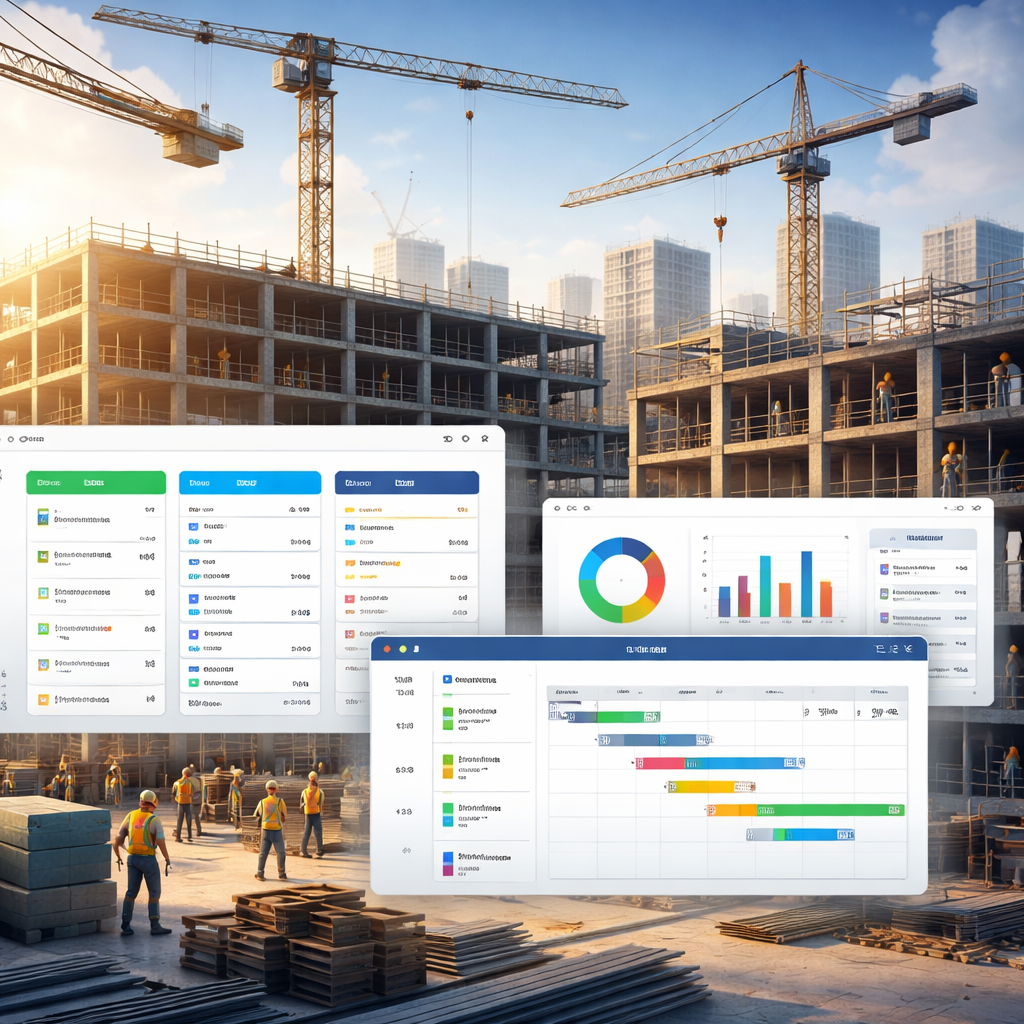
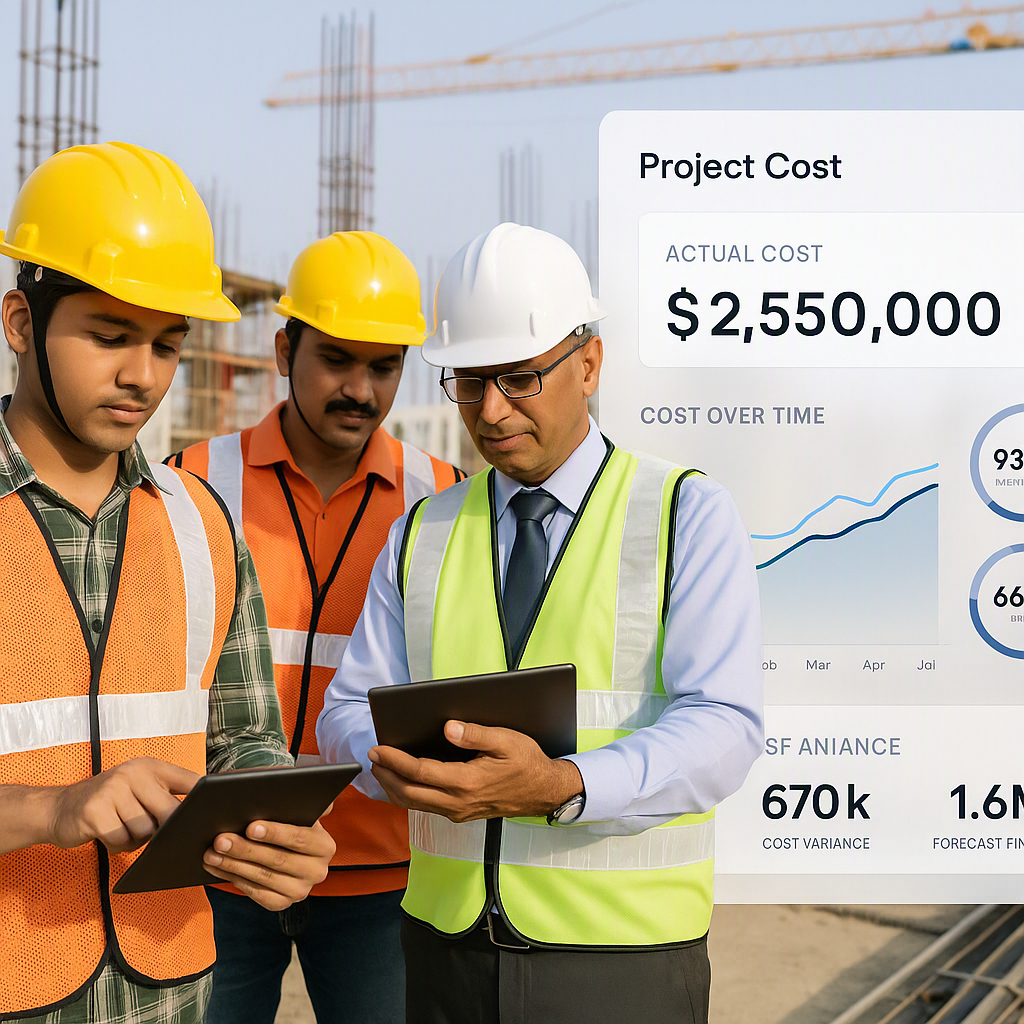
AI tools like real-time cost tracking flipped the script. Instead of relying on manual updates, they automatically pull data from procurement, site measurements, and finance workflows. This creates a live view of your project profitability—down to individual BOQ items.
How AI Solves Manual Tracking Issues:
- Real-Time Data: AI systems provide immediate visibility into costs, inventories, and labor, enabling proactive decision-making.
- Error Reduction: Automated workflows reduce the risks of human error by eliminating manual data entry.
- Predictive Analysis: Many AI tools analyze historical data to flag potential issues before they occur, such as material shortages or labor overruns.
Example of AI in Action:
Imagine you’re working on a high-rise project with a significant amount of steel in your BOQ. Traditional tracking would tell you how much steel you ordered and paid for, but not how much was actually used on-site. With AI-driven systems, you get real-time updates as materials are consumed. If your consumption rate spikes unexpectedly, the system flags it. This allows you to investigate and address potential issues like theft, mismanagement, or errors in your BOQ estimates before they escalate.
The same applies to labor. AI systems track attendance, overtime, and task allocation across sites. If a subcontractor crew logs hours beyond their agreed scope, you’ll know immediately. This prevents unexpected costs from piling up unnoticed.
Actionable Steps to Implement AI Cost Tracking:
- Choose Integrated Tools: Select AI solutions that integrate with your existing project management software.
- Train Your Team: Ensure that key stakeholders understand how to interpret dashboards and alerts.
- Start Small: Implement AI on one project before scaling it across your portfolio.
Why It Works: Structured Workflows
AI doesn’t work in isolation. It thrives on structured workflows. Take the MR → RFQ → PO approval chain. In manual setups, this process is riddled with delays and errors. AI tools streamline it by digitizing material requests (MRs), routing them for approvals, and tracking them through vendor quotes to final purchase orders. Every step is logged, so you have a clear, unbroken chain of accountability.
Benefits of AI-Enabled Workflows:
- Transparency: Every action is logged, making it easier to track where costs are incurred.
- Accountability: Unauthorized changes to requests or approvals are flagged.
- Efficiency: Automated routing reduces delays and speeds up procurement.
Actionable Steps to Improve Workflow Efficiency:
- Digitize Approvals: Use AI systems to automate material request approvals and ensure compliance.
- Integrate Procurement and Finance: Connect procurement systems to your financial software for seamless tracking.
- Monitor Deviations: Set up alerts for any deviations from approved BOQ and budget.
What I Do Differently Now
Today, we don’t start a project without real-time cost tracking in place. It’s non-negotiable. If your team can’t see live profitability data, you’re flying blind. I also make sure procurement and finance workflows are integrated. Disconnected systems are a recipe for disaster.
AI-Driven Decision Examples:
On a recent project, our AI system flagged a price hike in a key material mid-procurement. Instead of absorbing the cost, we renegotiated the contract with the vendor and adjusted our billing to reflect the increase. A manual setup might not have caught this in time.
Another change? I’ve stopped relying on outdated reports. Weekly summaries are fine for status updates, but they’re useless for decision-making. The data is already stale. Now, I check dashboards daily. If a BOQ item is trending over budget, we address it immediately.
Comparison Table: Manual Cost Tracking vs AI-Powered Cost Tracking
| Aspect | Manual Cost Tracking | AI-Powered Cost Tracking |
|---|---|---|
| Data Accuracy | Prone to human error | Automated, reduces errors |
| Timeliness | Reactive, with delayed updates | Real-time insights |
| Visibility | Fragmented, requires manual consolidation | Centralized, live dashboards |
| Scalability | Difficult to scale across multiple projects | Easily scalable across portfolios |
| Cost Control | Hidden overruns often go unnoticed | Immediate alerts for deviations |
| Training Requirement | Minimal, but limited in capability | Requires initial training, high ROI |
The Bottom Line
If you’re still using manual cost tracking, it’s worth considering how much you might be losing to hidden overruns. AI-powered tools offer a way out of the chaos. They don’t just automate workflows; they give you control over your projects in a way that wasn’t possible before.
For construction professionals looking to streamline operations, reduce costs, and boost efficiency, AI is no longer optional—it’s essential. Yes, implementation may take effort, but the benefits far outweigh the initial challenges.
Learn more about AI tools for construction project management →
Learn more at JobNext.ai - Construction ERP