
ERP Implementation for Contractors and Allied Trades: The Phased Approach That Actually Works
We need to talk about the elephant in every ERP selection meeting: most implementations fail.
Not catastrophically — though Gartner predicts up to 25% will fail that way too. The more common failure mode is the slow disappointment: a system that gets deployed, partially adopted, and gradually abandoned as teams revert to their old tools because the new system does not do what they expected or is too difficult to use.
Gartner predicts that by 2027, more than 70% of recently implemented ERP initiatives will fail to meet their original business goals. That is not a technology problem — it is a methodology problem.
The 30% that succeed overwhelmingly share one characteristic: they used a phased approach.
Why Big-Bang Implementations Fail in Construction and Allied Trades
A big-bang implementation — switching every module, every user, every process to the new system on a single go-live date — works reasonably well in manufacturing or retail environments where operations are repetitive and can be paused briefly for transition.
Construction and allied trades like MEP, HVAC, fire protection, plumbing, interiors, and EPC cannot pause. You have active projects with contractual deadlines. Your crews are in the field generating data daily. Your billing cycles are running. Your subcontractors are submitting pay applications. You cannot tell a $30 million project to wait while your accounting team learns new software.
The specific reasons big-bang fails in construction and allied trades:
Training overload. Asking 50 people to learn a new system across all their workflows simultaneously guarantees that nobody learns anything well. They learn enough to get by, build bad habits, and never discover the capabilities that justify the investment.
Data migration complexity. Construction and trade-specific data is messy. Projects span months or years. Migrating mid-project data — open POs, partial billings, retention balances, committed costs — is far more complex than migrating a customer database. Attempting to migrate everything at once multiplies the risk of errors.
No fallback position. When everything switches at once and something goes wrong, there is no partial retreat. You cannot use the old system for billing and the new system for procurement if both have changed simultaneously. You are trapped in a broken state with no safe harbor.
The Phased Approach: A Practical Playbook
Based on our experience implementing ERP systems for contractors and allied trades ranging from 20 to 2,000 employees across India and the GCC, here is the phased approach that consistently works.
Phase 0: Discovery and Planning (4-6 Weeks)
This phase happens before you touch any software.
Process mapping: Document how things actually work today — not how they are supposed to work. Follow a purchase order from requisition to payment. Follow a timesheet from the field to the payroll run. Follow a billing from progress measurement to cash collection. You will find manual steps, workarounds, and bottlenecks that the ERP should address.
Success criteria definition: Define measurable outcomes. Not "improve efficiency" but "reduce billing cycle from 7 days to 2 days" or "eliminate month-end cost reconciliation from three systems to one."
Change management planning: Identify your champions (the enthusiastic early adopters) and your resistors (usually the most experienced people with the most to unlearn). Plan your approach for both groups.
Data audit: What data exists, in what format, at what quality level? What needs to be migrated, what should be left behind, and what needs to be cleaned before migration?
Phase 1: Financial Foundation (6-8 Weeks)
Start with what matters most: money.
Implement:
- Chart of accounts aligned to construction cost codes
- Job costing structure (project → phase → cost code → cost type)
- Accounts payable and receivable
- Bank reconciliation
- Basic financial reporting
Why start here: Every other module feeds into finance. Getting the financial foundation right means every subsequent phase has somewhere accurate to post its transactions.
Migration approach: Start new projects on the new system. Keep active projects on the old system until they complete. Run parallel financial reporting for one month to validate accuracy.
Phase 2: Procurement and Commitments (4-6 Weeks)
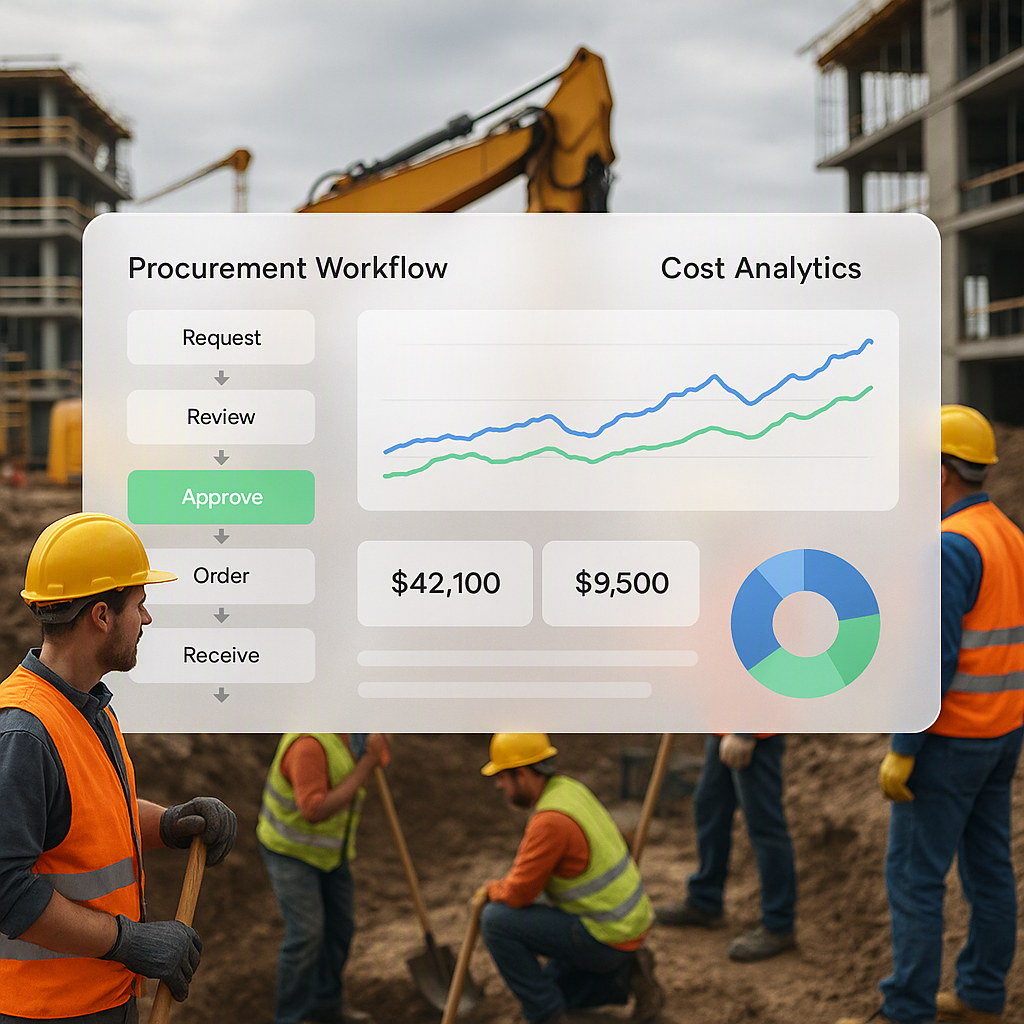
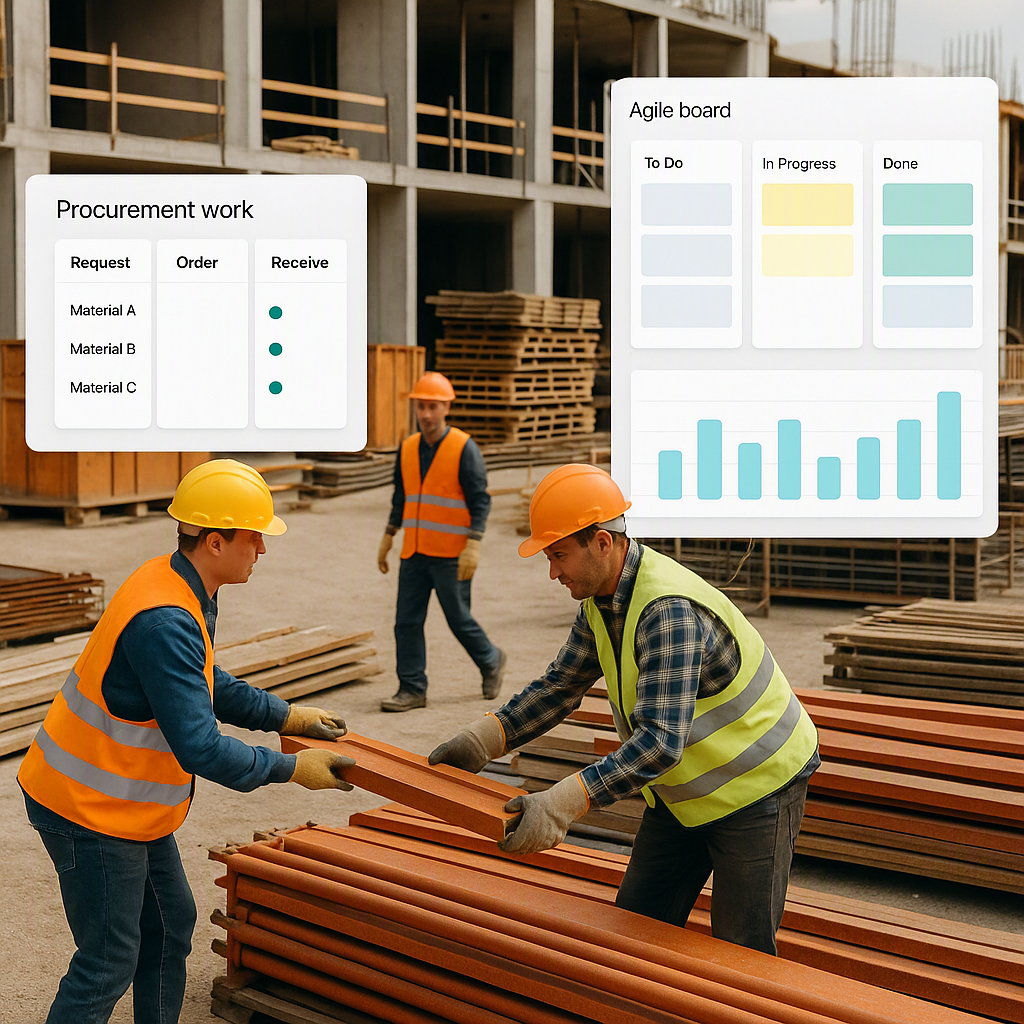
With the financial system live, add procurement.
Implement:
- Purchase requisition workflow
- Purchase order management with budget checking
- Goods receipt and vendor invoice matching
- Committed cost tracking
- Vendor master data
Why second: Procurement generates the majority of cost transactions. Once POs flow through the system and commit against project budgets, your cost forecasting transforms from guesswork to real data.
Phase 3: Project Operations and Field Tools (6-8 Weeks)
Now extend to the field.
Implement:
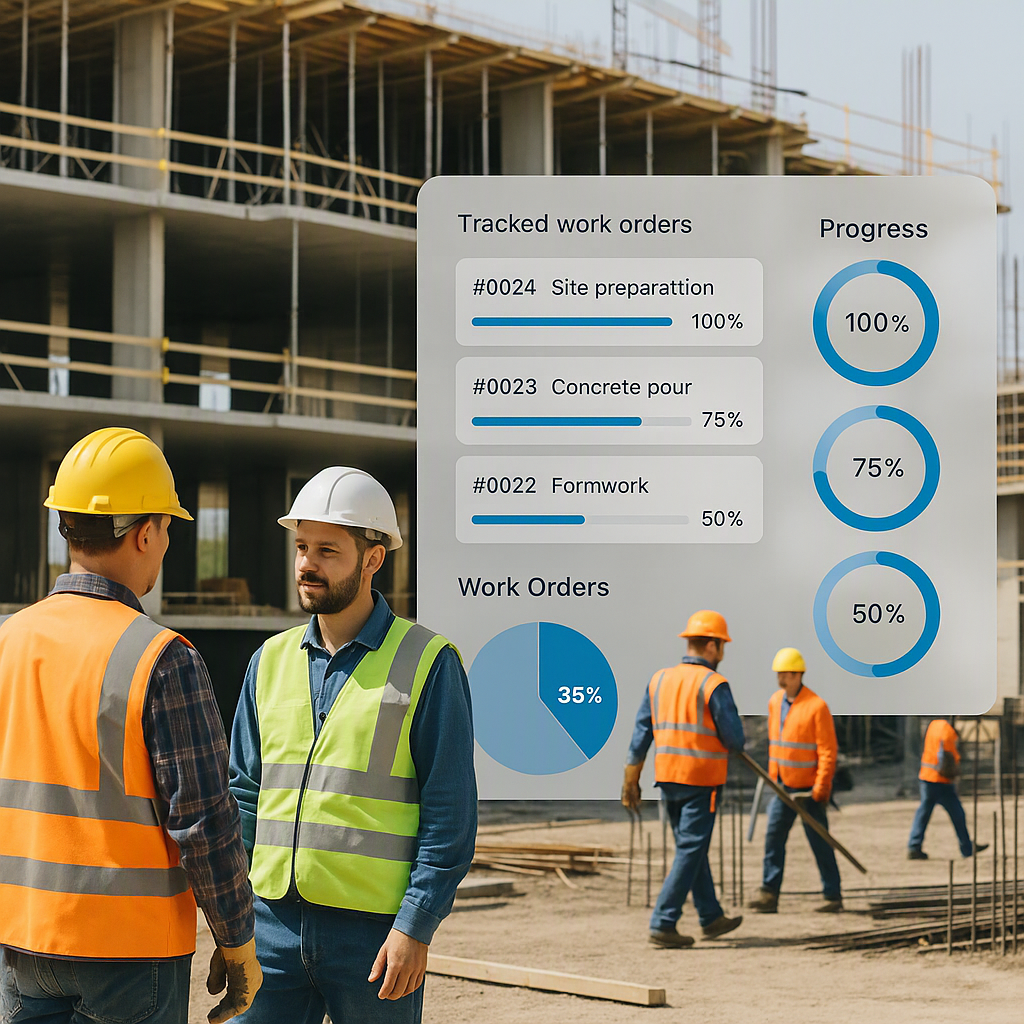
- Project scheduling and milestone tracking
- Daily reporting (mobile)
- Time and attendance (mobile)
- Document management
- Safety reporting
Why third: By this point, your office team is comfortable with the system. Field deployment is easier when the back-office processes already work — the field team can see that their time entries actually appear in the right place and their daily reports trigger real actions.
Critical success factor: Deploy field tools on one project first. Work out the kinks with a willing superintendent. Then expand to other projects with a proven toolkit and a trained champion who can help peers.
Phase 4: HR, Payroll, and Equipment (4-6 Weeks)
Round out the operational modules.
Implement:
- Employee master and HR workflows
- Payroll processing (including compliance with GST in India and VAT in the GCC)
- Equipment management and internal costing
- Leave management
- Certification and compliance tracking
Phase 5: Analytics and Optimization (Ongoing)
With all operational data flowing through the system, the analytics module becomes genuinely powerful.
Implement:
- Executive dashboards
- Project health scorecards
- Cash flow forecasting
- Labor productivity analysis
- Estimating feedback loops (actual vs. estimated costs)
The Human Side: Why Change Management Is Not Optional
Technology implementation is 30% software and 70% people. Organizations with strong change management are six times more likely to meet project objectives. Here is what effective change management looks like for construction ERP:
Executive Sponsorship
Someone at the executive level must visibly champion the system. This person reviews adoption metrics weekly, addresses resistance directly, and demonstrates personal use of the system. If the owner or CEO continues using spreadsheets while asking everyone else to use the ERP, the message is clear: the system is optional.
Department Champions
Identify one person in each department — estimating, project management, procurement, finance, field operations — who is enthusiastic about the change. Train them first, involve them in configuration decisions, and let them support their peers. Peer influence is more powerful than management mandate.
Training That Reflects Real Work
Do not train people on the software's features. Train them on their workflows. An estimator does not need to know every button in the system — they need to know how to create a new estimate, import a BOQ, apply rates, and submit for review. Workflow-based training takes less time and produces better adoption.
Quick Wins and Communication
After each phase go-live, identify and publicize a quick win. "The billing team prepared last month's invoices in one day instead of five." "The project manager caught a $50K budget overrun before the PO was issued." Concrete examples of value overcome skepticism more effectively than any presentation.
Timeline and Budget Expectations
For mid-size contractors and allied trades (50-200 employees), realistic expectations:
| Item | Range |
|---|---|
| Total implementation time | 4-6 months (phased) |
| Software licensing | $50-$200/user/month |
| Implementation services | $30K-$100K |
| Data migration | $10K-$30K |
| Training | $10K-$25K |
| Productivity dip | 15-20% for 4-6 weeks per phase |
| Time to positive ROI | 12-18 months |
The phased approach costs more in implementation services than a big-bang deployment because the implementer returns for each phase. But the success rate is dramatically higher, and a successful implementation that costs 20% more is infinitely better than a failed implementation at any price.
Red Flags During Implementation
Watch for these warning signs:
- The vendor skips discovery. If they start configuring before understanding your workflows, they are implementing their standard template, not your business.
- Training is an afterthought. If training is scheduled as a single day at the end of the project, it is insufficient.
- No executive involvement. If leadership views the implementation as an "IT project," adoption will be low.
- Scope creep in customization. If the implementation team is writing custom code for standard workflows, either the software is not construction-suitable or the requirements are over-specified.
- No parallel run period. If the plan goes directly from configuration to go-live without a validation period, you are taking an unnecessary risk.
The contractors and allied trades who implement ERP successfully are not the ones with the biggest budgets or the most sophisticated technology. They are the ones who respect the process, invest in people, and have the patience to do it right.
Learn more at JobNext.ai - Construction ERP